WhatsApp CRM Integration for Small Business: The Kuikwit Way
Small businesses often struggle to manage customer conversations scattered across personal phones and WhatsApp chats. This guide explains how WhatsApp CRM integration helps centralize messages, improve team coordination, track customer history, and deliver faster, more professional service.

You're running a small business. Your customers are messaging you through WhatsApp constantly. But those conversations are scattered everywhere. On your phone. On your team's phones. Mixed with personal messages. Nobody knows who's handling what. Someone gets angry. A sale falls through. That's when you realize you need WhatsApp CRM Integration for Small Business. Seriously.
What is CRM integration with WhatsApp?
It's connecting WhatsApp directly to your customer management system so messages come in automatically and your team can manage them professionally.
Is it worth doing for a small business?
Absolutely. If you're losing customers because of disorganization, it's worth it. You'll actually know what's happening.
How does it actually work?
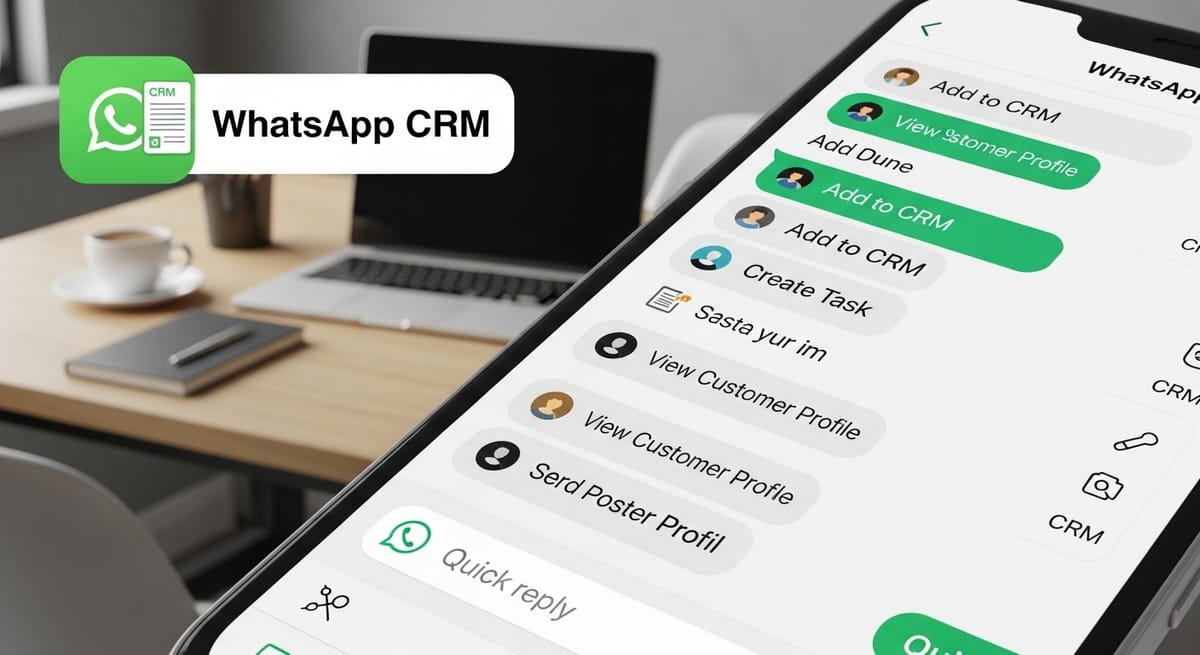
Customer messages you on WhatsApp. The system catches it. It appears in your CRM. Your team sees it. Someone responds. Everything gets tracked. That's it.
Understanding CRM Integration and Why Small Businesses Actually Need It
Most small business owners think CRM integration is for big companies. It's not. CRM integration is for any business handling customer relationships. Which is basically every business. You've got customers. You've got conversations with them. You need to organize those conversations. That's what CRM integration does.
A customer relationship management system is basically organized customer information. Who bought what. When they bought it. What they asked about. What problems they had. Whether they're happy. Right now, without CRM integration, all that information is scattered. It's in WhatsApp chats. It's in someone's head. It's lost when that person leaves. That's a disaster waiting to happen.
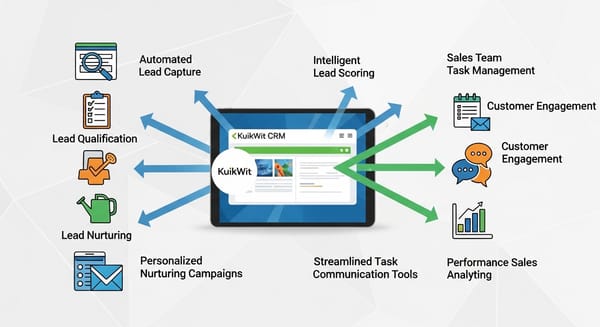
When you set up proper CRM integration, especially WhatsApp CRM integration, your customer information becomes centralized. Everyone on your team can see it. New team members can see the full history. You can measure customer satisfaction. You can identify trends. You can actually run your business based on data instead of luck. That's what CRM integration does for small businesses.
CRM Integration and How It Transforms Your WhatsApp Conversations
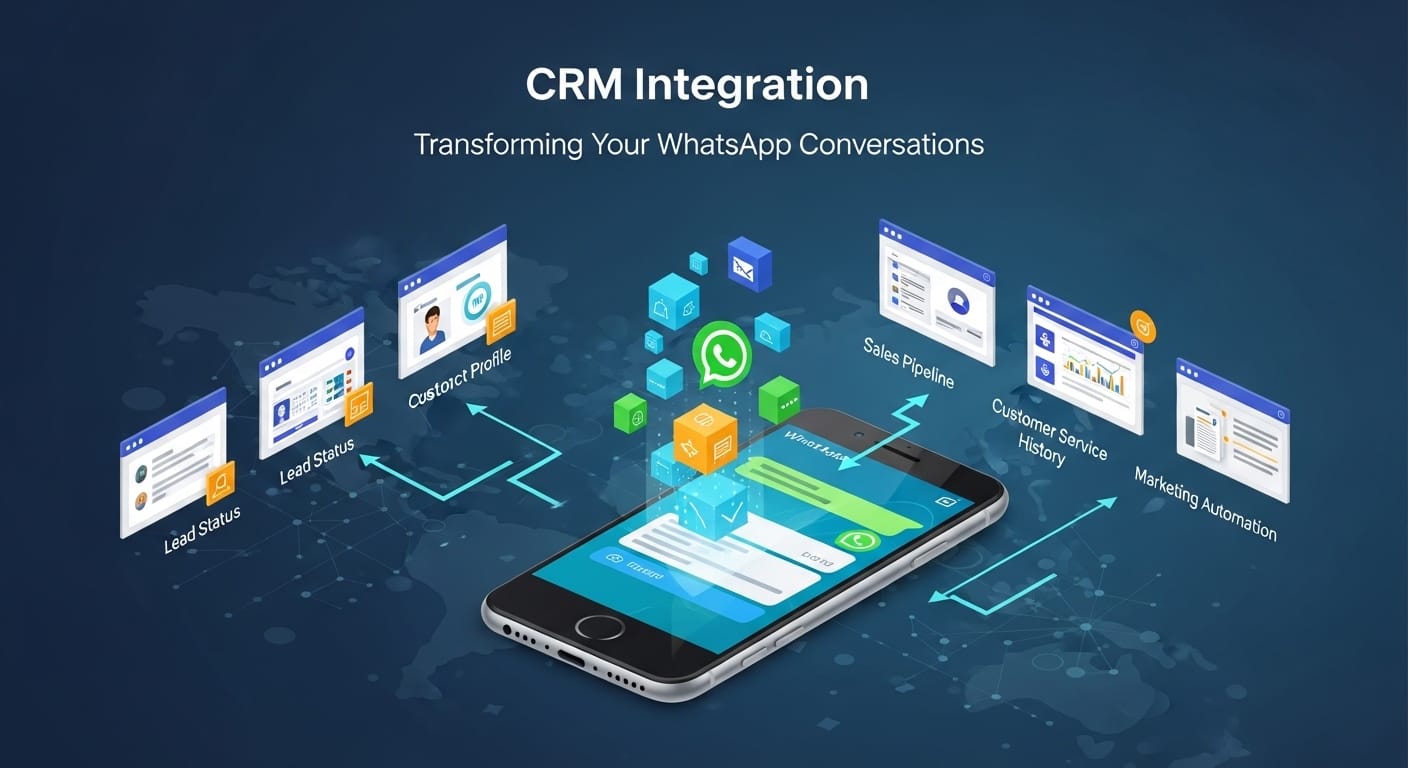
Here's what happens without CRM integration. Customer sends you a WhatsApp message. It sits in WhatsApp on someone's personal phone. They might respond. They might forget. They might respond inconsistently with your brand voice. Another customer messages. Someone else handles it differently. By day three you've got a mess. You have no idea who said what to whom.
Now add proper CRM integration. Same customer messages. The system catches it. It goes into your CRM. Your entire team can see it immediately. You can see the customer's history. Previous purchases. Previous problems. Previous solutions. Someone responds professionally. The conversation gets tracked automatically. Next time that customer messages, your team can see everything that happened before. This is how you actually serve customers.
CRM integration is about creating a system instead of chaos. About having records instead of confusion. About knowing what's happening instead of hoping someone remembered. For small businesses, this changes everything. You suddenly have visibility into your customer relationships. You can identify your best customers. You can spot problems before they become disasters. You can actually grow systematically instead of randomly.
CRM Software Integration: Choosing the Right Platform
Not all CRM software integrates with WhatsApp the same way. Some barely touch it. Some do it half-heartedly. Some build the whole system around it. You want the ones that actually care about customer communication.
When you're looking at CRM software integration, pay attention to how much work they've done on messaging integration specifically. Have they built features for team coordination? For response templates? For analytics? Or are they just piping messages in and calling it integration? The difference matters because you want a system that handles both the CRM part and the messaging part well. Not one or the other.
Kuikwit is different from typical CRM software integration because they built the whole thing around customer communication across channels. WhatsApp is not an afterthought. It's central to how the platform works. Your team can assign WhatsApp conversations. Use templates. Track analytics. See everything in one place. That's what real CRM integration looks like.
CRM ERP Integration: Understanding the Bigger Picture
This might sound complicated but stay with me. CRM and ERP are different systems. CRM is customer relationships. ERP is enterprise resource planning. Your inventory. Your finances. Your operations. They're different things. But for small businesses growing, you might want them talking to each other.
CRM ERP integration is when your customer information talks to your operations information. So when a customer buys something through WhatsApp, it automatically creates an order in your inventory system. Your business runs more smoothly. You don't have to manually enter information twice. Less work. Fewer errors. Better results.
For most small businesses starting out, you don't need to worry about CRM ERP integration yet. Start with solid WhatsApp CRM integration. Get your customer communication organized. Then as you grow, think about connecting it to your inventory and finance systems. That's the natural progression. But the foundation is always getting your customer relationships organized first.
Salesforce CRM Integration: The Enterprise Option

A lot of bigger businesses use Salesforce. It's powerful. It's expensive. It's complex. Some small businesses use it because they think they should. Usually they're the ones overwhelmed by the complexity. Salesforce CRM integration with WhatsApp is technically possible but it's not simple.
With Salesforce, you can integrate WhatsApp but you need technical help. You need someone who understands the Salesforce API. You need configuration. It's not a few clicks. It's weeks of setup potentially. For a small business with five team members and a limited budget, this might be overkill.
That's where platforms like Kuikwit win for small businesses. Salesforce CRM integration requires technical expertise. Kuikwit requires basically none. Fifteen minutes. No technical knowledge. You're connected. You're organized. You're running professionally. That's what small businesses actually need.
QuickBooks CRM Integration: Connecting Your Finances
QuickBooks is accounting software. A lot of small businesses use it because it's affordable and it works. If you're already using QuickBooks, you might wonder if you can integrate it with your CRM. The answer is yes, but it's limited.
QuickBooks CRM integration mainly handles invoicing and payment information. When a customer buys something through your CRM, it can create an invoice in QuickBooks automatically. That's helpful for your accounting. But it doesn't help much with customer communication. That's still separate.
If you're using QuickBooks, you need a CRM system that can talk to QuickBooks for financial stuff but also handles customer communication independently. Kuikwit does both. You can track sales conversations through WhatsApp. You can manage customer relationships. And if you need to pass invoice information to QuickBooks, that connection can be set up. You get the financial organization plus the customer communication organization. That's the whole picture for a small business.
CRM Integration Services: Do You Need Help?
Some small business owners think they need to hire someone to set up their CRM. They hear the term CRM integration services and think it's complicated. Sometimes it is. Sometimes it's not.
With Kuikwit's WhatsApp CRM integration, you don't need special services. The integration is built in. It's straightforward. Their support team can walk you through it over the phone if you get stuck. Most small businesses get set up in one session. Maybe thirty minutes. That's it.
Now if you're using Salesforce or complex enterprise systems, then yeah, you might need CRM integration services. You might need a consultant who knows those systems. But for small businesses getting started, you're better off with a platform like Kuikwit that's designed to be simple out of the box. You save money. You save time. You get running faster.
How WhatsApp CRM Integration Actually Works for Small Teams
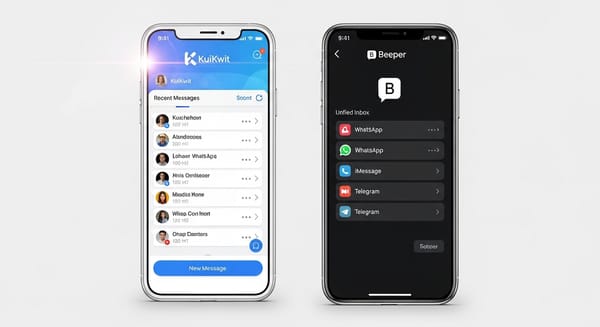
Let's walk through what happens when you set this up for a small business. You get the system running. Now a customer messages you on WhatsApp about a product question. The message comes in. It appears in your unified inbox. Your team member sees it. They check the customer history. They see this is a repeat customer who bought from you six months ago. They know what that customer cares about. They can respond thoughtfully. Not generically. Thoughtfully.
Customer gets the response fast. They're impressed. They feel known. They feel like your business actually cares. That's the difference between scattered communication and organized communication. That's what WhatsApp CRM integration does. It lets small teams punch above their weight. It lets you provide service that feels big even though you're small.
The system tracks the conversation automatically. Later, your owner can see that this customer interacted with you. They can measure satisfaction. They can see response times. They can identify which team member is best at handling certain types of questions. They can actually improve over time. That's what CRM integration enables.
The Real Benefits You Actually Notice
Speed is obvious. Messages don't get lost anymore. Conversations don't take days. Your team responds within minutes. Customers notice. They're happier.
Organization is huge. You know what's happening with each customer. You don't have to wonder if someone handled something. You can see it. You can check. You can verify. That peace of mind alone is worth something.
Team coordination improves. If someone is overwhelmed, another team member can see it and jump in. People don't step on each other's toes. Nobody double responds. Work gets distributed fairly. Teamwork actually happens.
Data becomes real. You can see which customers are happiest. Which products get the most questions. Which time of day you're busiest. Which team members are your best communicators. That data lets you improve.
Mistakes Small Businesses Make With CRM Integration
People set it up and don't actually use it. They just let messages pile in without assigning them or tracking them. If you're going to integrate, actually use the system. That's the whole point.
Another mistake is inconsistent responses. One team member is professional. Another is casual. Customers notice the difference. It looks unprofessional. Set up response templates. Train your team on tone. Be consistent.
Some businesses integrate WhatsApp CRM but don't tell their team. Nobody knows how to use it. Messages sit there unresponded. The whole thing falls apart. You need team training. You need a process.
Comparing Different CRM Integration Approaches for Small Business
Some platforms barely touch WhatsApp. They're designed for email primarily. WhatsApp integration feels like an afterthought. It works but it's clunky.
Mid-level platforms support WhatsApp better. They've built team features specifically for messaging. It's functional. It works well for most small businesses.
Kuikwit goes further. The entire platform is built around conversational customer service through WhatsApp and other channels. It's designed for small businesses specifically. Not overcomplicated. Not underpowered. Just right.
Comparison Table
Real Example: Small Business Using WhatsApp CRM Integration
Say you run a salon. Three stylists. You schedule appointments through WhatsApp. Customers ask questions. They reschedule. They refer friends. Right now it's chaos. Nobody knows who said what to whom. Appointments get double booked. Messages get missed.
You integrate WhatsApp with a CRM system like Kuikwit. Now messages come in organized. You can see when Sarah is mentioned. You can assign her to handle customers who have previously worked with her. You can set up automatic appointment confirmation messages. You can follow up to make sure people are happy. You can track which stylists get the best reviews. Within a month, your business runs smoother. Fewer double bookings. Happier customers. Better referrals. Same three stylists doing the same work but with better tools. That's what CRM integration does.
FAQs About WhatsApp CRM Integration for Small Business
What exactly is WhatsApp CRM Integration for Small Business and why should I care?
It's connecting WhatsApp directly to your customer management system so customer messages are automatically captured, organized, and trackable. You should care because right now your customer conversations are probably scattered and disorganized. This fixes that. Your team can respond faster. Customers are happier. You have actual data about your business.
How long does it take to set up WhatsApp CRM integration?
With Kuikwit, about fifteen minutes. You go to Channels. Select WhatsApp. Follow the prompts. Connect your WhatsApp Business number. Done. No technical knowledge needed. No complicated setup. You're ready to go.
Do I need to hire someone to set up CRM integration?
Not usually. Most modern platforms designed for small businesses make it simple enough that you can do it yourself. Kuikwit has support available if you get stuck but most people don't need it. If you're using complex enterprise systems like Salesforce, then yeah, you might need professional help.
How much does WhatsApp CRM integration cost?
It depends on the platform. Kuikwit includes WhatsApp integration in their base plans starting at ten dollars per person per month. Some enterprise platforms charge thousands. For a small business, you're looking at affordable options that won't break your budget.
Will WhatsApp CRM integration actually improve my customer service?
Yes. When your team can see customer history instantly. When they can respond fast. When they know what's happening. Customer service improves. Customers feel cared for. They become repeat customers. They refer others. That's not speculation. That's what happens.
What happens to my customer data when I integrate WhatsApp with my CRM?
It gets stored securely in your CRM system. You own it. You can access it anytime. Export it if you want. It's not sold to anyone. It's not used for anything except managing your customer relationships. Your data is yours.
Can I integrate multiple WhatsApp numbers to the same CRM?
Yes. If you have different departments or locations using different WhatsApp numbers, you can integrate them all to the same CRM. Your whole business's customer communication flows through one organized system. That's actually one of the big advantages for growing small businesses.
So yeah. WhatsApp CRM Integration for Small Business. It sounds technical but it's actually pretty straightforward. You're basically taking the messages that are already happening and organizing them. Your team can see everything. Your customers get better service. Your business gets data to improve on. That's all it is. Simple stuff that makes a big difference. Set it up. Train your team. Use it. Watch what happens.