CRM Software Examples: Sales, Support, Healthcare 2026
Discover real-world CRM software examples used by sales teams, healthcare providers, recruiters, and call centers to improve customer relationships and daily workflows.

Most people hear “CRM software” and imagine dashboards, charts, and complicated systems that only big companies understand. Something technical. Something distant. Something for “corporate people.”
But in real life, CRM lives quietly in everyday work. It tracks conversations. Remembers customer needs. Connects emails, calls, and messages. It fills in the gaps when human memory fails.
CRM Management Software
When you look closely at crm software examples, you realize they are everywhere. In hospitals. In call centers. In recruitment firms. In small online shops. In growing startups. All trying to keep relationships alive in a digital world.
CRM software examples show how businesses use digital systems to manage customer relationships, track interactions, and improve communication. These tools organize data, automate workflows, and support sales, marketing, and service teams. When used correctly, CRM management software transforms scattered information into structured insights that help companies build stronger, longer-lasting customer connections.
Quick FAQ
What is CRM software?
It is a system that helps businesses manage customer relationships and data.
Is CRM software worth using?
Yes, for most growing businesses, it improves efficiency and customer retention.
How does CRM work?
It collects, organizes, and analyzes customer interactions across channels.
What Is CRM Software and Why It Matters
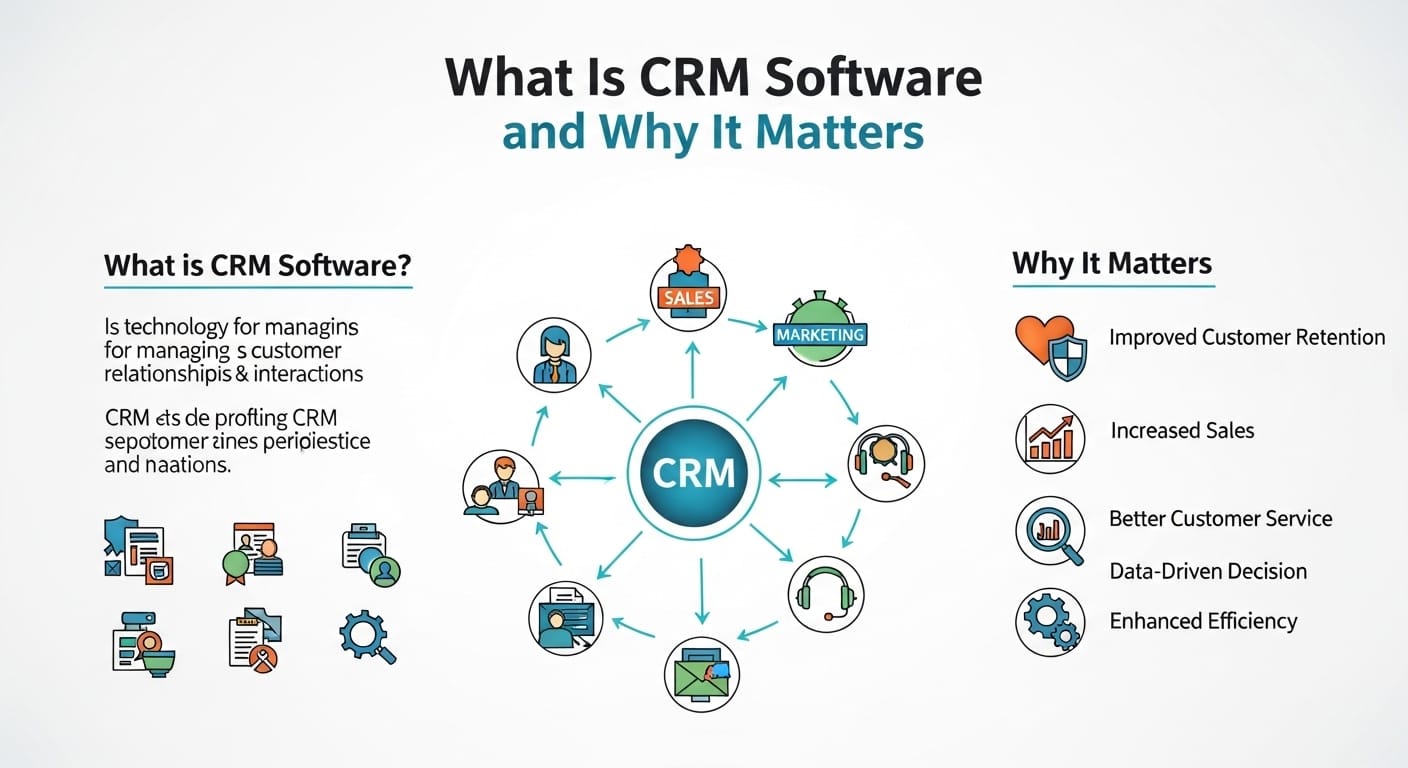
To understand crm software examples, you first need to understand what CRM really means. CRM stands for Customer Relationship Management. But in practice, it means much more than storing names and phone numbers. It represents how a business remembers its customers in a digital way.
CRM software examples show how businesses use digital systems to manage customer relationships, track interactions, and improve communication. These tools organize data, automate workflows, and support sales, marketing, and service teams. When used correctly, CRM management software—especially when combined with intelligent AI solutions—transforms scattered information into structured insights that help companies build stronger, longer-lasting customer connections.
This matters because modern businesses deal with hundreds or thousands of contacts. Without structure, relationships fall apart. Customers repeat themselves. Sales teams lose leads. Support teams miss history. CRM fills that gap quietly, acting as the memory of the organization.Over time, CRM becomes less about software and more about culture. It shapes how teams communicate, how decisions are made, and how trust is built with customers.
How CRM Management Software Works in Practice
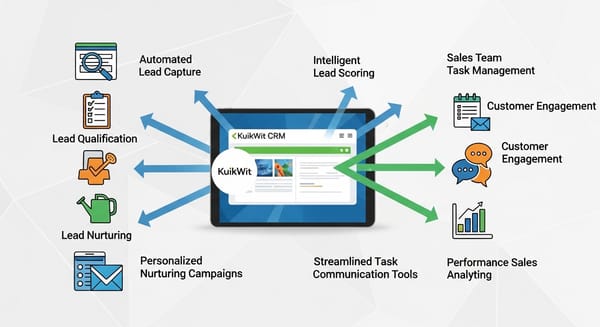
CRM management software works by collecting data from multiple sources and organizing it into usable profiles. Emails, calls, chats, forms, purchases, and support tickets all feed into one system. Each customer becomes a living record instead of scattered fragments.
Once data enters the system, automation begins. Tasks get assigned. Reminders appear. Pipelines update. Reports generate. Sales managers see progress. Support teams see unresolved issues. Marketing teams see engagement levels.
The system also learns patterns. It identifies which leads convert faster. Which campaigns work. Which customers are at risk of leaving. These insights guide strategy without relying on guesswork.Over time, CRM becomes a workflow engine. It connects people, processes, and priorities. When used well, it removes friction rather than adding complexity.
Types of CRM Software and Their Use Cases
Not all CRMs serve the same purpose. Different industries require different structures. That’s why multiple types of CRM software exist.
Operational CRM focuses on sales, service, and marketing automation. It helps teams manage daily interactions efficiently. Analytical CRM focuses on data analysis and forecasting. It supports strategic planning and decision-making. Collaborative CRM focuses on communication between departments and external partners.
Cloud based CRM software has become dominant. It allows access from anywhere. Updates happen automatically. Scalability becomes easier. This suits remote teams and growing companies.On-premise CRM still exists in highly regulated industries where data control is critical. Healthcare and finance often prefer this approach. Understanding these types helps businesses choose wisely.
Popular CRM Software Examples Used by Businesses
When exploring examples of crm software, certain platforms appear frequently. Pipedrive CRM software is popular among sales-focused teams. It visualizes pipelines clearly and simplifies deal tracking.Salesforce remains dominant in enterprise environments. It offers deep customization and advanced analytics. HubSpot appeals to small and mid-sized businesses with its user-friendly interface and free CRM software tier.
Zoho CRM serves budget-conscious companies seeking flexibility. Microsoft Dynamics integrates well with Office environments. Freshsales attracts startups with automation features.
Each platform serves different needs. The “best” CRM depends on size, budget, and workflow. Real-world usage matters more than brand reputation.
CRM Software Examples in Real Life Business Scenarios
In retail, CRM tracks purchase history and preferences. A clothing store remembers your size and style. Personalized offers follow naturally. That’s CRM in action.
In B2B sales, CRM records every negotiation, proposal, and follow-up. Deals don’t rely on memory. They rely on data. When staff change, relationships continue smoothly.
In education, CRM manages student inquiries and enrollment processes. In hospitality, it tracks guest preferences. In logistics, it coordinates accounts and shipments.These crm software examples in real life show how invisible CRM becomes once integrated. Customers rarely notice it. But they feel its effects through smoother experiences.
Healthcare CRM Software and Patient Relationships
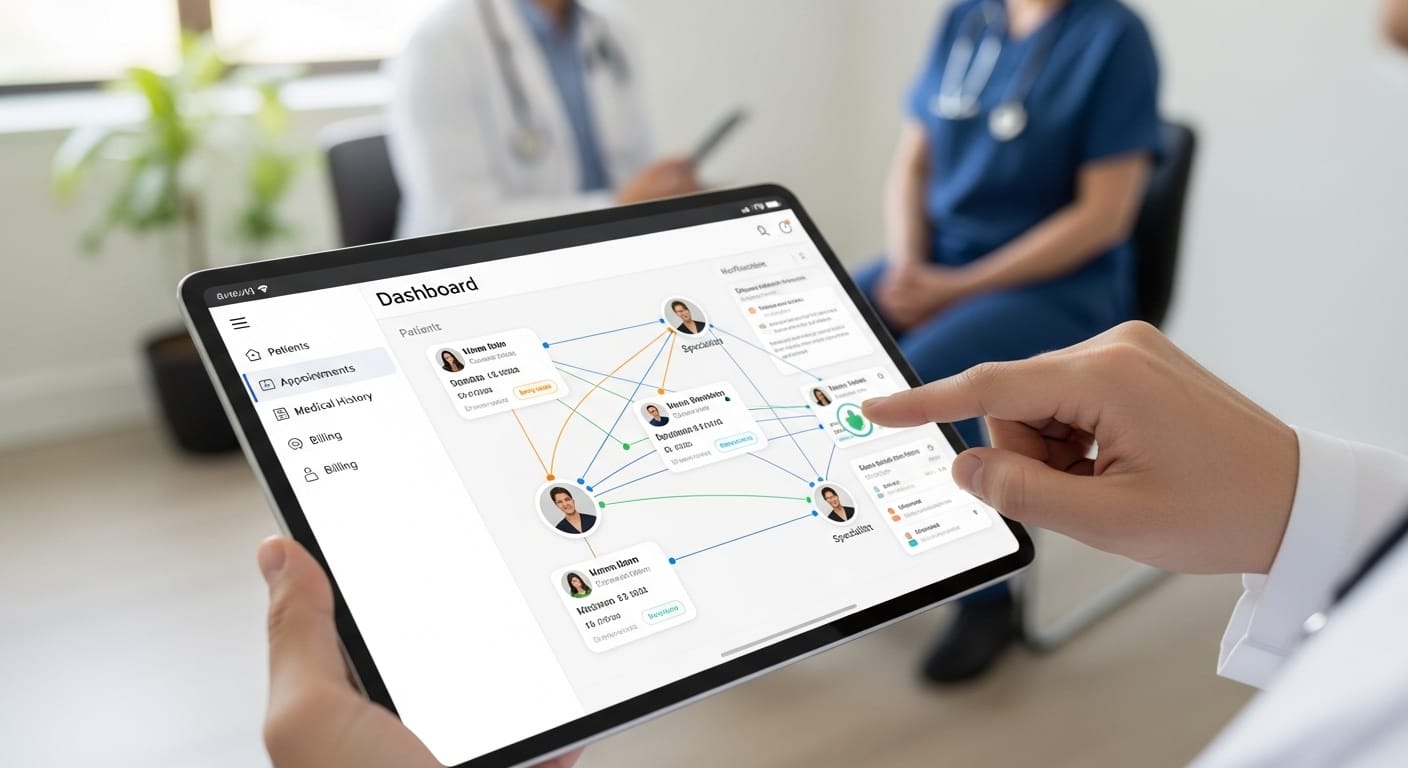
Healthcare CRM software focuses on patient engagement and care coordination. It manages appointment reminders, medical history communication, and follow-up schedules. Privacy and compliance remain central concerns.
Hospitals use CRM to reduce missed appointments. Clinics track treatment plans. Pharmacies manage refill reminders. All improve health outcomes indirectly.CRM also supports patient education campaigns. Information flows consistently. Trust builds over time. Healthcare providers rely on CRM not for selling, but for continuity.When integrated with medical systems, CRM becomes a bridge between clinical care and human connection.
Recruitment CRM Software in Talent Management
Recruitment CRM software helps agencies and HR departments manage candidates, clients, and placements. It tracks resumes, interviews, feedback, and contracts in one system.Recruiters deal with high volumes of applicants. Without structure, promising candidates get lost. CRM prevents that. It maintains communication history and availability data.
Clients benefit too. Their requirements remain documented. Matches improve. Placements happen faster. Relationships deepen.In recruitment, CRM is not optional. It is infrastructure. It determines how efficiently talent flows through the organization.
Call Center CRM Software and Customer Support
Call center CRM software integrates phone systems, ticketing tools, and messaging platforms. When a customer calls, agents see full history instantly. No repetition. No confusion.This reduces handling time. Improves satisfaction. Builds trust. Customers feel recognized. Not processed.CRM also tracks resolution rates and service quality. Managers identify bottlenecks. Training improves. Operations stabilize.Modern call centers rely on CRM as their nervous system. Without it, communication collapses.
Cloud Based CRM Software and Remote Work
Cloud based CRM software supports modern remote and hybrid teams. Employees access data from anywhere. Updates sync instantly. Collaboration becomes seamless.This flexibility matters in global businesses. Sales teams travel. Support teams work across time zones. Managers oversee distributed operations.
Cloud CRM also reduces infrastructure costs. No servers. No manual updates. No downtime management. Vendors handle maintenance.For most businesses today, cloud CRM is the default choice. It matches how people work now.
CRM Software Development and Custom Solutions
Some companies outgrow standard platforms. Their workflows are unique. Their data models are complex. That’s when CRM software development becomes relevant.A CRM software development company builds custom systems tailored to specific needs. Integration with internal tools becomes easier. Features align perfectly with operations.
Custom development costs more. Maintenance requires planning. But flexibility increases dramatically. For specialized industries, this investment pays off.CRM software development allows businesses to design systems around people, not the other way around.
Integrating Kuikwit.com with CRM Systems
Kuikwit.com functions as a centralized message agent platform, bringing emails, chats, and notifications into one interface. When integrated with CRM systems, it enhances communication visibility.Customer conversations from multiple channels flow into CRM profiles. Support teams see context. Sales teams see engagement. Managers see patterns.
This integration reduces fragmentation. No more switching between apps. No more missing threads. Everything connects.For businesses that rely heavily on communication, combining Kuikwit with CRM strengthens relationship management.
Benefits of Using CRM Software in Daily Operations
The first benefit is organization. Chaos becomes structure. Data becomes accessible. Teams align.The second benefit is consistency. Customers receive uniform treatment. Information doesn’t depend on who answers.The third benefit is scalability. As volume grows, systems adapt. Processes remain stable.The fourth benefit is insight. Managers see trends. Problems surface early. Decisions improve.Together, these benefits turn CRM into a growth engine rather than just a database.
Common Mistakes Companies Make with CRM Software
Many companies buy CRM but don’t train staff properly. Features remain unused. Frustration grows. Adoption fails.Some overload systems with unnecessary fields and rules. Simplicity disappears. Productivity drops.Others treat CRM as surveillance rather than support. Employees resist. Data quality suffers.
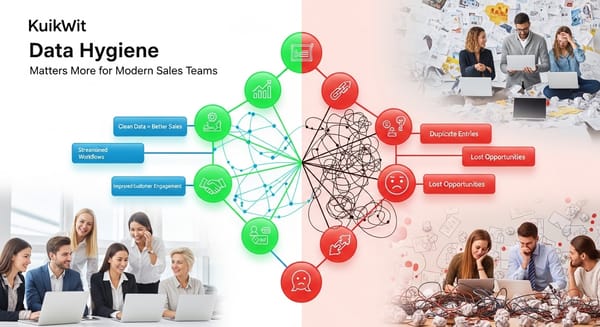
Another mistake is neglecting data hygiene. Outdated records distort reports. Decisions weaken.CRM succeeds only when people trust and use it consistently.
Comparing Free CRM Software and Paid Solutions
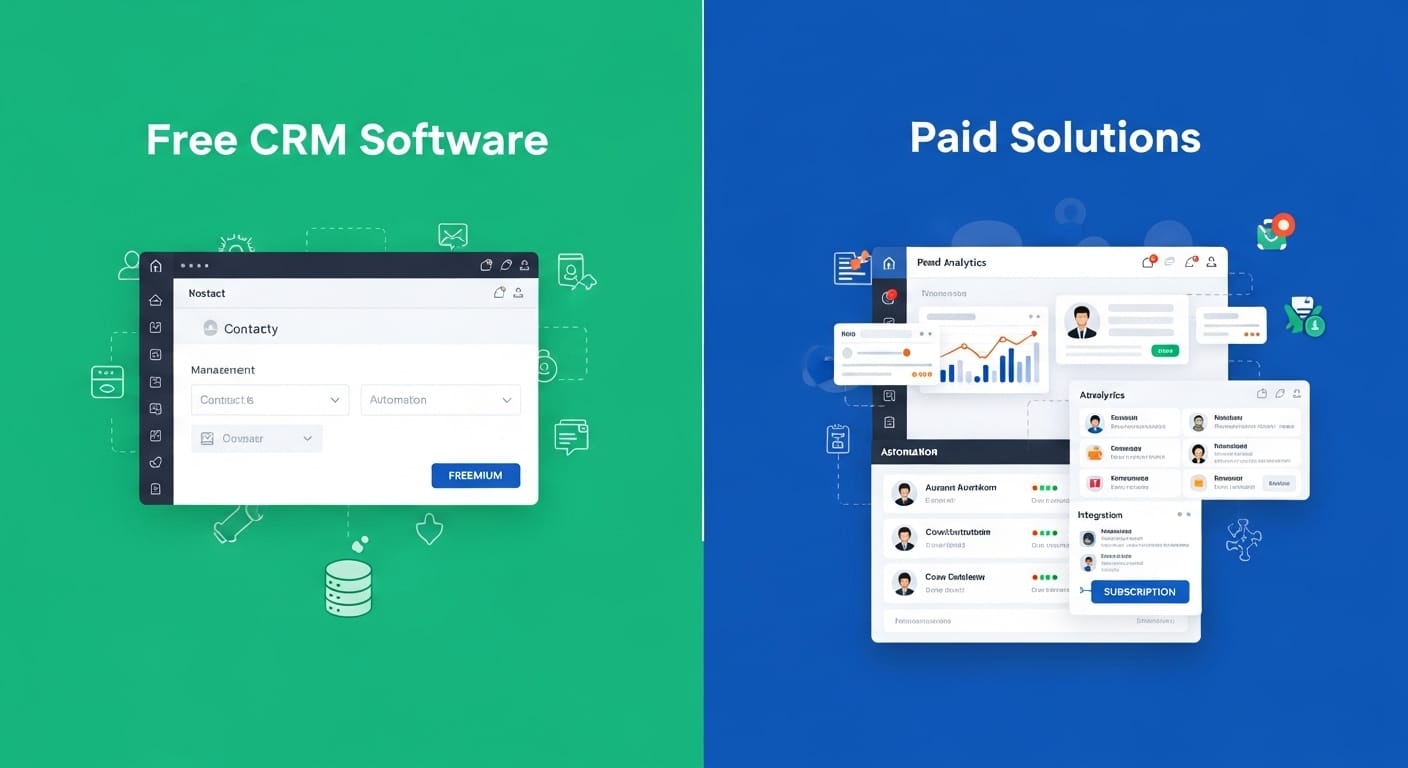
Free CRM software attracts startups and small businesses. It offers basic contact management and pipelines. For early stages, this works.
Paid solutions unlock automation, analytics, and integrations. They scale better. They support complexity.Free tools limit users, storage, and customization. Paid tools remove constraints.The right choice depends on maturity. Start simple. Upgrade when needed. Don’t overpay too early. Don’t underinvest too long.
Comparison of CRM Software Types
| CRM Type | Main Focus | Best For | Scalability |
|---|---|---|---|
| Operational CRM | Daily processes | Sales teams | Medium |
| Analytical CRM | Data insights | Management | High |
| Collaborative CRM | Communication | Support teams | Medium |
| Cloud CRM | Remote access | Growing businesses | High |
| Custom CRM | Specialized workflows | Enterprises | Very High |
This table shows how CRM selection aligns with business goals.
Building a Long-Term CRM Strategy
CRM success is not about installation. It’s about mindset. Strategy matters more than software.Define objectives clearly. Improve sales? Enhance service? Increase retention? Choose features accordingly.Standardize data entry. Maintain discipline. Review reports regularly. Adjust workflows.Integrate CRM into culture. Make it part of daily habits. Not a separate task.Long-term success comes from consistency, not perfection.
The Human Side of CRM Technology
CRM doesn’t replace relationships. It supports them. People still build trust. Systems just preserve context.Good CRM feels invisible. It doesn’t interrupt. It empowers.Employees feel confident. Customers feel understood. Managers feel informed.When technology and humanity align, CRM becomes a relationship amplifier.
Full FAQ Section
What is CRM software used for?
It manages customer data, interactions, and workflows.
Is free CRM software reliable?
For small teams, yes. For scaling, paid tools work better.
Can CRM help small businesses?
Absolutely. It improves organization and retention.
Which industries use CRM most?
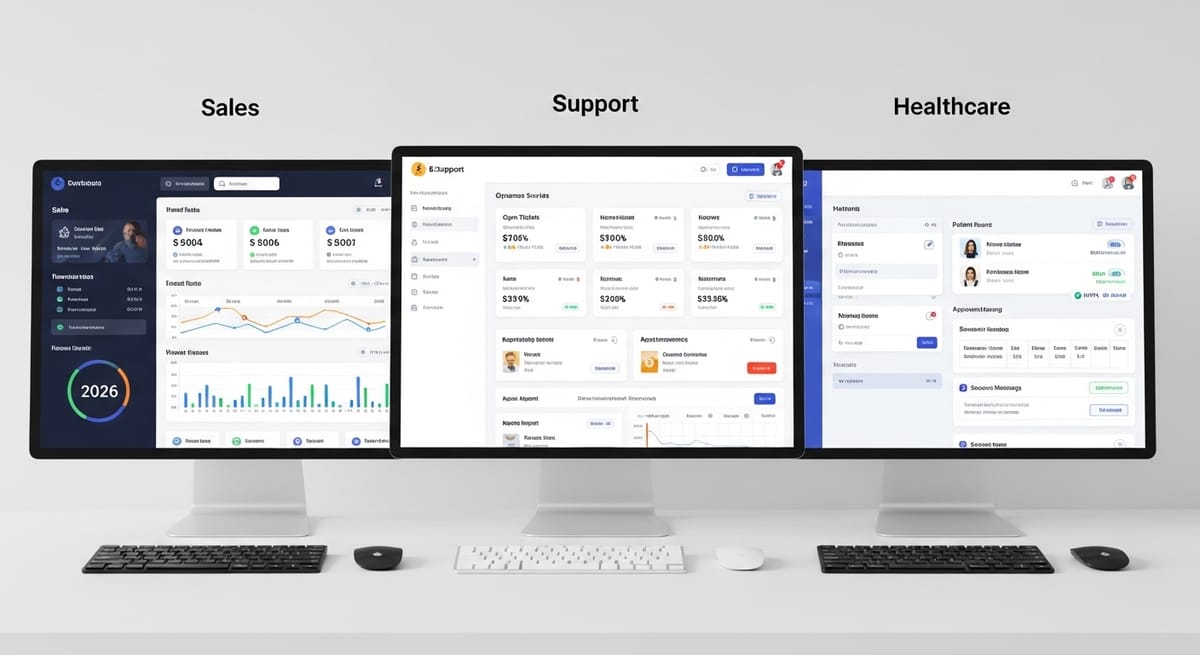
Sales, healthcare, recruitment, call centers, and retail.
Is cloud CRM safe?
Yes, if providers follow security standards.
How long does CRM implementation take?
Usually weeks to months, depending on complexity.
Can CRM integrate with messaging tools?
Yes. Platforms like Kuikwit enable centralized communication.
Do I need custom CRM development?
Only if standard tools don’t fit your workflow.
Most businesses don’t fail because they lack customers.
They fail because they forget them.
CRM software exists to prevent that. To remember. To connect. To organize. To grow.
Not perfectly. Not magically.
Just steadily.
And sometimes, that’s exactly what a business needs.