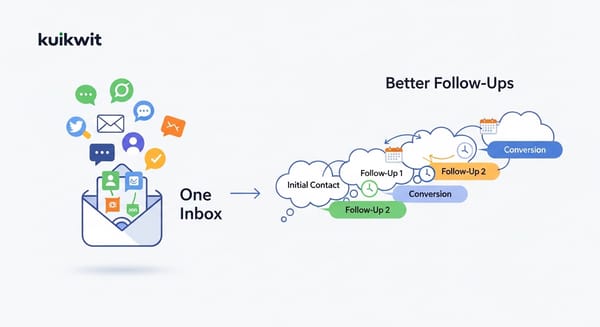
CRM vs Spreadsheets: A Comparative Analysis
Spreadsheets work at first, but DMs get messy fast. See how a CRM like Kuikwit keeps chats, context, and follow-ups in one place.

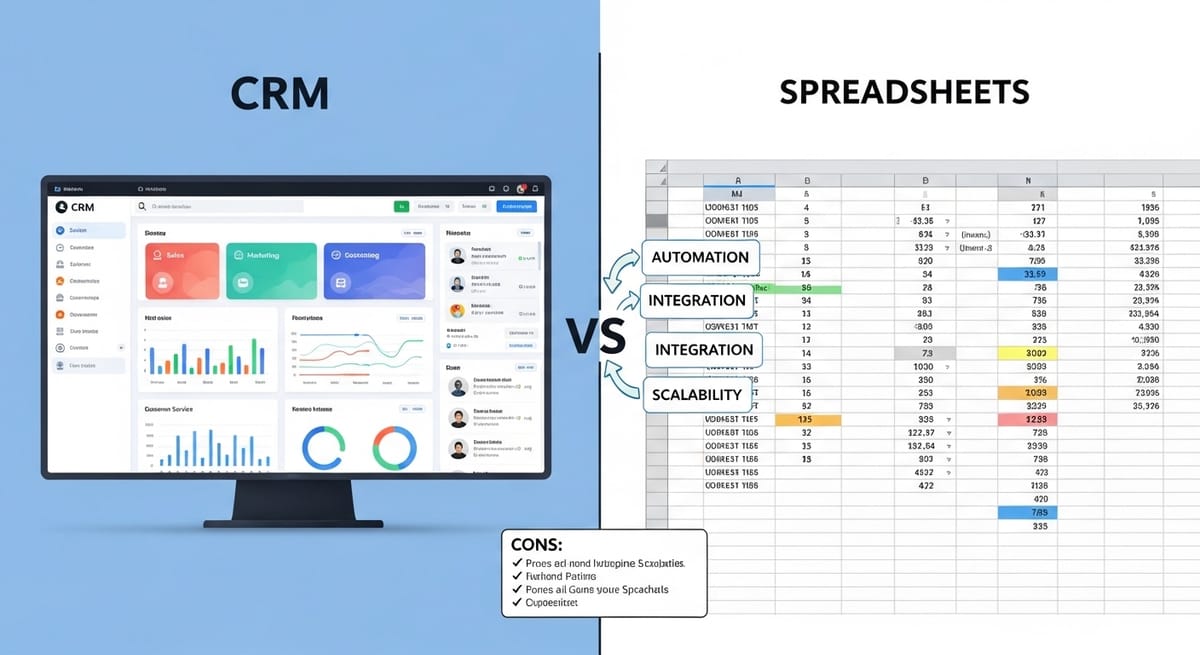
Is your customer's daily interaction mainly through chats, DMs, and follow-ups? Then the actual issue might not be your "sales strategy." It might be just keeping up. Usually, people begin with spreadsheets as they seem to be simple. But as soon as messages start pouring in, it gets out of hand very quickly. This guide explains CRM vs Spreadsheets in a down-to-earth manner and uses Kumikwit as a modern illustration of what a CRM can look like when your business operates on WhatsApp and social media.
Quick FAQ
What is a CRM, really?
A CRM keeps all customer data, conversations, and follow-ups interlinked so that your team can effectively communicate and monitor progress without losing context.
Are spreadsheets enough for customer management?
Possibly, for very simple processes. But the moment you introduce multiple channels, team members, or an increased number of daily messages, spreadsheets start failing.
How does Kuikwit fit into this?
Kuikwit is a one-stop customer communication + CRM tool that integrates WhatsApp, Facebook, Instagram, and other chats into a single unified inbox. It comes with features such as teamwork routing, AI-based replies, analytics, and data security.
How it really goes when your “system” is a sheet
It’s not like most teams plan to orchestrate chaos. Actually, it just… unfolds. An Instagram lead arrives, someone replies. A WhatsApp lead arrives, someone else replies. Then you think about logging everything in a sheet at the end of the day. Or you don’t. Two days later, you don’t remember who asked for what. Here’s the thing with spreadsheets—they are polite but really fragile. They’re great at storing rows. But when it comes to storing conversations, context, and timing, they are completely traitors. A spreadsheet can definitely give you the name and the number. But imagine whether it can show you the actual chat thread, the tone, the last question, the urgent message you missed at 9:40 pm?
Quite simply, a CRM changes things around. Instead of making your team manually update the document, the relationship and conversation are the basis of the system. With Kuikwit, the conversation is the main thing—messages from different channels come to a unified inbox, which are later assigned, tracked, and analyzed.
This smart CRM logic ensures you can centralize WhatsApp and Instagram messages without the chaos of switching tabs. Less chasing. Less “who replied?” moments
Google spreadsheets
The moment you want to tell your story, you just pick up Google spreadsheets. It’s like the easiest part of your morning work routine. There’s no need for onboarding or login stuff. You simply open a tab and are ready to work. For early-stage teams, this is a real advantage. Creating a lead tracker takes just a few minutes. You can share it with your team instantly. You can add columns such as “Status,” “Next Step,” “Budget,” “Last Contacted.”
The problem isn’t with Google Sheets. It is that it quietly becomes a burden. Someone needs to update it regularly. There has to be a standard in how rows are filled. Duplicates should be avoided. A lead from Instagram must not be ignored due to a teammate’s negligence in pasting it into the sheet. And if your main customer interaction channel is DMs, then this manual step is the first that will give up. It’s not because people are lazy. They’re just really busy. They switch from one app to another, respond fast, dealing with returns, giving price quotes, and managing their personal lives. A sheet fails to automatically capture that flow. And it just ungratefull waits for someone to remember it later.
How to use spreadsheets (and why they still help at the start)

To some extent, that is correct. It doesn’t mean working with spreadsheets is a useless skill, even if you switch to a CRM later on. Spreadsheets work well for lists, inventories, budgeting, and lead tracking at the early stages. They help you visually identify patterns when there is low volume. You can filter, sort, create basic dashboards, and keep a clean view of what’s going on. But spreadsheets give their best when data is stable, or in other words, not changing every minute.
Customer communication is just the complete opposite. Messages hit at odd hours. People change their minds. Communication threads are transferred between different platforms. A lead may at first be “just asking,” and after three days, turn into a serious buyer. So yes, you can use spreadsheets to organize. But if you’re posting chatter reply to WhatsApp, Instagram, Facebook, and occasionally email, than “update the sheet” is already a task you are neglecting more often. Then very quickly it becomes the reason you miss follow-ups.
Spreadsheets Google
Nowadays, using spreadsheet google as a mini-CRM is quite widespread in business. It is a common thing. You can observe tabs such as “Leads,” “Customers,” “Orders,” “Complaints,” “Follow-ups.” Initially, it even looks like a system. But eventually, here is what happens: a duplicate of the sheet is created. Then another one. A column name is changed by someone. Messy data is pasted by someone. A row is deleted by someone by mistake. Or the sheet has become so enormous that nobody wants to open it.
The structure might still be there, but trust is gone. Besides, the sheet doesn’t have a clue about what took place in the conversation. The only thing it knows is whatever you typed into it. If a client requests a refund due to late delivery, that nuance will be lost. If they mention a preference, that will be lost. If they are angry, that tone gets lost. That is why CRM software feels less “organized” and more “alive.” They remember the context. They keep threads linked to profiles. And they minimize the chances of the team working with incomplete information.
Benefits of a CRM
The section below is important because many people wrongly think that CRM is “for large enterprises only.” It is not. As a matter of fact, a small team experiences the chaos more intensively and will therefore benefit more from a CRM. When two people are sharing one inbox without a shared view, confusion becomes the norm. A CRM resolves that problem by establishing one go-to source for accurate information. Besides, you no longer rely on your memory. Instead of trying to recall who asked for a quote last Thursday, you simply look it up.
Rather than rummaging through screenshots, you can see the whole conversation thread linked to a particular customer. Just with this alone, response quality is improved. Moreover, CRM provides consistency. Customers dislike repeating themselves. They also dislike different responses from different people. When the system presents the full history, your responses will be consistent even when the team changes shifts.
Furthermore, with Kuikwit, the CRM advantage is deeply connected to communication. Unified inbox, sophisticated chat allocation, AI providing auto-replies for frequently asked questions, and metrics for workload and performance that are non-intrusive. This is not just “management.” It is actually speed and continuity.
The hidden cost difference: time, switching, and missed follow-ups
These days, most of the talks are focused on comparing the price. “Sheets is free, CRM costs money.” The reality is, the real cost is time and missed opportunities. Spreadsheets seem cheaper as there are no recurring payments. Nevertheless, you invest in manual work. You need to switch the apps. You have to do late responses. In most cases, a customer who doesn't get a timely reply will not comment, "Your spreadsheet system failed." Instead, they will quietly move on. And that is the most heartbreaking type of loss as you don’t even get to see it.
A CRM helps to minimize these invisible losses. Certainly not all of them. However, it enables you to give better response times, have cleaner handoffs, forget fewer follow-ups, and track stronger. Plus, if your customer communication is happening through messaging apps, something like Kuikwit makes even that cost gap more obvious because it consolidates conversations into one location instead of asking your team again and again to copy-paste them into the sheet.
Comparisons that are actually useful
Let me tell you one thing that everyone individually most wants: not theory, but straightforward comparison.
The idea here is not to blame spreadsheets. It’s only to give you an idea of their shortcomings: real-time communication management. A sheet is a storage tool. But a CRM is an operational tool.
When spreadsheets work… and when they start failing
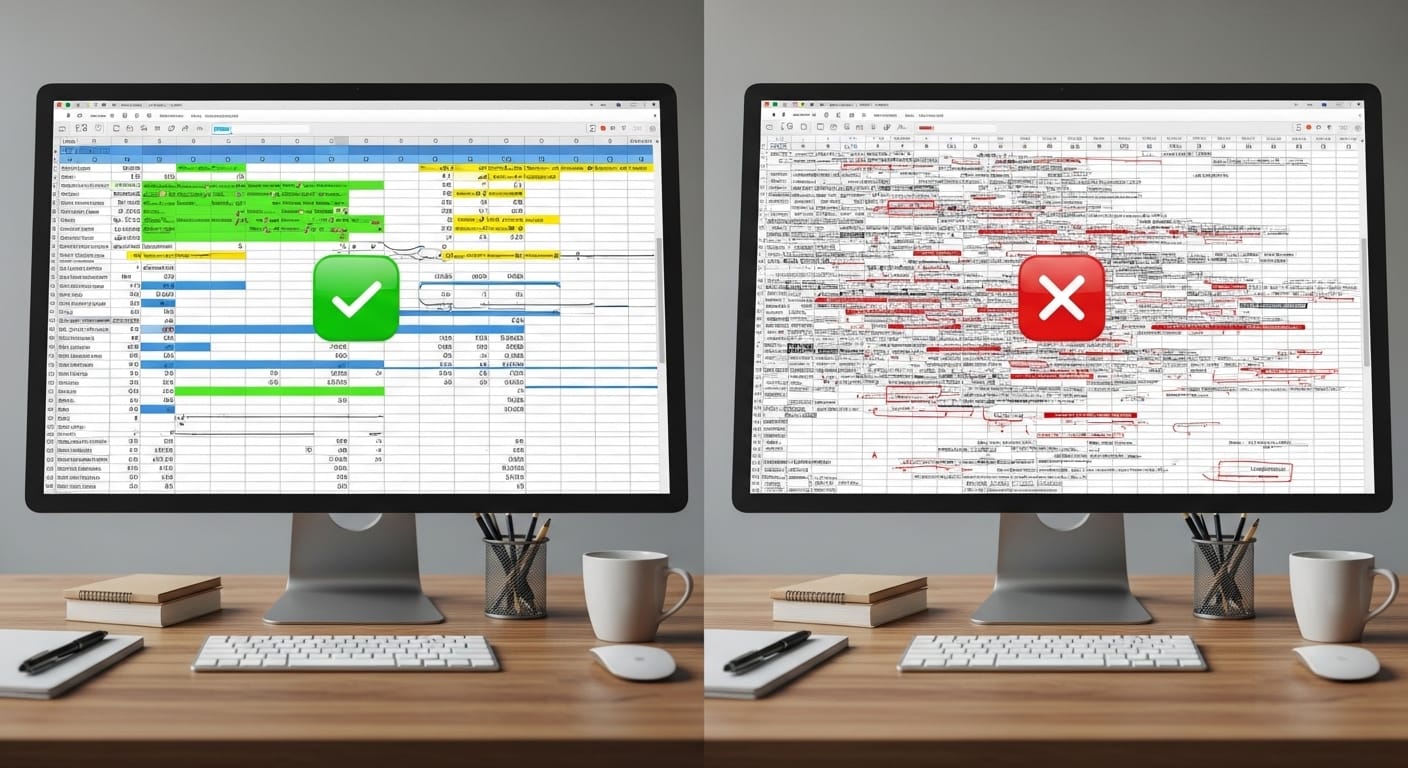
Should a freelancer be receiving just 10 leads per month, they can use a spreadsheet to survive. They can track names and follow-ups and keep their sanity. Similarly, a small boutique receiving a few daily DMs can also carry on for some time. It’s not impossible. However, the same point usually triggers the failure: volume + multiple channels + multiple people. Once a business receives 30–100 messages daily on WhatsApp, Instagram, and Facebook, a sheet becomes a “later task.” Later evolves into never. Now picture a team of three. One person covers WhatsApp, one handles Instagram, and the last one is responsible for Facebook. A customer contacts on Instagram today then WhatsApp tomorrow. With no CRM, the second person won’t have any context. They will have to ask the same questions again. The customer will be annoyed.
Eventually, sales will drop, not because of your prices, but because of how disorganized it feels. With Kuikwit, it is just so much easier: chats from numerous channels are collected in one dashboard, the chats can be assigned, history remains visible, and AI can take care of repetitive questions when the team is offline. That is the line between merely “tracking information” and “running customer communication.”
Mistakes teams make when they move from spreadsheets to a CRM
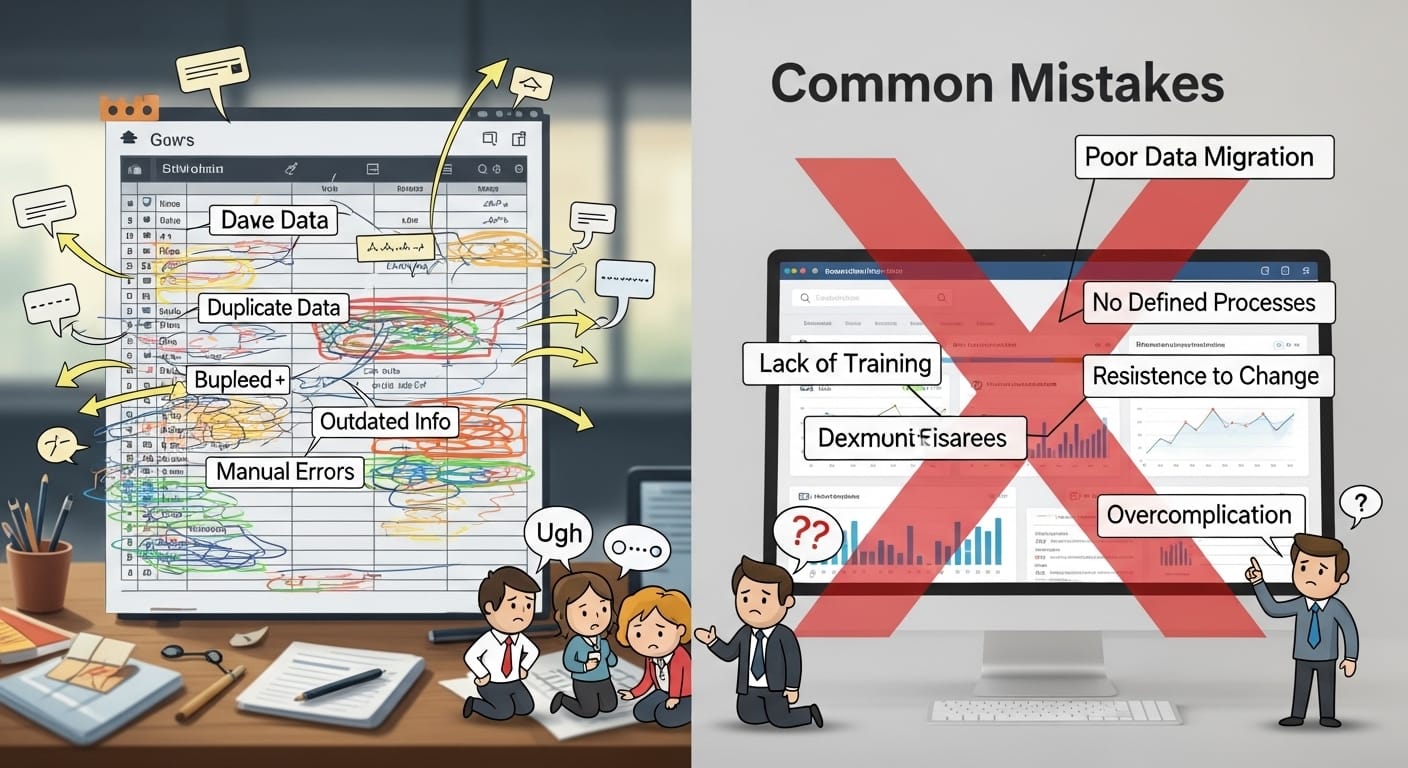
The greatest error would be to think of CRM as just another Excel. People bring the exact same thinking: rows, columns, and manual editing. Then they grumble the CRM feels complex. But that is not the idea. CRM is not a fancier spreadsheet. CRM is a tool that combines communication, tasks, and follow-ups in a way that minimizes manual operations. Skipping team rules is another frequent mistake. If nobody agrees on tags, ownership, response standards, and what “resolved” means, the CRM will turn out messy. It will just be another place where data goes to die. Some teams also over-automate at the beginning. They create auto-replies that sound very cold and robotic. Or they try to force the customers through very rigid flows. A much better way would be gentle automation.
Use AI auto-replies for common questions but make sure that there is a clear path to a human. Kuikwit’s “AI + 24/7 human support” tagline is quite good here because they don’t pretend that automation can replace people, after all. They only support them. And another pitfall: not using analytics. If you gather data but no one ever looks at volume peaks, response times, and bottlenecks, you are really throwing the best part away.
So where does Kuikwit fit in this whole conversation?
Kuikwit is not “CRM in the old sense.” It is the communication-first CRM. That really matters since most of the modern businesses do not start a client relationship through a form nowadays. They start with DMs. Kuikwit organizes WhatsApp, Facebook, Instagram, and other chats into a single Inbox. After that, it comes with the team features like auto-assignment and support features like AI-based auto-replies. Additionally, you receive analytics for performance and chat volume, and multi-device access so that your team is not stuck on one laptop exclusively. Security aspect is not less important.
Spreadsheets quite often store sensitive customer details. There are situations where links get shared, and permissions become a mess. A good CRM has much more robust data controls. Also, Kuikwit refers to end-to-end encryption and compliance standards, and these are the things that matter when your enterprise grows. Still, if you organize customer communication through scattered apps and a sheet, then moving to something like Kuikwit will not be “fancy.” It will be just the right and simple thing to do.
Full FAQ (People Also Ask style)
1) Is a CRM better than spreadsheets for small businesses?
In general, yes—especially when you have multiple channels or daily inquiries of a steady nature. Spreadsheets are good for listing, but CRMs offer management of conversations, ownership, and follow-ups that even scale well.
2) When should I stop using spreadsheets for customers?
The moment you start dropping follow-ups, sending duplicate replies, responding sluggishly, and constantly switching between apps. Usually, that is when the spreadsheets start hurting you rather than helping.
3) Can Google Sheets be used like a CRM?
With columns and tabs, you can create a CRM-like tool, but it will never automatically capture conversations. The manual recording of details will be needed, and with time, accuracy will suffer.
4) What’s the biggest advantage of a CRM?
Context. By interlinking conversation history and customer data, CRM enables teams to respond faster and more personally, thus eliminating the need to ask the same questions over and over again.
5) What features matter most in a CRM for messaging businesses?
Unified inbox, the ability to assign a team, quick replies or automated answers, customer profiles, analytics, and strong security. If DMs constitute most of the customer contact, then the design of the inbox plays a crucial role.
6) Does a CRM replace customer support tools?
There are both types of CRMs. Some of them include support workflows, while others do not. Communication-first CRMs such as Kuikwit are made to handle messaging support, assignment, and continuity, which make up a significant part of customer service.
7) How long does it take to switch from spreadsheets to a CRM?
If your work process is simple, then it can be done fast—especially with tools that can be set up easily and do not require technical work. The main challenge will be you “selling” the team on the change, not the tool itself.
8) Can a CRM help reduce late replies?
Certainly. Keeping all conversations in one place, route them automatically, and know the owner of each chat can drastically cut down the waiting time. When the team is offline or overloaded, automation will come to the rescue as well.
So, if you are still using spreadsheets, that doesn’t mean you’re doing it “wrong.” Usually, it just means the business expanded, but the system was not scaled up. It happens all the time. You add one more channel, one more team member, one more group of messages… And all of a sudden, the sheet feels like a heavy backpack you were wearing, but forgot about it. So, what you are really looking for is something that can carry this weight a little better.