Empower Your Sales Team with Kuikwit CRM in 2026
Five open tabs, three messaging apps and a spreadsheet that nobody updates. That was the old way. Kuikwit replaces all of it with one inbox where your team sees every customer conversation from every channel.


I want to be honest with you. I have watched sales teams fall apart. Not because the people were bad at selling. They were great at it, actually. The problem? They were drowning in tabs. WhatsApp open on one screen, Instagram DMs on a phone, Facebook messages in some forgotten browser tab. Nobody knew who replied to what. Leads went cold. And the boss kept asking why numbers were down. Empowering sales teams with CRM is really about fixing that mess. Giving your people one screen, one inbox, one place where everything lives. That is what Kuikwit does. And yeah, I am going to talk about it a lot in this piece because I genuinely think it solves a problem most teams do not even realize they have.
So what does empowering sales teams with CRM really mean in plain English? Honestly? It means your reps stop wasting half their day hunting for messages. With something like Kuikwit, every WhatsApp text, every Instagram DM, every Facebook message lands in one dashboard. Your team sees it all. They reply from one place. Nobody steps on each other's toes. That is it. Nothing fancy. Just smart.
My team is only four people. Is a CRM overkill? No. And I would argue it matters even more for small teams. When you only have four people, one missed lead actually hurts. Kuikwit takes like ten minutes to set up. You do not need an IT guy. You do not need a consultant. Plug in your channels and go.
Walk me through a normal day using Kuikwit. Your rep opens the dashboard in the morning. They see every unread conversation from overnight, all channels, one screen. Some of those conversations already got handled by the AI auto-reply, so the customer is not sitting there angry. The rep picks up where the AI left off, adds a human touch, and moves the deal forward. Meanwhile Kuikwit has already assigned new incoming chats to the right person based on rules you set. End of day, you check analytics and see exactly how everyone performed. That is a normal Tuesday on Kuikwit.
How This Actually Works Day to Day (No Buzzwords, I Promise)
Okay so here is the thing about CRMs that bugs me. Most of them talk about features like they are reading off a spec sheet. Let me try to explain Kuikwit the way I would explain it to a friend over coffee. You know how your business gets messages from everywhere? WhatsApp, Instagram, Facebook, maybe even some live chat widget on your website. Right now, your team probably handles each one separately. Someone checks WhatsApp. Someone else watches Instagram. Maybe. If they remember.
Kuikwit grabs all of those conversations and brings them into a single inbox, so your team can manage everything from one screen. Every message. Every channel. Your reps do not have to keep switching between platforms—they just open Kuikwit and everything is there waiting for them. This is why a smart CRM to centralize WhatsApp, Instagram, and Facebook is essential for faster replies, better team productivity, and a smoother customer experience.But here is where it gets clever. The platform does not just collect messages and leave them in a pile. It assigns them. Automatically. Based on rules you decide. Maybe your best closer gets all pricing conversations. Maybe new inquiries go to your friendliest rep. You set it up once and Kuikwit handles the routing from there. And when nobody on your team is available? Say it is three in the morning and a lead in a different time zone sends a message? The AI auto-reply steps in.
It does not give some robotic sorry we are closed response either. It actually answers common questions. Keeps the conversation going. So when your rep wakes up, the lead is already warm and half the work is done.
Why Kuikwit Works as Sales Team Management Software (When Others Do Not)

I have tried a few CRMs over the years. Some of them cost a fortune and looked impressive but nobody on the team actually used them. Too complicated. Too many features buried in menus. Kuikwit is different and I think it comes down to one thing. It was clearly built by people who talked to actual sales teams before writing a single line of code. As sales team management software, here is what it gets right that others miss. Speed.
A lead messages you on WhatsApp, and your rep sees it instantly in Kuikwit. No delay. No switching apps. Fast replies matter because customers expect quick responses, and delayed follow-ups can cost conversions. That is one of the key CRM benefits for businesses using messaging to close more leads.
Every past message. Every channel that customer has used. So if someone DMed on Instagram last week and then followed up on WhatsApp today, your rep has the whole picture. They do not ask the customer to repeat themselves. That feels professional. It builds trust. And trust closes deals. The 24/7 thing is massive too. Your office closes at six. Your customers do not stop having questions at six. Kuikwit keeps things moving with AI auto-replies and available human support around the clock. A competitor who leaves people on read overnight is handing you business. Take it.
Sales Team Management Tips That I Have Actually Seen Work
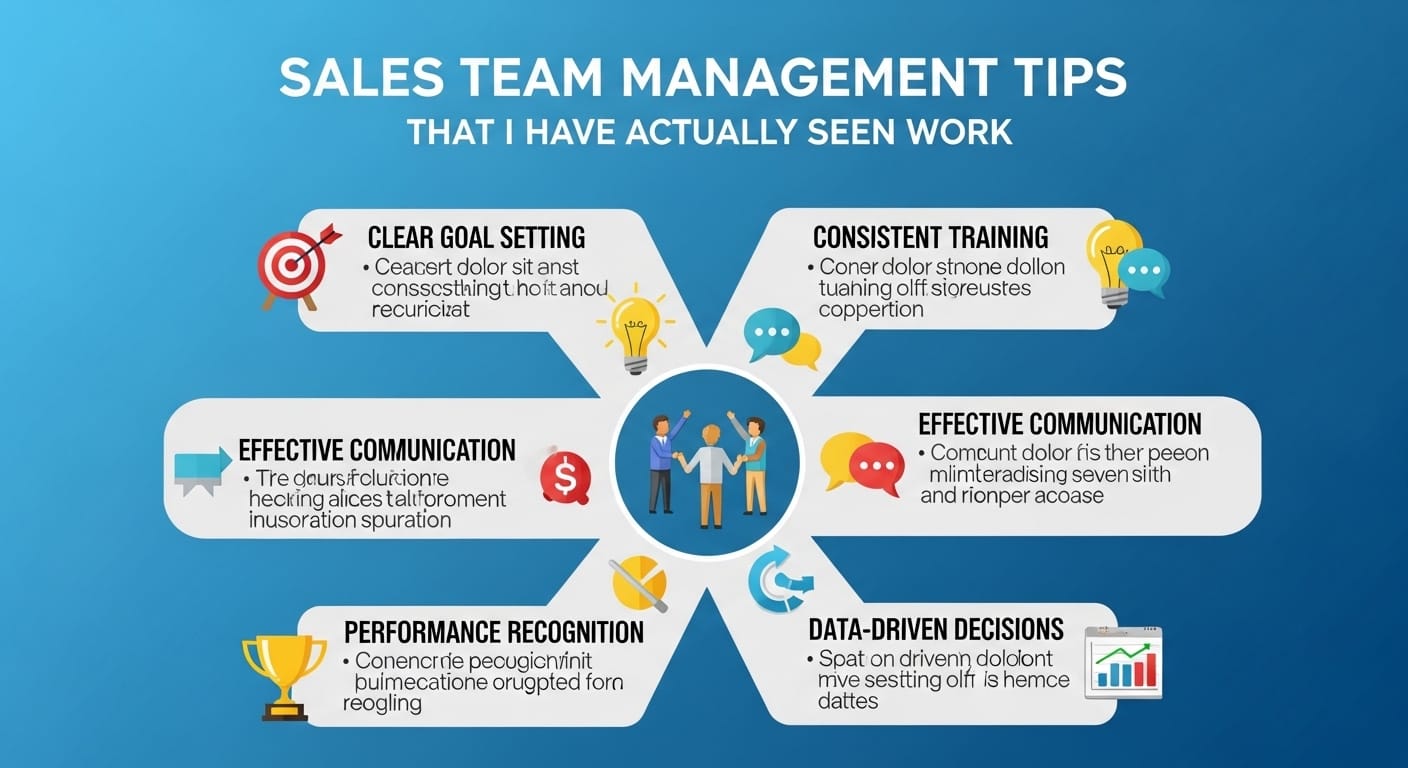
Right so having Kuikwit is step one. But a tool is only as good as how your team uses it. I have picked up a few things that separate teams who get results from teams who just installed the software and forgot about it. First thing. Set a response time goal and make it visible. Kuikwit tracks response times for each rep across every channel. When people know their numbers are being watched, they move faster. Not in a scary micromanagement way. More in a healthy competition way. Most teams I have seen aim for under three minutes during business hours. Second. Do not just let chats land in a random queue.
Use Kuikwit's smart assignment properly. Route product questions to your product person. Route high-value leads to your senior closer. Route support follow-ups to your support specialist. This takes maybe fifteen minutes to set up and it changes everything. Third thing and people forget this one. Go back and update your AI auto-replies every month. Customers ask different things in January than they do in June. If your auto-replies are stale, they feel stale. Kuikwit makes updating them super easy so there is really no excuse. Fourth. Do a weekly team check-in using the analytics dashboard. Pull it up on a screen. Look at chat volumes together. See where leads drop off.
Talk about what is working. I know it sounds basic but most teams do not do this consistently and it makes a huge difference. Fifth and this one is more of a cultural thing. Encourage reps to leave notes inside conversations. Kuikwit keeps the full chat history but personal notes from your team add so much extra context. Next time someone picks up that thread they know exactly what is going on.
Sales Team Performance Metrics Worth Paying Attention To
Okay I will say this bluntly. Most teams track the wrong stuff. They have dashboards full of numbers that look pretty in a meeting but do not actually tell you anything useful. With Kuikwit, you get metrics that connect directly to whether you are making money or not. Let me go through the ones I think matter most. Response time. This is the big one. If your average reply takes thirty minutes, you have a problem. Kuikwit breaks this down per rep and per channel so you can pinpoint exactly where things slow down. Maybe your Instagram response time is great but WhatsApp is lagging. Now you know where to focus. Conversation volume by channel is another one people overlook.
If seventy percent of your leads come through WhatsApp but you have three people monitoring Instagram and one person on WhatsApp, that is backwards. Kuikwit shows you this clearly so you can reallocate. Resolution rate tells you whether conversations actually end well. Are customers getting answers? Or are they messaging three times and giving up? If threads keep going back and forth without resolution, something in your process is broken. Kuikwit tracks this. Team workload balance is huge, especially for smaller teams. Are two reps handling sixty chats while the third handles twelve? The smart assignment feature helps prevent this but the analytics confirm it. You want your team stretched evenly, not burned out unevenly.
Kuikwit vs. Old School Sales Tools: Side by Side
|
What You
Need |
Kuikwit |
Traditional
Setup |
|
All channels in one inbox |
WhatsApp, FB, Insta, more.
All there. |
Nope. Usually one channel
per tool. |
|
AI that actually helps |
Built in. Customizable.
Works instantly. |
Third party plugin, if you
are lucky. |
|
Auto chat routing |
Rule-based, automatic,
smart. |
Manual. Or basic round
robin at best. |
|
How long to set up |
Minutes. Seriously. |
Days. Sometimes weeks. Need
IT help. |
|
After hours coverage |
AI plus human support,
24/7. |
Sorry we are closed. Come
back Monday. |
|
Use it on your phone |
Phone, tablet, laptop,
desktop. All good. |
Desktop only usually. |
|
Data security |
End-to-end encryption
across everything. |
Depends on the tool. Hit or
miss. |
|
Analytics you will actually
use |
Real-time visual
dashboards. |
CSV exports nobody opens. |
Best CRM for Sales Teams with AI Features: My Honest Take on Kuikwit
Every CRM is slapping AI on their marketing page right now. You have probably noticed. Half of them added a basic chatbot and called it artificial intelligence. That is not what Kuikwit does. The AI in Kuikwit is baked into the whole experience. It is not some bolt-on afterthought sitting in a tab you never click. When a customer messages at two in the morning asking about pricing or shipping or return policies, the AI handles it. And not in that annoying way where it says I do not understand, let me connect you with an agent. It actually answers the question. Properly.
So when your rep opens Kuikwit in the morning, the customer has already gotten a helpful response and your rep just needs to add the personal follow-up to push things toward a sale. That handoff between AI and human is what makes Kuikwit arguably the best CRM for sales teams with AI features. It feels seamless to the customer. They do not even realize part of the conversation was handled by AI. The AI also does something else that I think is underrated. It spots patterns. It notices when a lot of customers start asking the same question. It flags conversations that seem urgent.
Your team stops guessing and starts making decisions based on what is actually happening. And you do not need a tech background to set any of this up. The AI works right out of the box. You just tweak it as you go.
Best CRM with AI for Small Sales Teams: Why Kuikwit Fits Perfectly
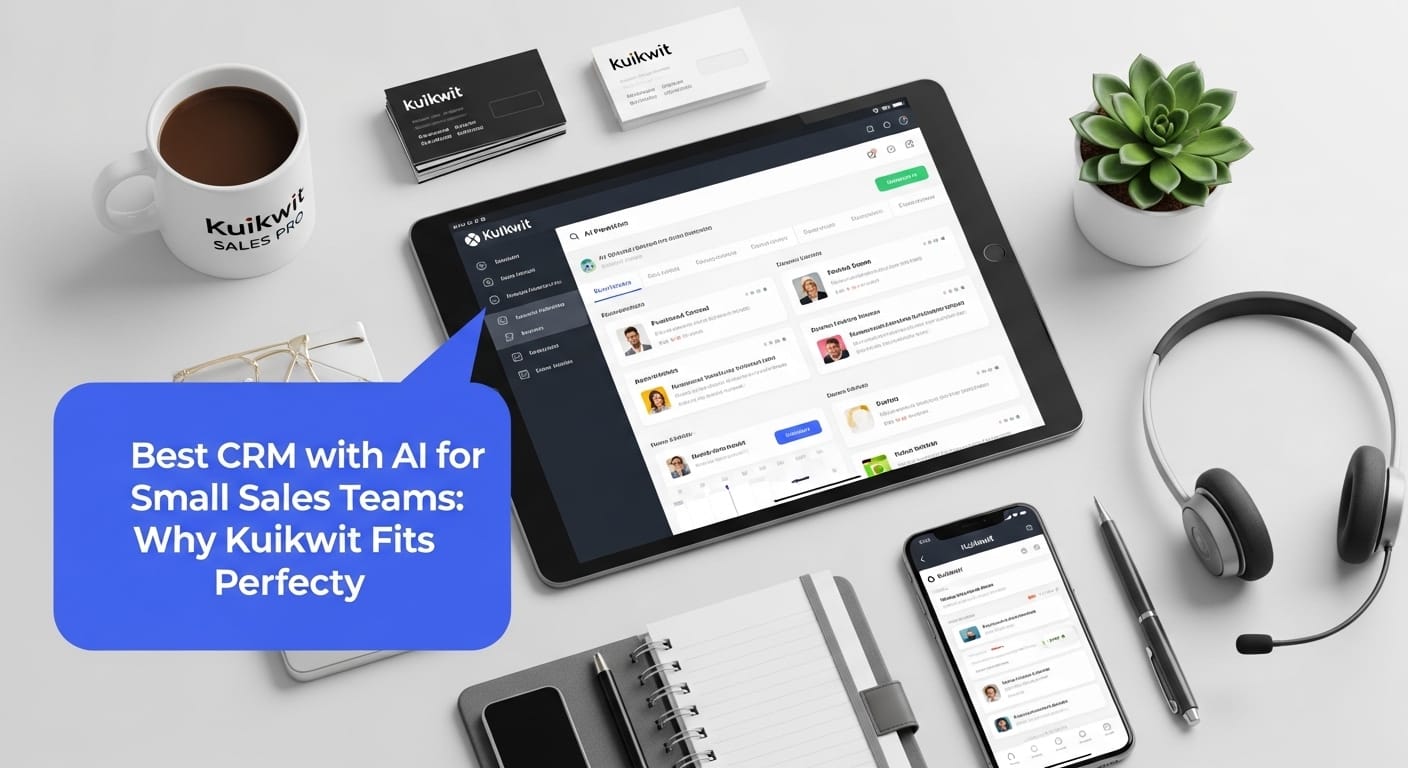
I have a soft spot for small teams because I have been on one. Three people doing the work of ten. Your sales guy is also your support guy is also the person managing your social media. Sound about right? Here is why Kuikwit works so well in that situation. The unified inbox means your tiny team can manage the same number of conversations that would normally require a much bigger crew. Everything is in one place. No time wasted switching between WhatsApp Business, Instagram, and Facebook separately.
The AI auto-replies take care of the repetitive questions. Someone asks about pricing at eleven thirty at night? AI handles it. Your rep reviews it over coffee the next morning, adds a couple of personal lines, and the deal keeps moving. Nobody lost sleep over it. Smart chat assignment stops anyone from getting buried. Even with three people you can route certain types of messages to the person who handles them best. And because Kuikwit works on phones and tablets, your team can respond from a coffee shop, from the train, from the couch. You are not chained to a desk anymore.
For a small team that is not just convenient. That is the difference between surviving and actually growing. I think that is why more and more people are calling Kuikwit the best CRM with AI for small sales teams. It does not try to be this bloated enterprise platform. It just makes absolutely sure that no conversation falls through the cracks. Every lead gets a reply. Every customer feels heard. That is the whole game when you are small.
Mistakes I Keep Seeing Sales Teams Make Without a Decent CRM
Let me just list out the stuff I see happening over and over. Two reps respond to the same lead because nobody knew who was handling it. A hot lead goes cold because their Instagram DM sat unread for three days. A rep makes a promise in a WhatsApp chat that the rest of the team cannot see, so when the customer follows up with someone else, they get a completely different answer. Customer history gets lost because conversations are scattered across five different apps and nobody has the full picture. These are not edge cases. This happens daily in teams that are stitching together random tools instead of using something centralized.
Kuikwit wipes out every single one of those problems. One inbox means no duplicates. Auto-assignment means nothing gets missed. Full conversation history means everyone on the team has context. I know it sounds almost too simple but that is sort of the point. The best systems are the ones where you stop thinking about the system and just do your job.
What About Keeping All That Customer Data Safe

This is the section nobody wants to read but everyone needs to. As your sales conversations grow, you are collecting a lot of sensitive information. Names. Phone numbers. Purchase details. Preferences people shared in private messages. That data needs to be locked down. Kuikwit handles this with end-to-end encryption across every channel and follows strict compliance standards.
I bring this up because it is easy to overlook security when you are focused on closing deals. But one data breach and your reputation takes a hit that no amount of sales can fix. Kuikwit runs security in the background so your team does not have to think about it. They just sell. The encryption and compliance stuff happens automatically. With privacy regulations getting stricter pretty much everywhere, having a CRM that takes this seriously is not optional anymore. It is table stakes.
Alright, Wrapping Up My Thoughts
Look I could keep going but I think you get the picture by now. The way customers buy things has changed. They message businesses on WhatsApp at midnight. They ask questions through Instagram stories. They expect fast replies or they move on. Your sales team either adapts to that or watches leads walk to someone who did. Kuikwit is not going to magically fix a bad product or a bad offer. But if your product is solid and your team knows how to sell, Kuikwit removes the chaos that gets in between. One inbox. Smart routing. AI that actually pulls its weight. Analytics that tell you the truth. Empowering sales teams with CRM comes down to something pretty simple. Get the friction out of the way and let your people do what they are good at. Kuikwit does that. Really well, actually.
Frequently Asked Questions
1. What CRM is best for a team that sells through WhatsApp and Instagram? Kuikwit was designed exactly for this. It pulls WhatsApp, Instagram, Facebook Messenger, and other channels into a single inbox. Your reps reply from one place, see full conversation history, and never have to juggle separate apps. For teams that sell through messaging, it is a natural fit.
2. How does Kuikwit actually help manage a sales team? It works as your sales team management software by centralizing conversations, auto-assigning chats to the right rep, tracking response times and performance, and using AI to keep leads warm when the team is busy or offline. Everything your manager needs to keep the team running smoothly lives in one dashboard.
3. Can Kuikwit replace the five different tools my team uses right now? In most cases, yes. If you are juggling WhatsApp Business, Instagram DMs, Facebook Messenger, a basic CRM, and maybe a shared spreadsheet to track who is handling what, Kuikwit consolidates all of that. One login. One screen. Every channel.
4. What sales team performance metrics does Kuikwit track? Response time per rep and per channel, conversation volume trends, resolution rates, workload distribution across the team, and customer engagement patterns. The analytics dashboard is visual and straightforward. You do not need to export anything to a spreadsheet to understand what is happening.
5. We are a really small team. Three people. Is Kuikwit worth it for us? Especially for you, honestly. Small teams cannot afford to miss messages or waste time switching apps. Kuikwit multiplies what each person can handle. The AI covers you after hours, smart routing prevents anyone from drowning, and multi-device access means you can respond from anywhere. That is why people keep calling it the best CRM with AI for small sales teams.
6. How fast can we actually get Kuikwit up and running? Minutes. I know that sounds like marketing speak but it is genuinely that quick. Connect your messaging channels, invite your team, set up a few auto-reply templates, and you are live. No IT department required. No lengthy onboarding process.
7. Tell me more about the AI auto-replies. Can we customize them? Fully customizable. You write the answers to your most common customer questions and the AI delivers them instantly when those questions come in. You can update, add, or remove replies anytime. Most teams review and refresh them once a month to keep things current.
8. How is Kuikwit different from something like Salesforce or HubSpot? Those are great pipeline CRMs but they were not built around real-time messaging on social channels. If your sales happen through WhatsApp and Instagram conversations, Kuikwit is built specifically for that workflow. Unified messaging, AI replies, smart routing, all native. Not bolted on.
9. Is customer data actually safe on Kuikwit? Yes. End-to-end encryption across every channel. Strict compliance standards. Your customer data is protected at every touchpoint. With global privacy regulations getting tighter every year, that matters more than most people realize until something goes wrong.
10. Can my team use Kuikwit on their phones when they are out of the office? Absolutely. Desktop, laptop, tablet, phone. Works across all of them. This is especially useful for field sales reps, remote teams, or honestly anyone who does not want to be stuck at a desk to stay on top of customer conversations.