How To Use An AI Agent To Sort Emails 2026
Discover how AI can clean your inbox, prioritize important messages, and reduce daily email stress using simple automation tools.

Most people don't notice until they really check their inbox how much it drains their mental energy. It is not just the unread messages, but also newsletters without consent, mixing of work emails with receipts, random alerts piling up, and important messages getting lost in the chaos.It gradually becomes a source of stress. Always present. Silent. It takes away your energy.
From Inbox Chaos to Control with AI Assistance
Consequently, figuring out how to get an AI agent to sort your emails isn’t only about productivity anymore. It's about safeguarding your attention. It's about reclaiming control over a task that bit by bit took over your day.And sure, you can do it. Without getting technical. Without dedicating hours to setting rules.
How to use an AI agent to sort emails means deploying advanced technology that automatically identifies, ranks, and arranges incoming messages according to their significance and user behavior. These systems rely on intelligent AI solutions to detect patterns, analyze sender records, and understand user preferences, helping minimize clutter and highlight communication that really matters. Once properly configured, email management shifts from an overwhelming task into a convenient and efficient one.
What is an AI email agent?
It is a program that utilizes machine learning techniques for managing and organizing your email automatically.
Is it worth using?
Yes, if you are a busy professional or running a business. Time-saving features are the major benefit.
How does it work?
It records your routine and sorts emails according to their priority and content.
Understanding Modern Email Management in a Digital World

Managing email was once a straightforward task. You got emails and then responded or archived them. That was the whole idea. Then came the era of newsletters, explosion of notifications, and complete online switch of work. As a result, most individuals have multiple accounts being used across different devices and platforms.
Email management is now about setting filters for noise, detecting urgencies, ensuring security, and staying focused. It has gone beyond the concept of having an empty inbox. It is about smart prioritization. What is urgent now. What can be delayed. What can be eliminated.
If you do not have any support, your inbox will become a messy storage space. Everything goes in. Nothing gets organized. With AI, this changes as it adds structure automatically.This change explains why email management software has turned from an option to a necessity.
How an AI Email Assistant Actually Works
An AI email assistant learns by observing your email practices over a considerable period. On the basis of actions like opening, ignoring, replying fast, and archiving without reading, it creates a dataset to be used for learning purposes.The system utilizes natural language processing to interpret subjects, sender identities, content patterns, and urgency cues. It then relates these signals to the user's former reactions. Eventually, it formulates a personal prioritization model.
Eventually, the assistant can anticipate your needs and prioritize accordingly. You will receive your important emails, while promotional messages are filtered out. Repetitive emails get streamlined, and spam disappears quietly, thanks to intelligent automation powered by AI sales agent solutions that learn how you work and adapt over time.
However, it does not take over your decisions. It is a support tool. Just like a secret assistant working behind the scenes.
Email Management Tools and Intelligent Categorization
Some of the most advanced email management tools do more than supporting folders and labels. Such tools give rise to categories that could be updated automatically and in real time. For example, Work, Finance, Subscriptions, Clients, Internal communications, and System alerts.
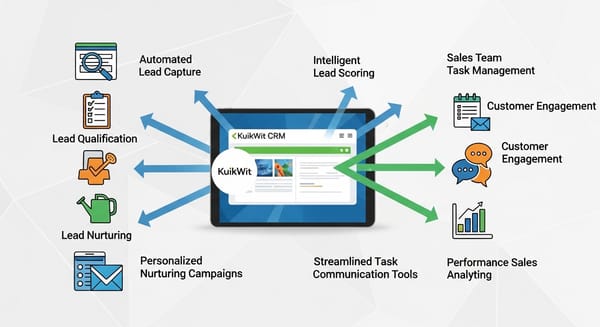
These categories are not fixed. They grow or shrink based on usage. If a newsletter becomes significant, it will be promoted. If a client stops interacting, the priority level will be adjusted.There are platforms that collaborate with calendars, task managers, and CRM systems. Emails can trigger reminders, meetings, and workflows.With proper arrangement, your inbox becomes a control panel instead of a mess.
Using Outlook AI and Outlook IA for Smart Sorting
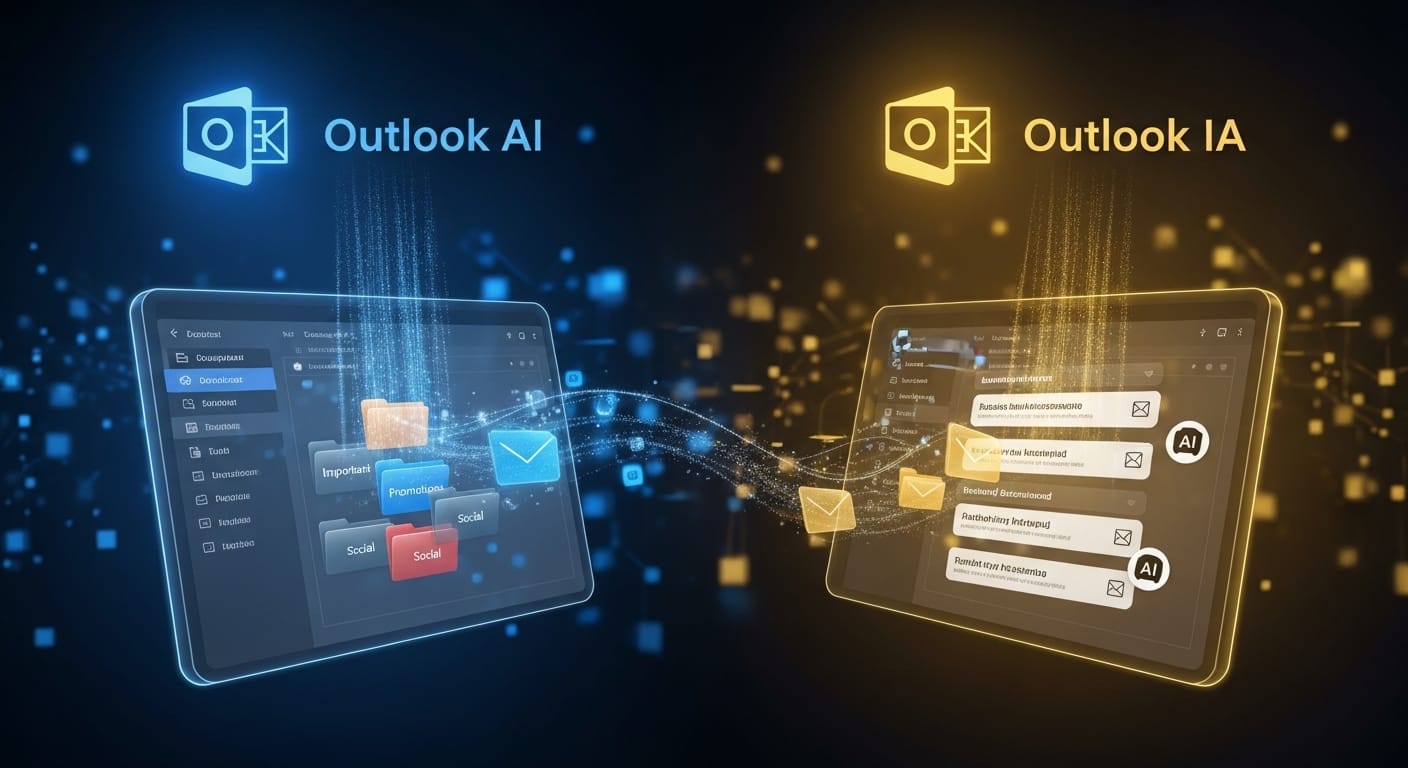
MS Outlook AI and MS Outlook IA features have quietly transformed how Microsoft users manage email. Later versions introduced Focused Inbox, predictive replies, and priority filtering.
These tools learn from user behavior across global Outlook accounts. Shared patterns improve accuracy for everyone.Outlook AI also integrates with third-party tools. It connects emails to tasks, flags deadlines, and suggests follow-ups.For Microsoft users, this creates a strong foundation for intelligent email management.
AI for Emails: From Filtering to Decision Support
AI for emails began with spam filters. Then came categorization. Then smart replies. Now decision support.
Modern systems summarize long threads, extract tasks, and highlight key points. They show what needs urgent attention.Some tools even draft contextual replies. You approve. The system prepares.
This reduces mental overload. You think more. You sort less.
Using Kuikwit.com as a Central Message Hub
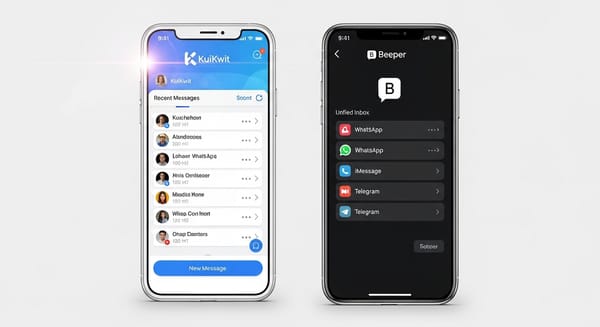
Kuikwit.com functions as a centralized message hub and agent platform. It gathers messages from multiple channels into one interface.
With AI sorting, Kuikwit becomes a control center. Emails, alerts, and notifications are unified and prioritized.This benefits teams, entrepreneurs, and service providers handling heavy communication.Everything becomes visible. Response management becomes easier.
Benefits of AI-Powered Email Management Programs
Time is the biggest benefit. Users often save several hours per week. Less scanning. Less searching. Less reacting.Mental clarity follows. A clean inbox reduces anxiety. You trust the system.Reliability improves. Important messages rarely get missed. Deadlines stay on track.Scalability completes the picture. AI adapts as workload grows.
Real-Life Examples of AI Email Sorting in Action
Dr. John, a freelance consultant, handles over 200 emails daily. His AI assistant highlights client messages and filters promotions. Response times improve. Stress drops.
Ms. Alison integrates Kuikwit.com with her email. Customer messages flow into one dashboard. Urgent issues get flagged. Satisfaction rises.Mr. Smith uses Outlook AI for project management. Thread summaries replace long reading sessions. Decisions speed up.These results come from systems, not luck.
Common Mistakes When Using Email AI Assistants
One mistake is over-automation. Allowing AI to delete without review causes missed opportunities.
Another is ignoring the learning phase. Early mistakes are normal. Many users quit too soon.Poor configuration creates confusion. Without guidance, AI lacks direction.Some rely entirely on automation. Balance remains essential.
Comparing AI Email Managers With Traditional Email Managers
Traditional managers depend on manual rules and folders. They follow fixed instructions.
AI managers learn and adapt. They respond to behavior.
Manual systems work for low volume. High volume needs intelligence.
That is the dividing line.
How to Set Up an AI Email Manager Step by Step
Start by choosing compatible software. Gmail, Outlook, and enterprise platforms support AI integration.
Connect accounts securely. Enable permissions. Activate learning mode.
Set preferences. Work hours. Priority senders. Notification rules.
Observe. Adjust gradually. Improve accuracy.
It is a process, not an instant fix.
AI Email Management Tools Comparison
| Feature | Traditional Manager | AI Email Assistant |
|---|---|---|
| Sorting | Manual Rules | Automatic Learning |
| Adaptation | Static | Dynamic |
| Prioritization | User-Defined | Behavior-Based |
| Time Saving | Limited | High |
| Scalability | Low | High |
The difference determines long-term efficiency.
Security and Privacy in AI Email Management

AI tools handle highly sensitive personal and professional data, which makes security a critical concern. Strong encryption, regulatory compliance, and strict access controls work together to protect user information from unauthorized access. Trusted platforms usually follow standards such as GDPR, SOC 2, and other privacy regulations to ensure responsible data handling. Two-factor authentication adds another layer of protection by preventing unauthorized logins. In the end, long-term trust depends on how transparent a company is about its security policies and data practices.
The Human Side of Email Automation
Automation supports decisions. It does not replace them.
Successful users review, correct, and guide their systems.
The best tools feel invisible.
They strengthen judgment. They do not override it.
Balance defines success.
Building Long-Term Email Management Strategy
Quick fixes fail over time. Structure matters.Define communication rules. Reduce junk mail. Clarify subject lines. Standardize workflows.
AI enhances order. It does not create it.First order. Then automation.
Full FAQ Section
Can AI fully manage my inbox?
Not completely. It supports decisions.
Is AI email sorting safe?
Yes, with reputable providers.
Does it work with Gmail and Outlook?
Most tools support both.
How long does learning take?
Usually two to four weeks.
Can teams use AI email agents?
Yes, especially with platforms like Kuikwit.