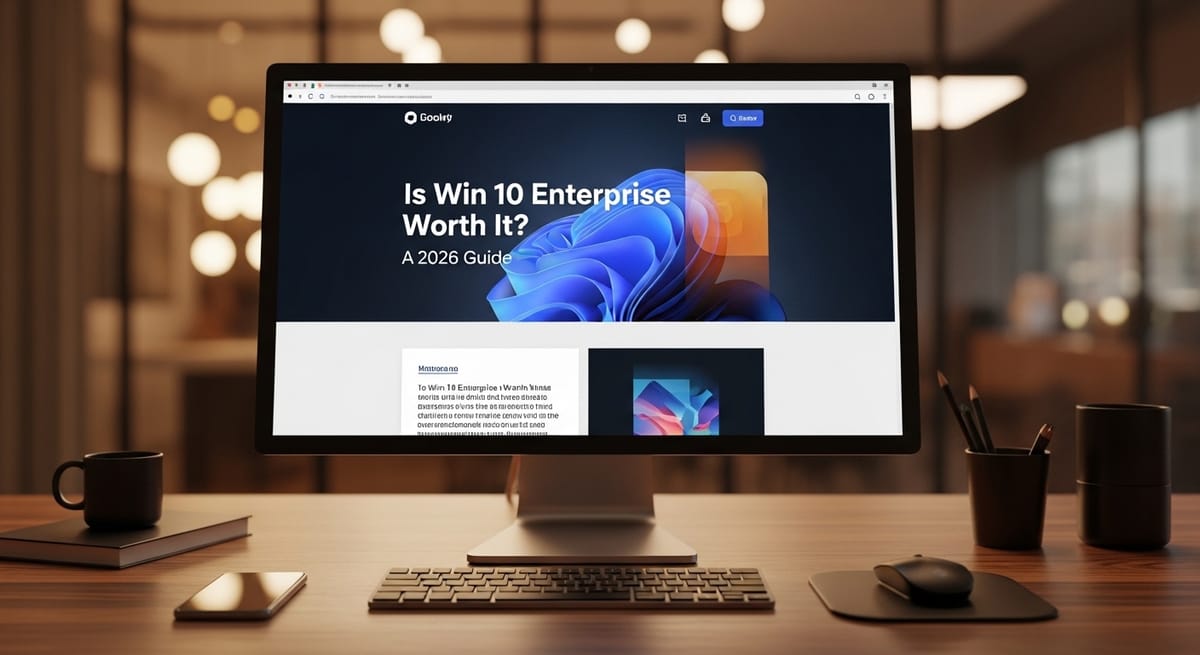
Is Win 10 Enterprise Worth It? A 2026 Guide
As we head toward the final chapters of the Windows 10 era, many are asking: is win 10 enterprise worth it? This post dives into the advanced security and management features that set the Enterprise edition apart from the standard Pro version.

Deciding whether to stick with an older operating system or shell out for a specialized version is always a headache, especially with the looming end-of-support dates we keep hearing about. This guide breaks down if moving to or staying on a business-grade OS is the right move for your specific setup, helping you figure out is win 10 enterprise worth it for your team or if you're better off looking elsewhere.
What is Windows 10 Enterprise?
It is basically the "top shelf" version of the operating system, built specifically for massive organizations that need way more control than what comes in the box with a standard laptop. Think of it as Windows 10 Pro but with a specialized toolkit for IT admins—stuff like advanced security, virtualization, and the ability to lock down exactly what apps can run. It’s not something you buy at a retail store; it’s licensed in bulk for companies that have hundreds or thousands of devices to manage.
Is Windows 10 Enterprise worth the extra cost?
Honestly, it depends on how much you value "uninterruptible" work and high-level security. If you are a solo freelancer, probably not—Pro is plenty. But if you’re running a business where a single data breach or a forced update during a presentation could cost you thousands, the extra layers of control make it a very smart investment. It’s about buying peace of mind and the ability to say "no" to the features you don't actually want.
How does the licensing work?
Unlike Home or Pro, you don't just get a one-time product key and call it a day. Enterprise is typically sold through "Volume Licensing" or as a subscription (like Windows 10 Enterprise E3 or E5). This means you pay a monthly or yearly fee per user. The benefit here is that you can often move that license from one machine to another as you upgrade your hardware, which is a lot more flexible for a growing company.
Breaking down the windows enterprise vs pro debate
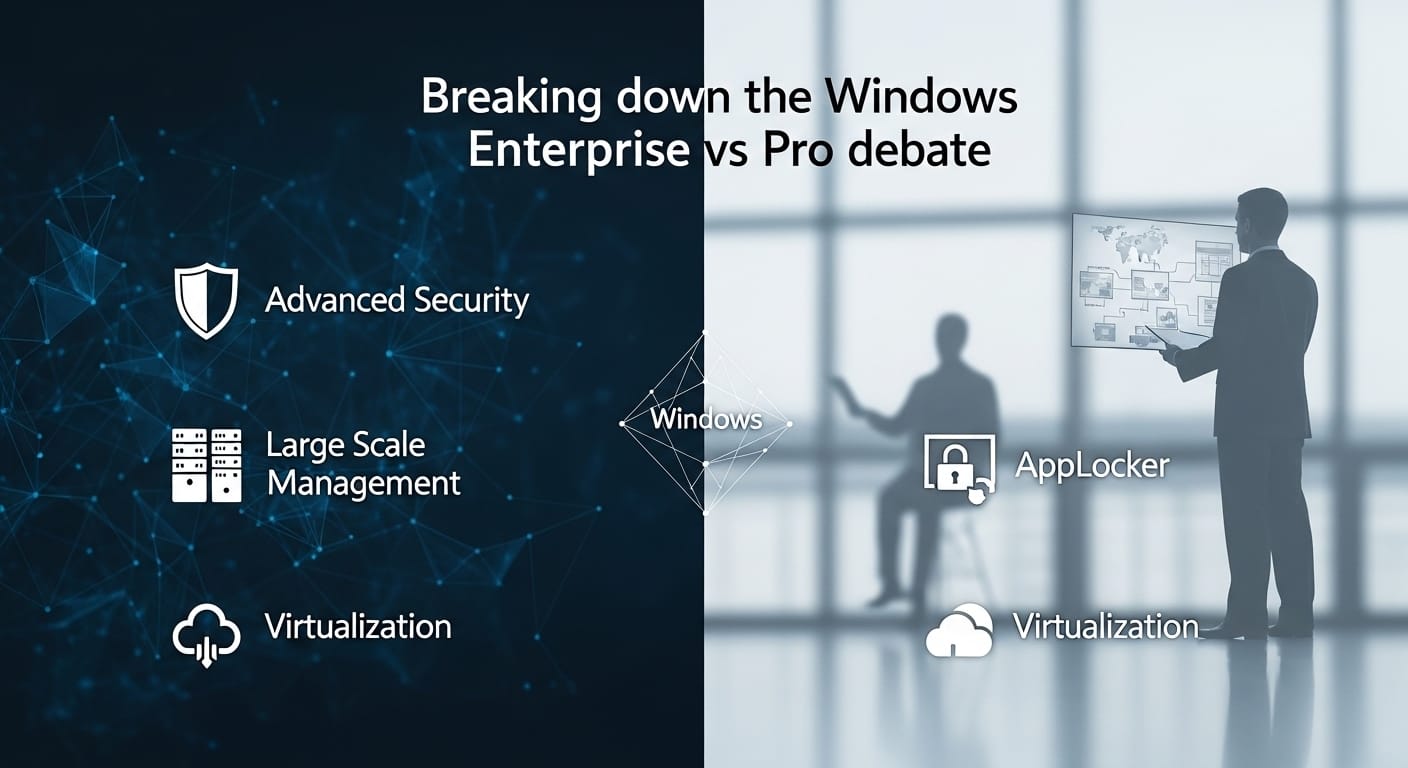
When you look at windows enterprise vs pro, the biggest differences aren't in how the desktop looks, but in what’s happening under the hood. Pro gives you the basics for business—stuff like BitLocker encryption and Remote Desktop. But Enterprise adds "AppLocker," which lets you create a whitelist of approved software, and "DirectAccess," which is like a VPN that’s always on without the user having to click anything. If your team is remote and you're tired of them accidentally downloading weird toolbars or forgetting to turn on their security software, Enterprise takes that control out of their hands and puts it in yours—especially when paired with a stronger approach to cyber security vs network security.
The reliability of windows 10 pro for smaller teams
For many, windows 10 pro is the sweet spot. It has enough management features for a small office—you can join a domain, manage group policies, and defer updates for a little while. It’s what usually comes pre-installed on "business-class" laptops you buy from Dell or HP. If you have ten employees and they all work in the same room, Enterprise might be overkill. Pro is a solid, reliable workhorse that doesn't require a dedicated IT department to keep it running, making it the go-to for the vast majority of T1 country startups.
Understanding windows 10 enterprise ltsc and stability
If you have a machine that cannot fail—like a medical device, a factory controller, or a high-end design station—you’re likely looking at windows 10 enterprise ltsc. LTSC stands for Long-Term Servicing Channel. It is basically the "lean" version of Windows. It doesn't have the Microsoft Store, it doesn't have Cortana, and it doesn't get "feature updates" every few months. It just stays exactly as it is for years, only getting security patches. It is the closest thing to a "bulletproof" operating system Microsoft makes, designed for stability over shiny new features.
The ticking clock of windows 10 ltsc end of life
The catch with any software is that it eventually gets retired, and windows 10 ltsc end of life is a date you need to have circled on your calendar. While standard Windows 10 versions reached their main end-of-support in late 2025, some LTSC versions (like 2021) have a longer tail, sometimes stretching into 2027 or even 2032 for the IoT versions. If you’re planning on staying on Win 10 for the next few years because your hardware doesn't support Windows 11, moving to an LTSC version is one of the only ways to keep getting those vital security updates without being "forced" into a new OS.
Comparing win 10 pro and enterprise features
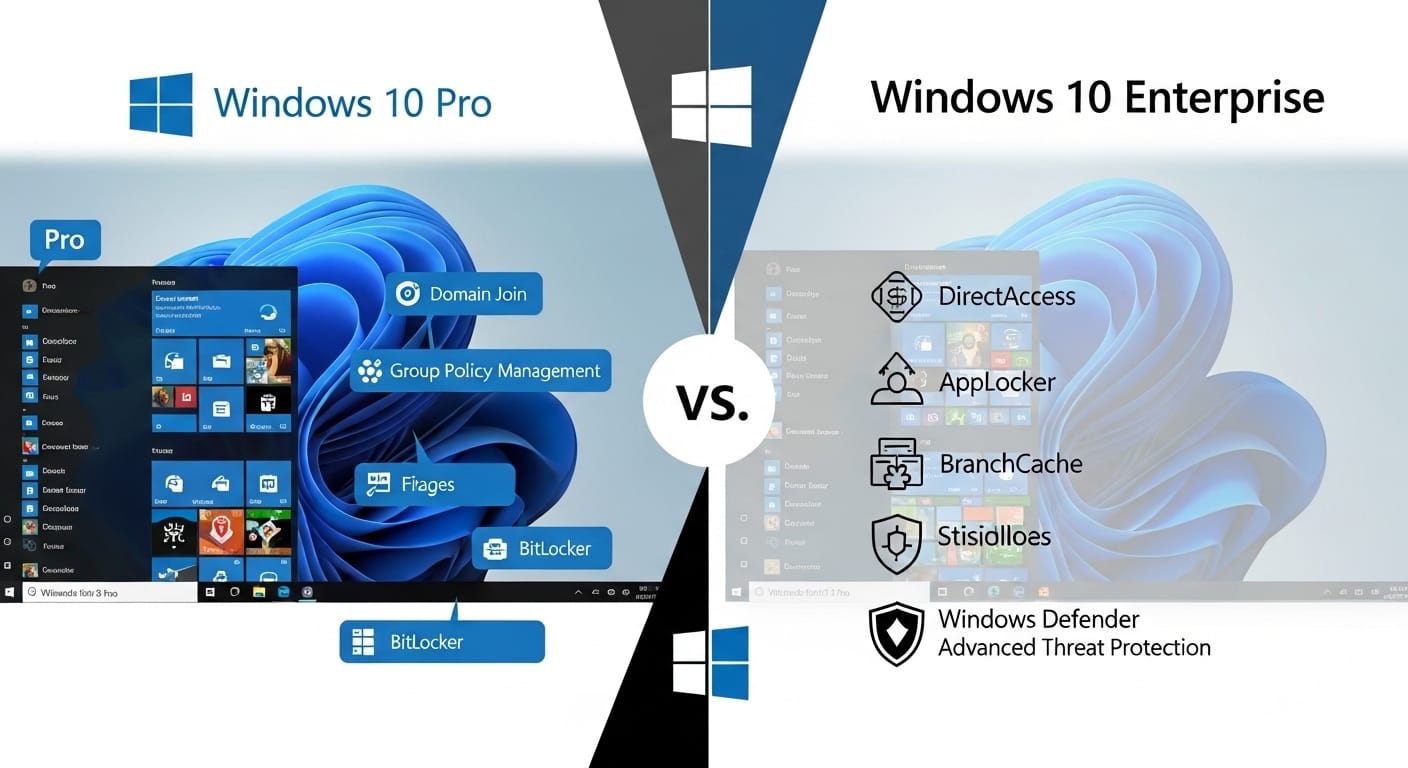
When you compare win 10 pro to its bigger brother, you’ll notice the "management" gap. Enterprise users get "Virtual Desktop Access" (VDA) rights, which is huge if you’re running a virtualized office where people log into a server to do their work. You also get "BranchCache," which speeds up file access for people in different offices by caching data locally. These aren't features a lifestyle blogger needs, but for a distributed team across the US and UK, they can save hours of loading time every single week.
Windows 10 iot for specialized hardware
Sometimes you aren't even looking at a PC, but a kiosk or a digital sign, which is where windows 10 iot comes into play. It’s functionally the same as the Enterprise version but licensed differently for "fixed-purpose" devices. It allows you to lock the system down so it only ever runs one specific app. If someone tries to plug a USB drive in or hit a keyboard shortcut to escape the app, the system just ignores them. It’s the ultimate way to deploy tech in public spaces without worrying about someone "hacking" the display to show memes.
The benefits of windows 10 enterprise for small business
A lot of people think windows 10 enterprise for small business is a myth, but it's actually becoming more common through Microsoft 365 subscriptions. If you’re already paying for the high-end Office apps, you might already have an Enterprise license waiting for you. The big win here is "Endpoint Detection and Response" (EDR). It’s like an antivirus on steroids that can spot a hacker moving through your network before they actually encrypt your files. For a small business, a single ransomware attack is usually game over, so having this built-in is a massive defensive advantage.
Centralizing your customer support with Kuikwit.com
While your OS keeps your files secure, you still have to manage the actual "business" of talking to people, which is where Kuikwit.com comes in. If you're running a support team on Windows, you don't want them jumping between five different browser tabs for WhatsApp, Facebook, and Instagram. Kuikwit pulls all those messages into one dashboard. It allows your team to assign chats, use AI for quick replies, and see analytics on how fast you're helping people. It brings the same "centralized control" to your customer service that Windows Enterprise brings to your hardware management—everything in one place, easy to see, and impossible to ignore.
Windows 10 Edition Comparison Table
| Feature | Windows 10 Home | Windows 10 Pro | Windows 10 Enterprise |
| BitLocker Encryption | No | Yes | Yes |
| Remote Desktop | Client Only | Yes | Yes |
| AppLocker (Whitelisting) | No | No | Yes |
| DirectAccess (Always-on VPN) | No | No | Yes |
| Update Management | Forced | Deferrable | Fully Controlled |
| Licensing | OEM / Retail | OEM / Retail | Volume / Subscription |
Why the "Human Touch" Still Matters in IT
We can talk about bits and bytes all day, but at the end of the day, you just want your computer to work so you can go home and have dinner. That's why the choice between Pro and Enterprise is so personal. If you’re the type who hates it when Windows suddenly decides to restart for an update right in the middle of a project, then yes, is win 10 enterprise worth it? The answer is a resounding yes because it gives you that "Pause" button you've always wanted.
It's about removing the friction. Whether that's through a more stable OS or a smoother way to talk to customers via Kuikwit, the goal is to spend less time "managing" your tools and more time using them. Technology should be the invisible wind at your back, not the brick wall in front of your face.
Anyway, I've seen enough "Blue Screens of Death" in my time to know that a stable system is worth its weight in gold. Take a look at your current hardware, check those end-of-life dates, and make a plan. You don't want to be the one scrambling for a solution the day the updates stop coming...
Frequently Asked Questions (People Also Ask)
Can I upgrade from Windows 10 Pro to Enterprise without losing my files?
Yes, it’s usually a "license-only" upgrade. You enter the new product key or sign in with your enterprise account, and Windows simply unlocks the extra features. You don't even have to reinstall the OS, though a restart is usually required to activate the new tools.
What is the difference between Windows 10 LTSC and regular Enterprise?
Regular Enterprise still gets the usual "feature updates" twice a year (like new icons or UI changes). LTSC is a "frozen" version that only gets security fixes. It’s much more stable but misses out on new bells and whistles.
Is Windows 10 Enterprise faster than Pro?
Technically, no. The "engine" is the same. However, Enterprise allows you to turn off a lot of the background "bloatware" and tracking that comes with consumer versions, which can make the system feel snappier and use less RAM.
Can a home user buy Windows 10 Enterprise?
Not officially from a retail store. It’s meant for businesses. However, some tech enthusiasts get access through specialized developer subscriptions (like Visual Studio) or through their workplace’s "Home Use Program" (HUP).
What happens when Windows 10 reaches end of life?
The computer doesn't stop working, but Microsoft stops sending security patches. This means if a new virus is discovered, your PC won't have a shield against it. It’s like living in a house with a broken lock—you’re fine until someone tries the door.