Kuikwit CRM Benefits: One Inbox, Better Follow-Ups
Stop missing DMs. Reply faster, follow up smarter, and keep every customer conversation in one place.

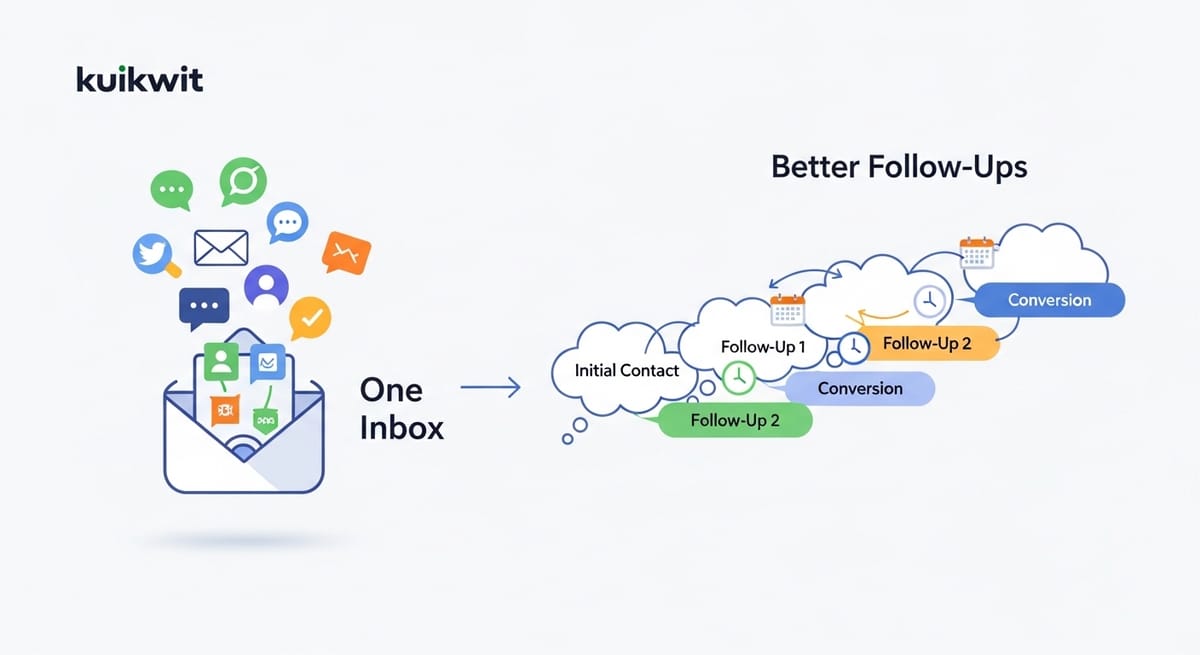
Most of the businesses dont loss their customers or sales. Problem is not the product mainly.The problem is , they can not handle the flow of messages manually. As it is not possible for someone to reply social dms on his own. As the messages inflow increases the person may not answer them on time . He will get stuck in switching the apps. Late responses will lead to the loss of sales and customers interest. CRM was introduced to solve this problem. Customer Relationship Management (CRM) is a tool that organizes all that conversation into one place, making it easier and quicker for you to respond, do proper follow-ups and most importantly, know what your customers want.
What is CRM?
CRM stands for Customer Relationship Management which is a software package that enables you to keep customer information, dialogues, tasks in one place to ensure everything is working smoothly.
Is CRM worth it?
If you are dealing with leads, bookings, service support or repeat customers- absolutely. Otherwise, even a small team can come to feel the difference quite fast.
How does CRM work?
The CRM will store clients data and messages for you to track the progress (inquiries, deals, support tickets) so team members can give a prompt and relevant response.
How it works in real life (not the textbook version)
Although a CRM system can't directly "enhance relationships" on its own, it does prevent daily chaos. What it does is taking the customer data—names, numbers, previous purchases, issues, preferences—and it always keeps them linked to the conversation. So if a customer sends you:
Instagram message today WhatsApp message tomorrow
Then, you shouldn't guess who they are ask them the same questions again
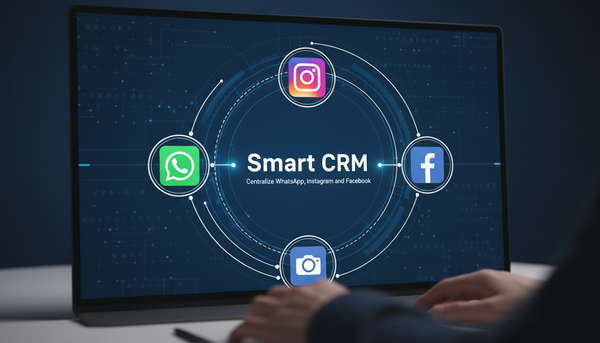
This is where modern customer relationship management systems depose themselves. They keep the context. They guard the continuity. And most importantly, they make collaboration a breeze, especially when you centralize WhatsApp and Instagram messages into a single workflow.By utilizing an omnichannel messaging system, teams can avoid the chaos of fragmented communication and ensure no lead is lost. Acting as a professional enterprise messaging hub, this setup ensures that even when messages start coming from multiple sources together, your response remains fast, secure, and perfectly organized
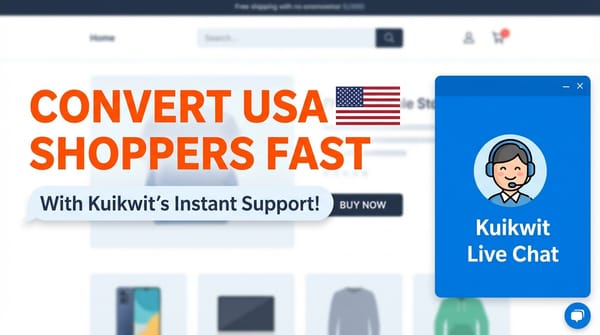
When the CRM is integrated with chat—Kuikwit’s centralized inbox, for example—it becomes a lot more powerful. You aren't simply monitoring customers. You are monitoring the whole conversation, spanning various channels but without losing the thread.
What does CRM stand for in business
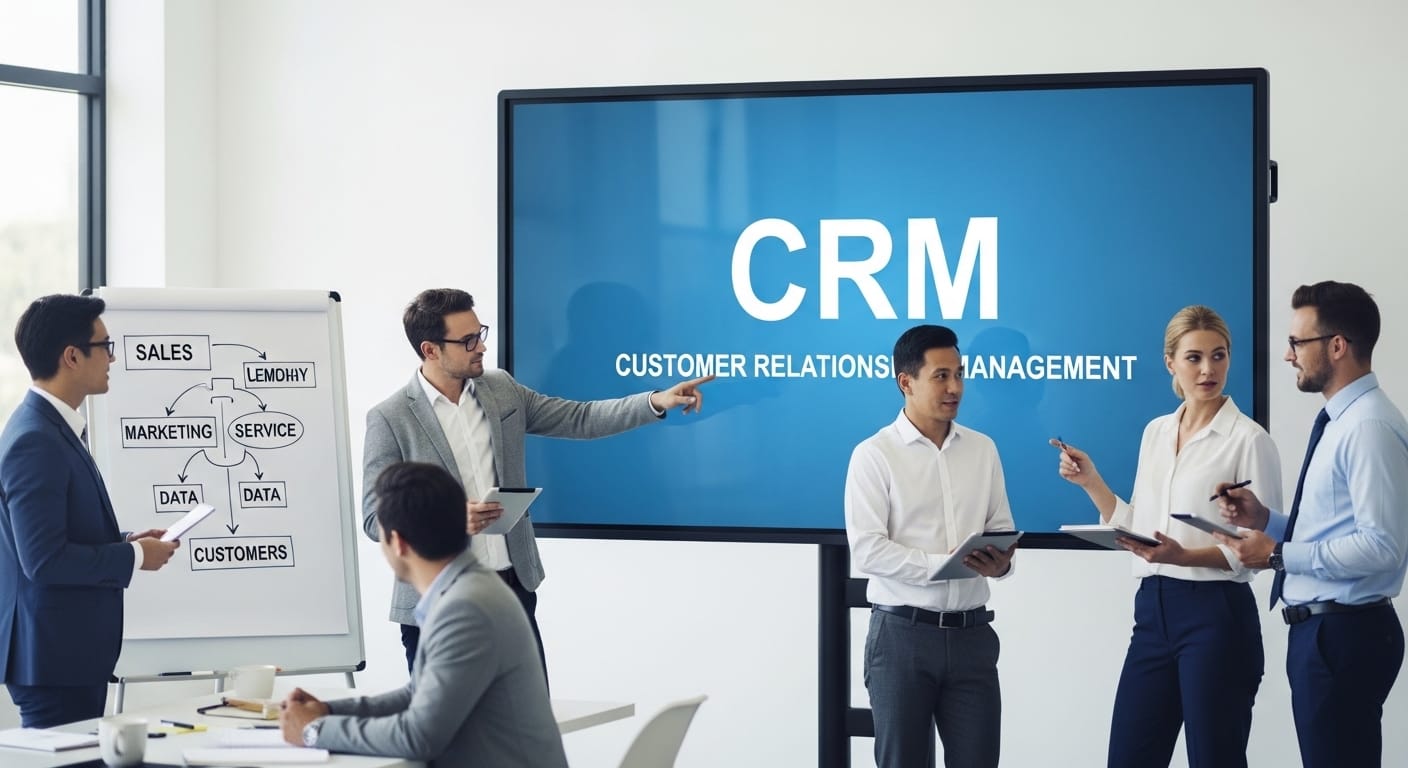
CRM refers to Customer Relationship Management. In the business world, it is both a method and a software. The method is: value customers as long-lasting relationships, not one-off transactions. And the software is the mechanism that facilitates this without you having to rely on your memory or stick notes. Most people will come across a CRM first when trying to keep log of leads, deals or customer support. However, it is more than that. It keeps ongoing records:
- of conversation,
- sales steps,
- complaints,
- renewals,
- and follow-ups.
CRM really means the moment that you get so busy that you forget your customers shouldn’t happen. So a CRM helps make the relationship visible even when the business is running at full speed.
What does a CRM system do
A CRM system is really a helper in four functions even if it looks fancy on the outside. It collects, organizes, connects it to dialogues, and finally assists teams in acting on it. That usually means follow-ups, reminders, pipeline stages, ticket solving, and reporting.
Instead of "We'll get back to you," you have actual next steps. Instead of "I think we talked last week," you have a timeline. Instead of a team guessing who replied to which message, assignments and ownership are clear.
Customers don't give you their loyalty because of your logo and your tagline. They remain faithful because you show them that you did not waste their time.
CRM benefits
That’s where value starts to be very clear. These benefits are not theoretical. They express themselves as a reduction of missed messages, loss of leads, internal confusion, and more repeat customers. A CRM provides a common business memory. Stress is reduced just with that.
You also get better handoffs. If a staff member is off, another person can step in without making the customer repeat the entire story. That’s the kind of detail customers remember. Not your logo. Not your tagline. The fact that you didn’t waste their time.
Furthermore, CRMs make it easier for entire teams to stay on the same page in terms of style and procedures. If you are issuing and addressing support requests, processing orders, or conducting consultations, you are likely to be seen as a reliable source only through consistency.
CRM benefits that show up in numbers (and fewer headaches)
Some benefits are emotional—less chaos, fewer arguments. Others show up in metrics. Response time drops when messages aren’t scattered. Conversion rates climb when follow-ups are timely. Churn reduces when customers feel remembered.
CRMs also improve forecasting. Even simple pipelines help you see what’s coming in next week or next month. That changes how you staff. How you stock. How you plan campaigns.
Analytics matter too, but not in a “dashboard for fun” way. When you can see chat volume trends, peak hours, and team performance, you stop guessing. Kuikwit’s analytics angle fits here because support teams can monitor conversation load and how quickly things are being handled.
Over time, this becomes a feedback loop. Better tracking leads to better service. Better service leads to better retention. Then the CRM data becomes even more valuable.
CRM software platforms and why “all-in-one” is trending
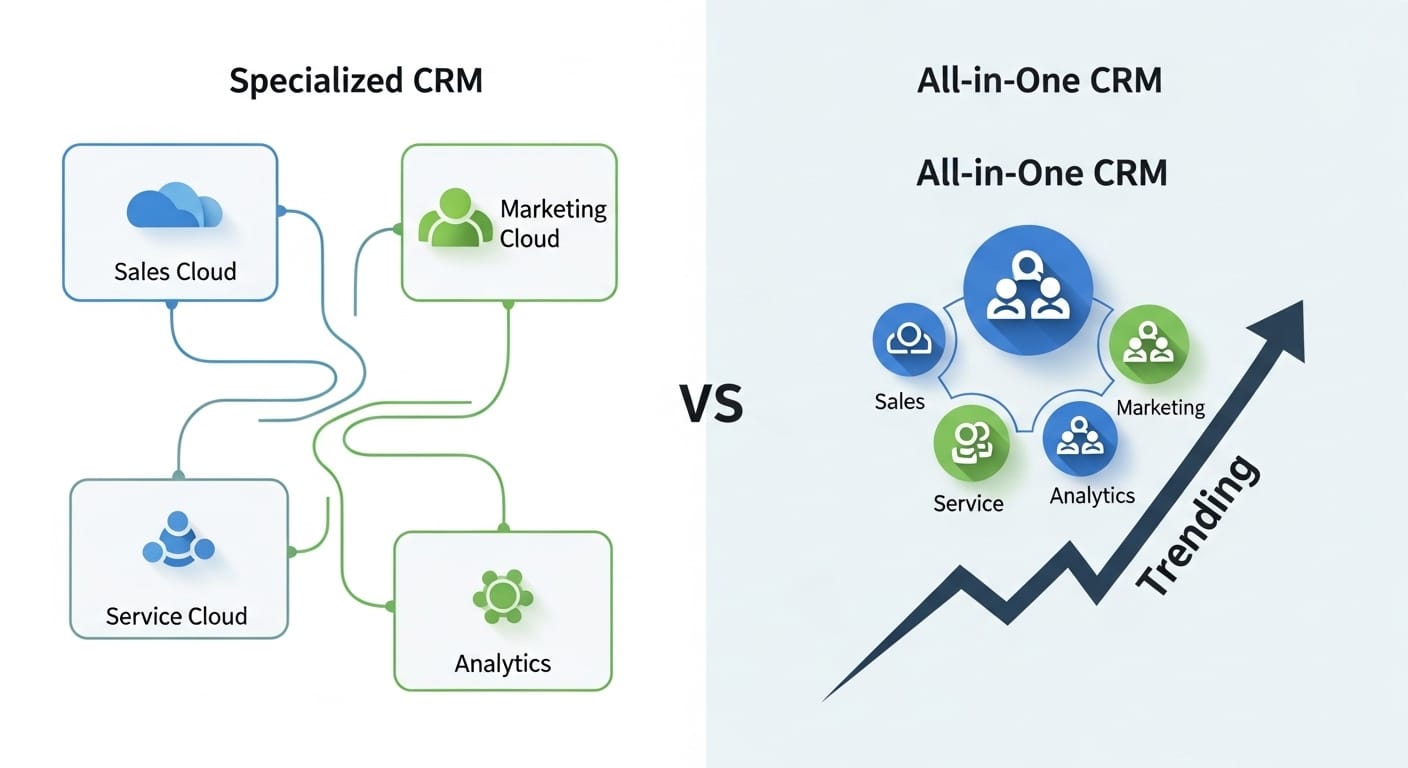
Many legacy CRM software platforms were primarily designed to support sales pipelines. Messaging features either arrived later or only as an add-on, often a bolted-on one. Customers, however, do not get excited about your software category; they only want a solution.
This explains why all-in-one communication CRMs have been gaining traction. Conversations take precedence here, and then the CRM structure surrounds them. It's the closest thing to how today's real customers behave. They message on WhatsApp. They DM on Instagram. They comment on Facebook. And they expect continuity.
Kuikwit is exactly in that lane: a centralized inbox plus CRM, with teamwork routing, human support, AI replies, and security. That combination matters if you’re handling high message volume or you simply don’t want to hire three extra people just to keep up.
Benefits of CRM for small business
Small businesses don’t fail because they lack effort. They fail because they’re doing everything manually while trying to look professional. A CRM helps small teams act bigger than they are. Not by faking it—by being organized. The biggest quick win for a small business is follow-up control.
Second, with those scant handful of people, one who is always online will be available for a pinch pennies at the right time. And the right time means you are not a super person relying on email, instant message, writing your meeting notes. You are downright organized, no lie, and that small business success has you clicking the mouse fast.
Client relationship management software for small business
That may sound corporate. But the actual thought is simple: a small business needs a system that keeps customers from slipping away. Client relationship management software for small business should feel light, not heavy. Easy setup matters. Multi-device access matters. And it needs to match where your customers actually talk.
If your customers are mainly reaching out to you through messages, then your CRM shouldn't just be based on email forms and lead pipeline screens. It should be placed right next to conversations. This is the benefit of an "all-in-one" CRM, your team won't have to be constantly jumping between different tools just to do basic support and follow-ups.
Small businesses also need clear workload distribution. When chats auto-assign and route across the team, you reduce response delays without hiring immediately. That’s one of those quiet benefits that feels like relief.
Benefits of CRM in higher education
Higher education is full of relationships. Prospective students. Current students. Alumni. Parents. Donors. Partners. And those relationships don’t run on a single channel anymore. Students might ask questions on social, email admissions, then show up at an event, then message again later.
A CRM helps institutions stay connected. It helps schools and universities to communicate with students in a way that ensures they don't get contradictory messages from different departments. Besides that, the system is quite effective in segmentation, i.e., school or university can identify a specific group of students and only send them the most relevant information.
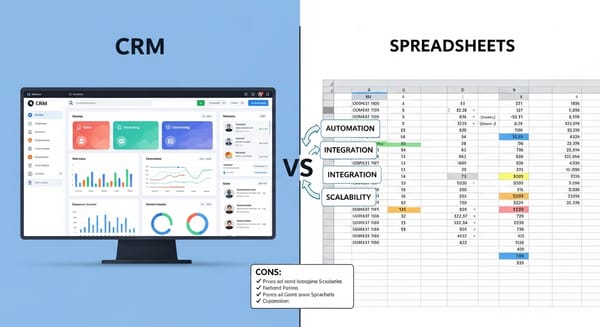
Comparisons: CRM vs multichannel chaos
In a nutshell, the comparison sees some day to day scenarios:
CRM mistakes teams make
CRM can fail in a number of ways such as being used as a "data entry job" or people avoiding it if it seems like admin work.
Another frequent mistake is to disregard brand voice consistency. One channel sounds friendly, another sounds cold. Customers notice. CRM might not fix the tone alone, but it certainly helps enforce templates, guidelines, and shared context.
And, teams forget onboarding. Even very simple CRMs still require some training. Otherwise, staff are likely to have different usage patterns which will cause the system to become gradually less and less dependable.
Examples: where CRM actually changes the game
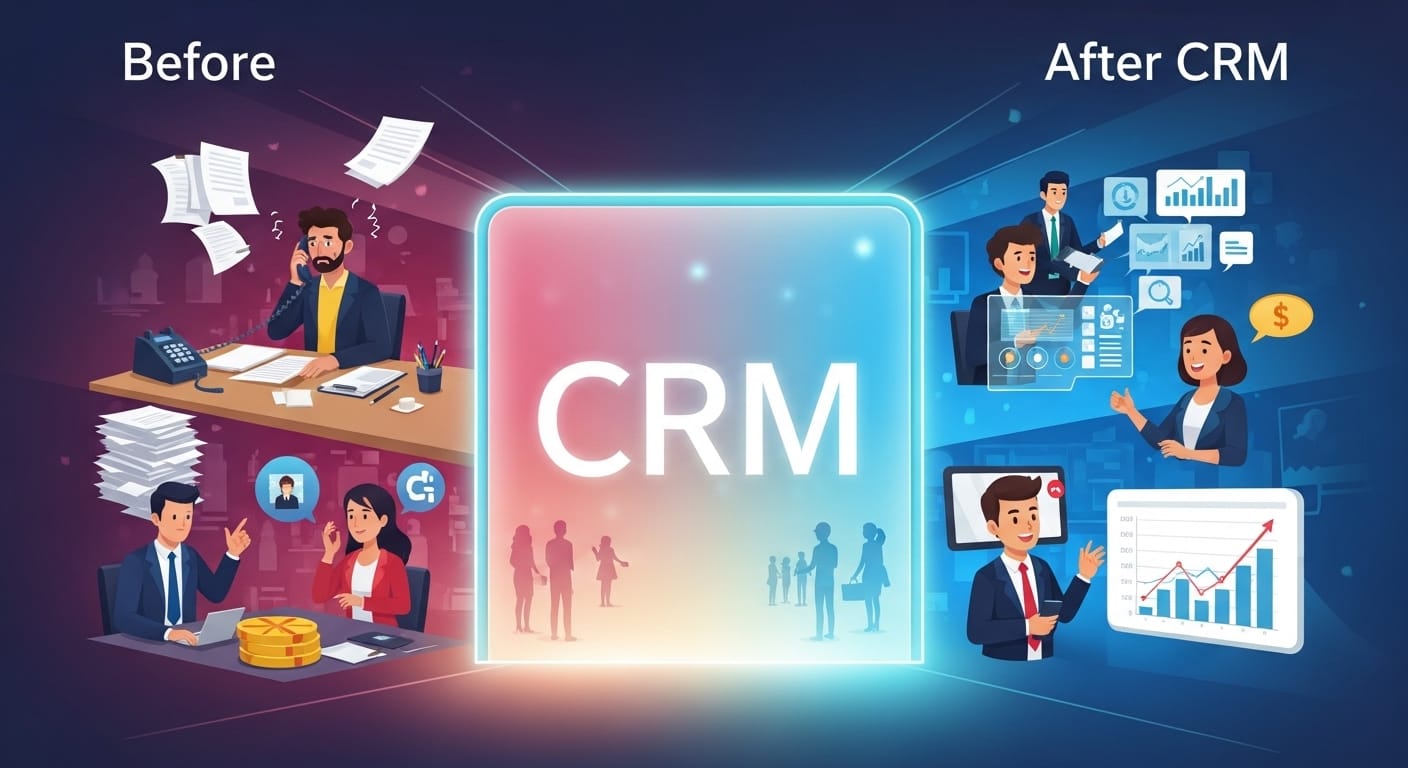
Think of a beauty salon or some clinic. The customers will ask for details through the messages.They will demand immediate responses regarding to their appointments , prices , follow-ups and rescheduling their appointments. But without a CRM the messages would be left on delivered for a long time. So, the business without a CRM relies on memory and “seen” messages. Here comes the change. With a proper CRM and a unified inbox like Kuikwit it would become so easy to respond them immediately with accurate information. And also dealing a lot of messages from different social media in a single platform.
Or an online brand for direct-to-consumer sales. Customers inquire about the sizes, delivery times, returns, and product issues. When these chats take place on Instagram, WhatsApp, and Facebook, using a CRM gives you a clear picture of who is asking what, what they bought, and how you could respond all without even having to make a guess.
What is CRM used for?
CRM is used to manage customer details, conversations, and follow-ups so businesses can sell, support, and retain customers without losing context.
What does a CRM system do for customer service teams?
It keeps conversation history and customer details in one place, so agents can respond faster and avoid asking customers to repeat themselves across channels.
Is CRM only for sales?
No. Sales teams use it heavily, but support, marketing, success teams, and even education admissions teams use CRM to track relationships and communication.
What are the biggest benefits of CRM for small businesses?
Better follow-up, fewer missed messages, clearer team ownership, faster response times, and a more professional customer experience without adding headcount.
What’s the difference between CRM and helpdesk software?
Helpdesk tools focus on tickets and issue resolution. CRM focusing on the full relationship lifecycle. Some platforms blend both, especially with omnichannel messaging.
How does omnichannel CRM improve customer experience?
It lets customers move between channels (Instagram to WhatsApp, for example) while keeping context intact, so support feels continuous and personal.
What should I look for in CRM software platforms?
Look for ease of adoption, reporting, integration with the channels your customers actually use, team assignment features, and strong data security.
Can CRM work for higher education and nonprofits?
Yes. CRM supports admissions follow-ups, student services tracking, alumni engagement, donor communication, and consistent messaging across departments.
Does CRM help with personalization?
It does, because agents can see past conversations, purchase history, and preferences. Personalization becomes practical instead of forced.
How long does CRM setup usually take?
It depends on complexity, but modern systems can be set up quickly—especially if the workflow is messaging-first and doesn’t require heavy technical configuration.