Why Kuikwit Beats Respond.io for Customer Support in 2026
Stop settling for WhatsApp-only support. Kuikwit's omnichannel platform lets you manage Facebook, Instagram, WhatsApp, SMS, voice & email together. Unlike Respond.io, Kuikwit's team management, analytics & 24/7 support come standard. Compare pricing & features now.

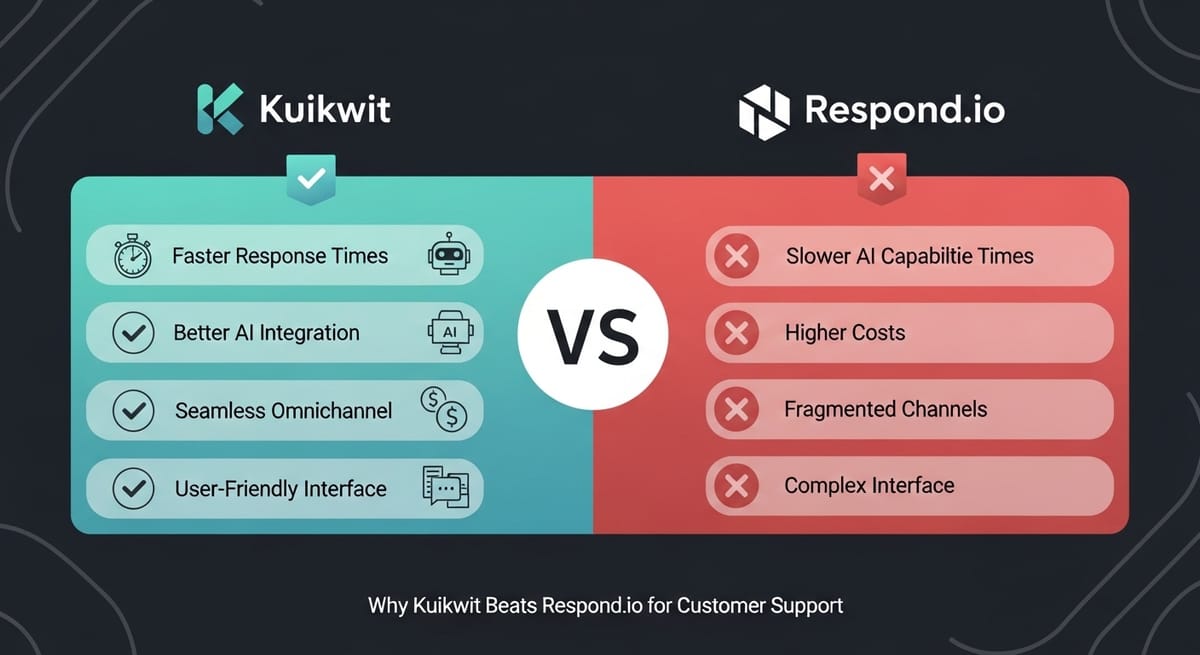
So you're looking at customer messaging platforms and you keep seeing Respond.io pop up. Everyone talks about their WhatsApp integration. But here's the thing—just because a platform does one thing really well doesn't mean it does everything well. I spent time comparing Kuikwit vs Respond.io side by side, and honestly? The differences are pretty stark. Let me break down what I found.
Understanding Customer Messaging Platforms in 2025
Look, customer messaging has become way more important than it used to be. People don't want to email you. They want to text you. They want to message you on WhatsApp or Instagram or Facebook. They want answers fast. Your business needs a system that can handle all that without completely falling apart.
Most platforms claim they do omnichannel messaging. But what does that actually mean? For some companies it means they let you add a bunch of different channels and hope they work together. For others it means they actually built the platform thinking about multiple channels from day one. That's where you start seeing real differences. Kuikwit was built for true omnichannel support. Respond.io? They built it for WhatsApp first and then tried to add everything else later. You can kind of feel the difference when you use them.
What Makes Respond.io Different (and Why It's Limiting)
Respond.io definitely has a thing. They're really solid at WhatsApp. The WhatsApp business API integration is smooth. If your entire customer base lives on WhatsApp, they're not terrible. But that's the thing—your entire customer base probably doesn't just live on WhatsApp.
Their pricing structure is around $25 per month for the basic tier. That gets you WhatsApp support and some basic features. But here's where it gets weird. When you want to add other channels? Facebook. Instagram. Email. SMS. Each one feels like an afterthought. Like they bolted it on. The interface doesn't feel cohesive. The reporting feels disconnected. The team management feels like you're using three different platforms strapped together.
I actually set up a test account with Respond.io. It took about ten minutes to get WhatsApp working. Then I tried adding Instagram. The process was clunky. Then Facebook. Even clunkier. By the time I tried to set up SMS? I was just frustrated. This is not how modern software should feel.
How Kuikwit Actually Does Omnichannel Right
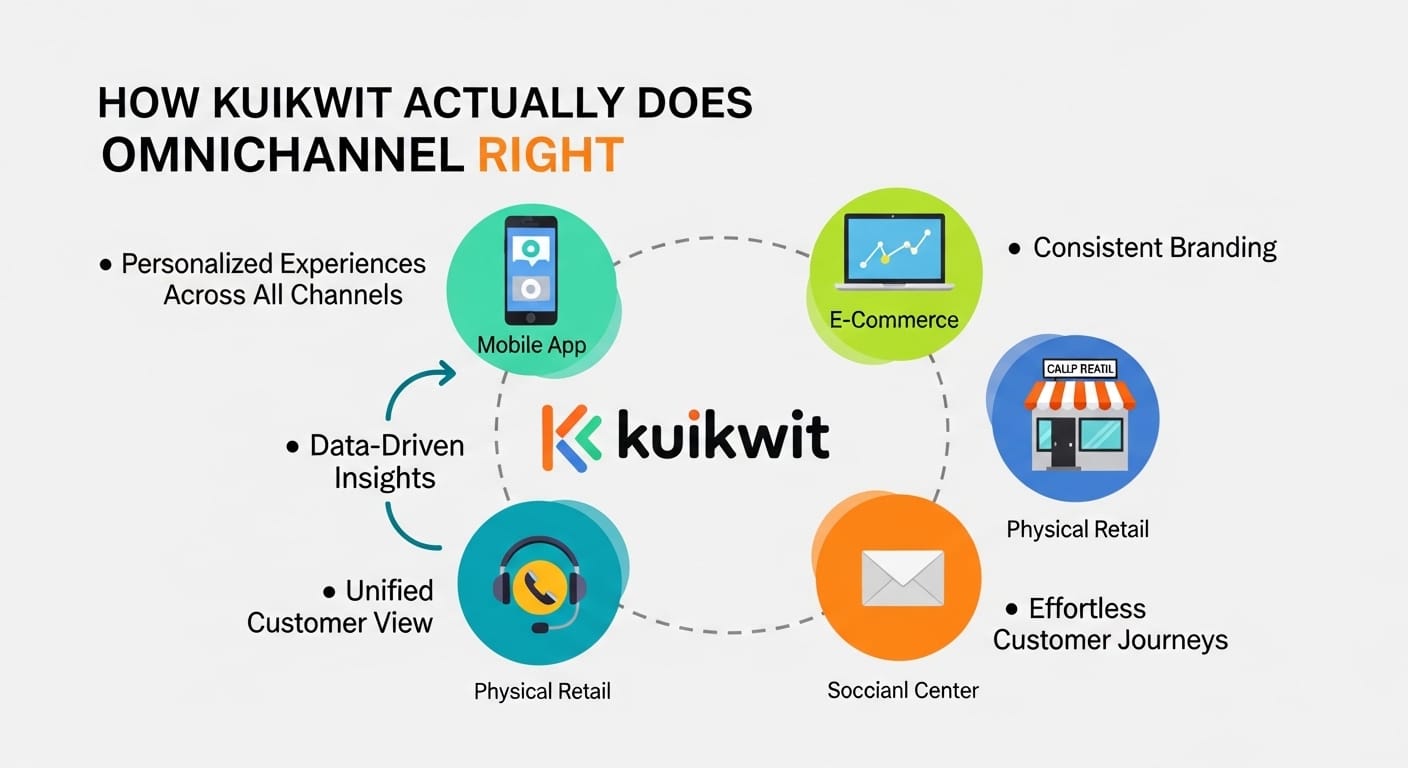
Here's what's different about Kuikwit vs Respond.io. Kuikwit actually designed the platform thinking about omnichannel from day one. It's not WhatsApp plus other channels. It's all channels treated equally from the ground up.
When you start with Kuikwit Basic at $10 per month per person, you're already getting Facebook messenger built in. That's real omnichannel support right away. Move up to Standard at $39 and now you've got Facebook, Instagram, and email all working together seamlessly. The interface feels like one platform. Not five platforms duct taped together. Want to see the exact features at each tier? Check out all Kuikwit features here.
Jump to Business at $69 per month and you're adding SMS through Twilio and voice capabilities. So now you're handling customer service across WhatsApp, Facebook, Instagram, email, SMS, and voice calls. All from one dashboard. All with the same team management system. All with the same reporting. That's not just better than Respond.io. That's like they're not even in the same league. Curious about the channels you can connect? Explore all supported channels here.
Setup and Getting Started: A Real Difference
So I tested the setup process for both. With Respond.io you're looking at maybe fifteen to twenty minutes if you're comfortable with technical stuff. If you're not? Probably forty five minutes. And you're only getting WhatsApp working at that point.
Kuikwit? Honestly under sixty seconds. I'm not exaggerating. The platform just works. You don't need a developer. You don't need to understand APIs or webhooks or any of that stuff. Your support team can literally be using it in under a minute. That matters way more than people realize.
When you're running a support operation you want to spend time helping customers, not fighting with your software. Kuikwit gets that. Respond.io clearly doesn't.
The Team Management Difference Is Actually Huge
Let's talk about how these platforms handle teams because this is where things get really interesting.
Kuikwit has proper team management built in. You can set up different user roles. You can control who sees what. You can assign chat limits to prevent anyone from getting overwhelmed. You can transfer chats between team members. You can see who's handling what and how fast they're responding. The subordinate access system lets you give different permissions to different people. It all feels natural and integrated. Want to learn how better support tools improve customer experience? Read our guide on improving customer experience with messaging tools.
Respond.io has team stuff too. But it feels like they added it later. You can assign chats. You can create teams. But the granularity isn't there. The permission system is clunky. The chat distribution doesn't feel smart. You're basically manually doing what Kuikwit handles automatically.
Chat Management and Workflow Efficiency
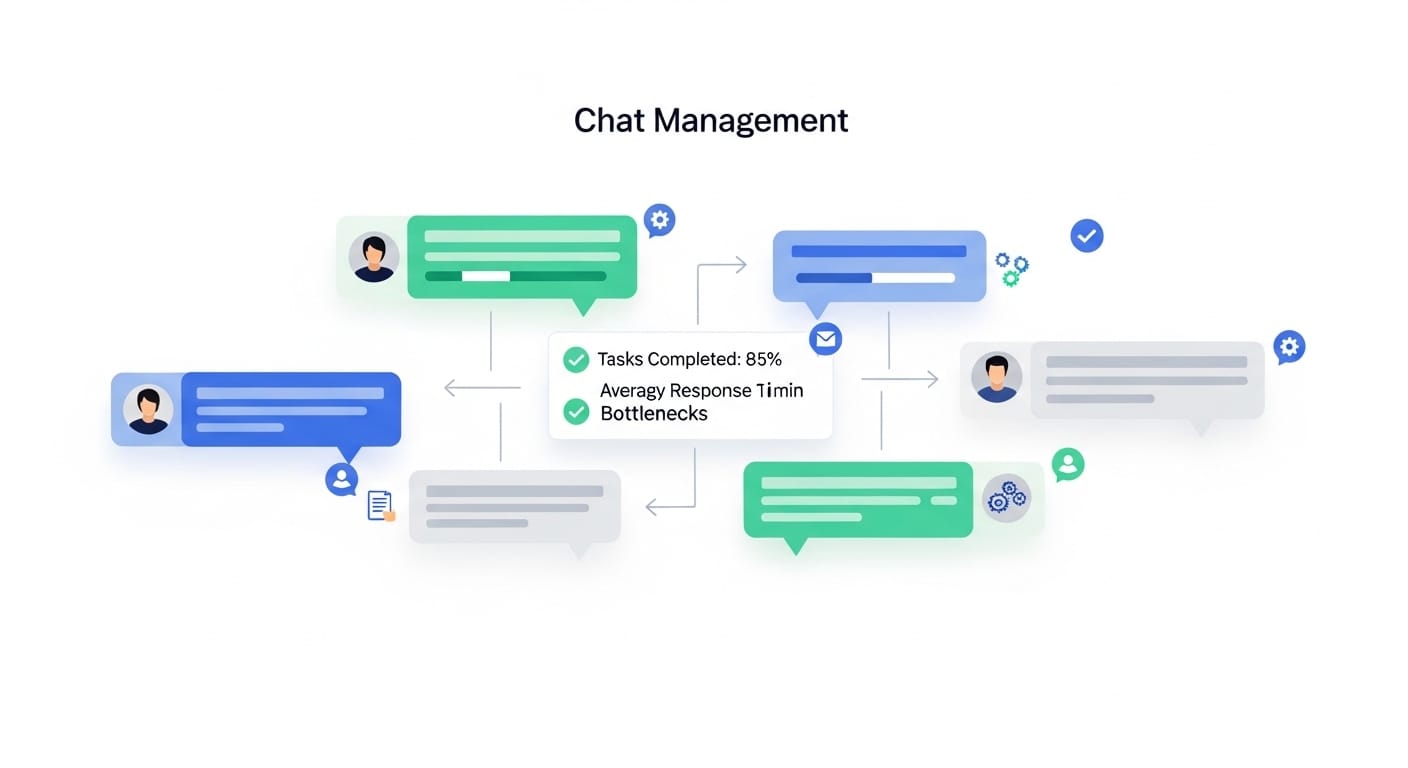
Here's something people don't talk about enough. How fast can you actually help customers?
With Kuikwit you've got canned responses to speed things up. You've got chat notes and reminders so you don't forget about customers. You've got custom search filters so you can find conversations easily. You can search across all your channels from one place. You can add customer details right in the chat so you know who you're talking to. You can transfer active chats between team members without losing context.
Respond.io has some of this. But again it's fragmented. Your canned responses are built one way. Your notes are built another way. Search feels bolted on. You're always feeling like you're using multiple tools that don't really talk to each other.
Analytics and Data That Actually Means Something
Both platforms give you data. But what kind of data and how useful is it?
Kuikwit gives you real analytics. Daily stats. Weekly breakdowns. You can see 90 days of data in Standard plan. 120 days in Business plan. You get graphical insights so you can actually understand what's happening. You can see which channels are getting the most traffic. Which team members are handling the most chats. What your response times look like. How many chats you're resolving. All the stuff that actually matters to a business. Discover Kuikwit features nobody talks about that can transform your support operation.
Respond.io has reporting. It exists. But it's honestly pretty basic. You get numbers. They don't really tell a story. There's no context. No trends. No actionable insights. You look at your Respond.io reports and you think "okay so... what do I do with this?"
The Real Cost Difference Between Kuikwit vs Respond.io
Let's talk money because that's usually what it comes down to anyway.
Respond.io starts at $25 per month. That's one person. One channel basically. If you want actual multi-channel support? You're probably looking at their higher tiers. Their pricing scales weird too. It's not per person like Kuikwit. It's based on conversation volume and contacts and all this confusing stuff. You never really know what you're going to pay until you get the bill.
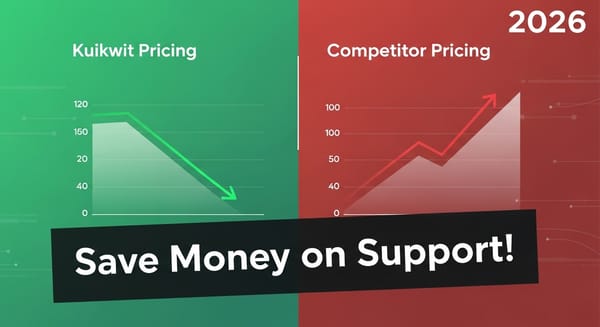
Kuikwit is transparent. $10 Basic, $39 Standard, $69 Business. Per person per month. You know exactly what you're paying and exactly what you're getting. View Kuikwit's transparent pricing here.
Let's say you've got five people handling customer support. With Respond.io you might be paying $200 to $300 per month if you want multi-channel stuff. With Kuikwit Standard? $195 per month. With Business? $345 per month. For full omnichannel support including voice and SMS. Over a year that's thousands of dollars difference. And you're not just saving money. You're getting way more features. Way better team management. Way better reporting.
Multi-Channel Support: How Kuikwit Dominates
This is really the core of it. Multi-channel support done right versus multi-channel support done wrong.
Kuikwit handles Facebook Messenger. Instagram direct messages. WhatsApp. SMS through Twilio. Email. Voice calls. All in one platform. All with the same workflow. All with the same team management. All with the same reporting and analytics.
Respond.io does WhatsApp really well. Then it does everything else... fine. Not great. Fine. You're always feeling like you're compromising on something.
24/7 Live Support: A Feature That Actually Matters

Kuikwit includes 24/7 live support in their Standard plan. That means if something breaks or you don't understand something, there's someone there to help. Not a chatbot. A real person. Available all day and night.
Respond.io has support. But it's not included like that. You're getting whatever support tier you pay for. Which might be okay if everything works perfectly. But something always breaks. Something always needs clarifying.
When your customer support platform goes down at 11pm because something weird happened? You want to pick up the phone and talk to someone immediately. Kuikwit gives you that. Respond.io? Good luck.
|
Feature |
Kuikwit
Basic |
Kuikwit
Standard |
Kuikwit
Business |
Respond.io
Basic |
Respond.io
Plus |
|
Price/Month |
$10 |
$39 |
$69 |
$25+ |
$99+ |
|
Facebook |
Yes |
Yes |
Yes |
No |
Yes |
|
Instagram |
No |
Yes |
Yes |
No |
Yes |
|
WhatsApp |
No |
No |
Yes |
Yes |
Yes |
|
SMS |
No |
No |
Yes |
Limited |
Yes |
|
Voice |
No |
No |
Yes |
No |
No |
|
Team Mgmt |
Basic |
Advanced |
Advanced |
Basic |
Basic |
|
24/7 Support |
No |
Yes |
Yes |
No |
No |
|
Setup Time |
<1 min |
<1 min |
<1 min |
15+ min |
15+ min |
Real Talk About What You Actually Need
Here's the honest truth. If your business is purely WhatsApp based, if literally all your customers only contact you through WhatsApp, then maybe Respond.io is fine. But how realistic is that really? Most businesses get contacted through multiple channels. You've got people messaging you on Instagram. You've got others sending SMS. You've got some people still using email. Some want to call you.
You need a platform that handles all that without making you crazy. That's Kuikwit. Not Respond.io.
Speed and Performance: It Actually Matters
When a customer sends you a message, how fast does it appear in your interface? With Kuikwit it's instant. Like genuinely instant. The platform is snappy. It loads fast. Switching between channels is seamless. Managing multiple conversations at once feels natural.
Respond.io? It works. But sometimes there's lag. Sometimes switching between channels takes a second longer than it should. When you're handling customer support and someone's waiting for an answer, that second matters. It all adds up.
The Ease of Use Factor
I've been using both platforms and honestly Kuikwit just feels more intuitive. Where you expect buttons to be, they are. The workflow makes sense. Your team can start using it immediately without any training.
Respond.io requires more explanation. Where's this feature? How do I do that? Why is this interface different from that one? Your team needs training and documentation.
Customization and Flexibility
Kuikwit lets you customize user roles. You can set chat limits. You can control permissions granularly. You can assign pages to specific team members. You can customize search filters. It bends to your workflow.
Respond.io is more rigid. You use it the way it was built. You don't really customize it much. Which is fine if the way it was built works for you. But most businesses need something more flexible.
When Respond.io Might Actually Work
Look, I'm not going to sit here and say Respond.io is completely terrible. There are situations where it might be okay.
If you're a very small business. Like just you or one other person. And you only communicate through WhatsApp. Then Respond.io might be fine. You don't need the advanced team management. You don't need the sophisticated reporting. You don't need voice support. You just need WhatsApp to work.
But the second you start growing? The second you need to handle multiple channels? The second you need your team to scale? Kuikwit is going to be way better.
The Bottom Line
Kuikwit vs Respond.io really comes down to this. Respond.io is good at one thing. Kuikwit is good at everything. Kuikwit is cheaper. Kuikwit is faster to set up. Kuikwit scales better. Kuikwit's reporting actually helps you make decisions. Kuikwit's team management actually works.
If you need a messaging platform that handles customer support across multiple channels, Kuikwit is the obvious choice. It's not even close honestly.
FAQs About Kuikwit vs Respond.io
Does Kuikwit handle WhatsApp like Respond.io does?
Kuikwit supports WhatsApp in their Business plan. It's not their only focus like Respond.io, but it works well. The difference is Kuikwit also handles Instagram, Facebook, SMS, voice, and email with equal quality. You're not choosing between doing WhatsApp well OR doing other channels well. You do everything well.
Is Kuikwit more expensive than Respond.io?
Depends on what you want. If you want just WhatsApp from Respond.io? Yeah it's cheaper. But if you want real omnichannel support? Kuikwit Standard at $39 per person gives you more features than most Respond.io plans. And it's transparent pricing. No surprise bills.
Can I switch from Respond.io to Kuikwit easily?
Super easy actually. Kuikwit's setup takes under a minute. You just connect your channels and you're done. All your team members can start using it immediately. No migration headaches. No complex setup process.
What if I need WhatsApp to be my main channel?
That's fine. Kuikwit handles WhatsApp beautifully. The difference is if you ever get a customer reaching you through Instagram or Facebook or SMS, Kuikwit handles that too. You're not choosing. You get everything.
How long does it take to set up Kuikwit compared to Respond.io?
Kuikwit takes under a minute. Respond.io takes fifteen to forty five minutes depending on how technical you are. That's a massive difference when you're trying to get your support operation running.
So yeah. Kuikwit vs Respond.io. If you need actual omnichannel customer support that works without making you crazy, Kuikwit wins. It's faster. It's cheaper for what you get. It scales better. It's easier to use. Your team will be happier using it. You'll have better data to make decisions with. Ready to try Kuikwit? Start your free trial today and see the difference for yourself. Need help getting started? Check out our Kuikwit tutorials to master the platform once you sign up.