Best Malware Protection Tools for 2026
Discover how malware protection works, why modern threats are harder to detect, and which tools can keep your PC, phone, and personal data secure every day.

Most people don’t wake up thinking about viruses, spyware, or hidden threats in their devices. They check messages. Scroll social media. Open emails. Download apps. And life goes on.Until one day, something feels off. A phone slows down. Pop-ups appear. Accounts get locked. Files disappear.
That’s when malware protection stops being “technical stuff” and starts feeling personal. It’s no longer about software. It’s about control, privacy, and peace of mind.
Malware protection refers to the systems, tools, and practices used to detect, block, and remove harmful software from digital devices. It combines antivirus programs, scanners, real-time monitoring, and user awareness to prevent cyber threats. When used correctly, it reduces data loss, protects personal information, and keeps devices running smoothly—especially when supported by modern solutions like intelligent AI security systems that can adapt to evolving digital attacks.
What is malware protection?
It is a system that detects and blocks harmful software before it damages your device or data.
Is it worth investing in?
Yes, especially if you use online banking, email, or cloud storage regularly.
How does it work?
It scans files, monitors behavior, and blocks suspicious activity in real time.
Understanding How Malware Works in Real Life
Malware rarely announces itself. It doesn’t knock on the door and say, “Hello, I’m here to steal your data.” It sneaks in quietly. Through fake downloads. Through infected ads. Through cracked software. Through innocent-looking email attachments.
Once inside, it behaves differently depending on its purpose. Some collect passwords. Others mine cryptocurrency. Some record keystrokes. Some lock files and demand payment. A few simply slow everything down until you can’t work properly anymore. That’s why people often don’t realize they’re infected until damage has already happened.
Modern malware is adaptive. It changes signatures. It hides in system files. It disables security settings. It pretends to be legitimate software. This is why traditional “install and forget” antivirus approaches no longer work well on their own. Protection today must be active, layered, and constantly updated to keep up with evolving threats.
How Malware Protection Systems Actually Work
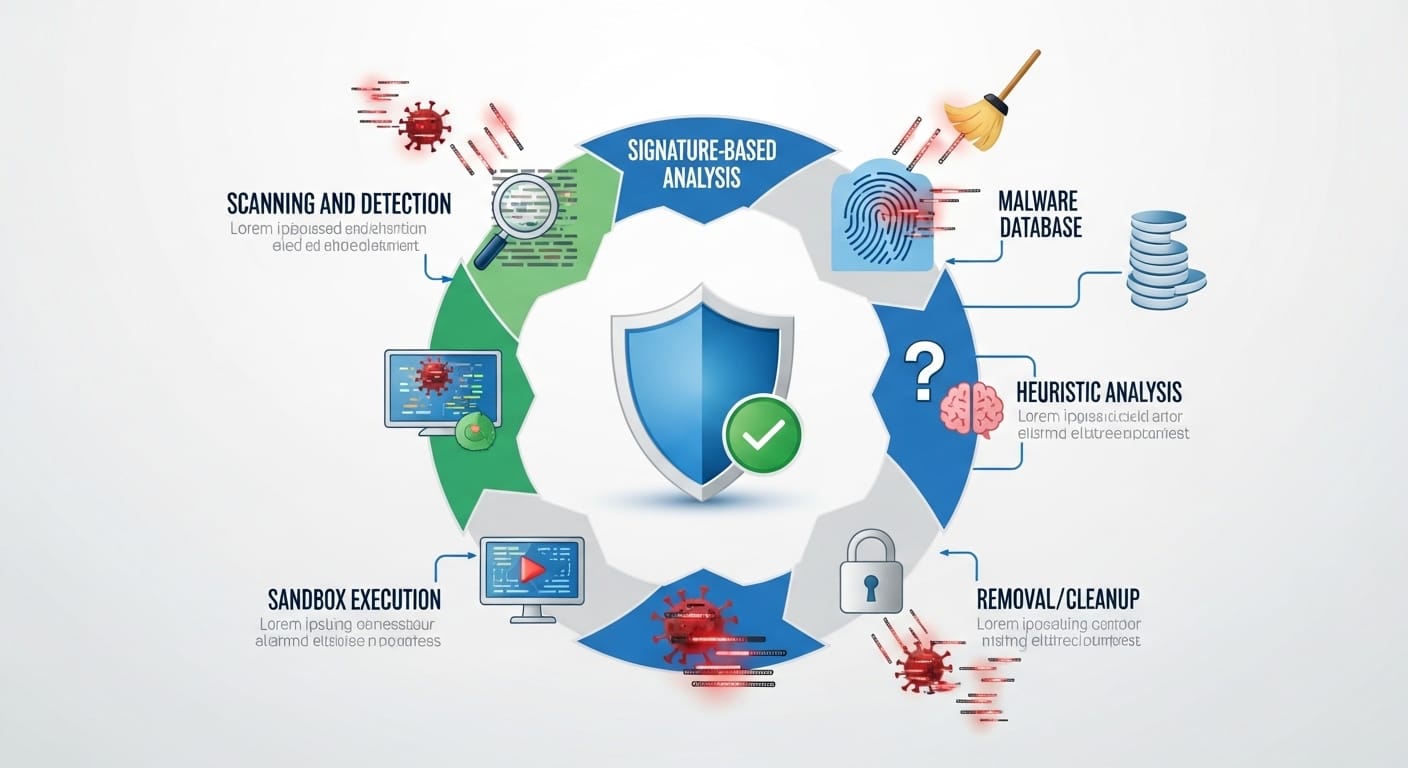
At the core, malware protection tools rely on scanning engines and behavioral analysis. Scanners compare files against massive databases of known threats. If a match appears, the file gets blocked or removed. That’s the basic layer. But it’s only the beginning. Modern security systems also depend on streamlined communication and response workflows, similar to how simplified customer messaging platforms help teams detect, report, and act on threats faster before they escalate.
Behavioral monitoring watches what programs do, not just what they look like. If software suddenly tries to access passwords, modify system files, or send strange data packets, alarms trigger. This catches newer threats that haven’t been cataloged yet. It’s like watching behavior instead of checking ID.
Cloud-based protection also plays a role. Many modern tools send suspicious data to global security networks for analysis. Updates happen in minutes, not weeks. This shared intelligence makes protection faster and smarter. It’s no longer one computer fighting alone. It’s millions of devices learning together.
Best Malware Protection Tools in Today’s Market
Choosing the best malware protection depends on how you use your devices. Some people just browse and email. Others manage businesses, finances, and customer data. The level of risk changes everything.
Great antivirus programs like Norton 360 antivirus offer layered security. Antivirus, firewall, VPN, password manager, and cloud backup in one package. This all-in-one approach works well for users who want simplicity. Install once. Protect everything.
Other tools focus on lightweight performance. They consume fewer resources and suit older devices. Some specialize in mobile protection, offering the best antivirus for Android with app scanning and permission monitoring. Windows users often look for the best antivirus for Windows 11 or best virus protection for PC that integrates well with system security features.
There is no universal “best.” There is only what fits your habits and risk level.
How to Remove Malware When Your Device Is Infected
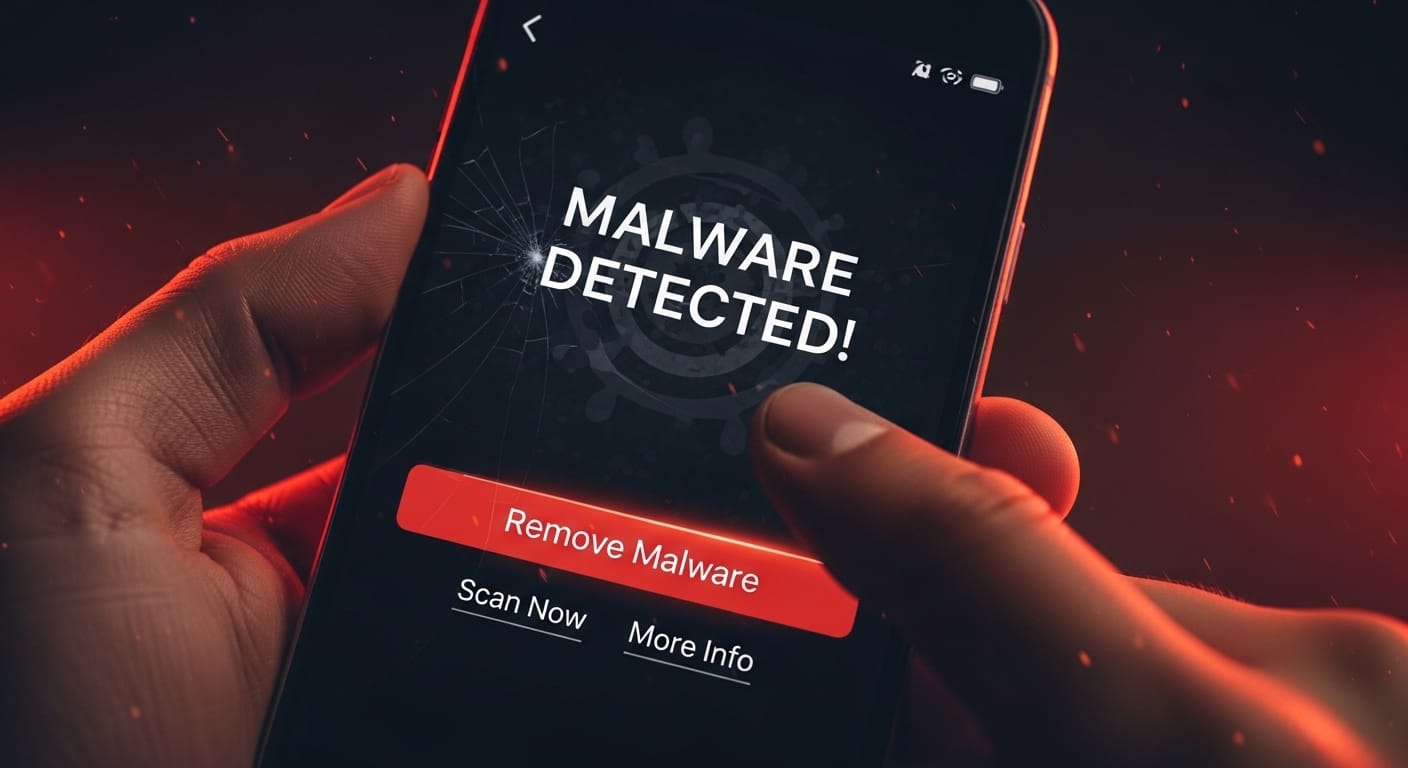
Discovering malware on your device feels unsettling. Suddenly, everything seems compromised. The good news is that most infections are removable if handled correctly and early.
The first step is isolation. Disconnect from the internet. This prevents further data leaks. Then run a full malware scanner in safe mode if possible. Safe mode limits background processes and makes removal easier. Let the tool complete its work. Do not interrupt.
If standard tools fail, specialized removal utilities may help. Some threats require manual cleanup. In severe cases, system reset or reinstallation becomes necessary. That sounds extreme. But sometimes it’s the safest route. After removal, always change passwords and review account activity. Cleanup without prevention is incomplete.
Google Play Protect and Mobile Security
On Android devices, Google Play Protect acts as a built-in security layer. It scans installed apps, checks permissions, and flags suspicious behavior. For many casual users, this provides a basic level of safety without extra downloads.
However, Play Protect alone isn’t enough for high-risk users. It doesn’t always catch newly released malicious apps. Some harmful software bypasses app store checks entirely through sideloading. That’s where third-party antivirus tools become valuable.
Mobile malware is growing rapidly. Banking trojans. Spyware. Subscription fraud apps. They target phones because people trust them. Strong protection on mobile devices is no longer optional. It’s part of digital hygiene now.
Malware Protection on Different Devices
Protection needs differ across platforms. Windows users face the widest variety of threats. That’s why many search for the best antivirus for Windows 11 or best virus protection for PC. Integration with built-in security features matters here.
Mac users sometimes believe they’re immune. That’s changing. Attacks on MacBook Pro users are increasing. Phishing tools, remote access trojans, and spyware now target macOS regularly. “Macbook pro hacker” searches are rising for a reason. Protection matters here too.
Chromebooks operate differently. They rely heavily on sandboxing and verified boot. That gives them strong built-in defenses. A Chromebook with virus protection built into the system is relatively safe. Still, no platform is perfect. Awareness remains critical.
Benefits of Strong Malware Protection in Daily Life
Good malware protection gives back time. You don’t waste hours fixing crashes or restoring files. You work without interruptions. You browse without fear. That matters more than people admit.
It also protects finances. Many malware infections target banking apps and payment systems. Stopping one breach can save thousands. Sometimes more. It protects identity too. Stolen data often circulates for years. Prevention avoids long-term consequences.
There’s also mental relief. Knowing your devices are protected reduces background stress. You stop second-guessing every download. You stop worrying about every email attachment. That peace of mind adds up quietly over time.
Real-Life Examples of Malware Attacks and Recovery
A small business owner downloads fake accounting software. Within days, ransomware locks all client records. Backup systems fail. Recovery takes months. Lost trust hurts more than lost money.
A student installs a “free” video editor. It hides spyware. Login details get stolen. Social accounts are hijacked. Rebuilding online presence takes weeks. All from one careless click.
A freelancer uses proper protection. A phishing email arrives. The attachment contains malware. Antivirus blocks it instantly. Nothing happens. Life continues. That’s what protection looks like when it works.
Common Mistakes People Make with Antivirus Software
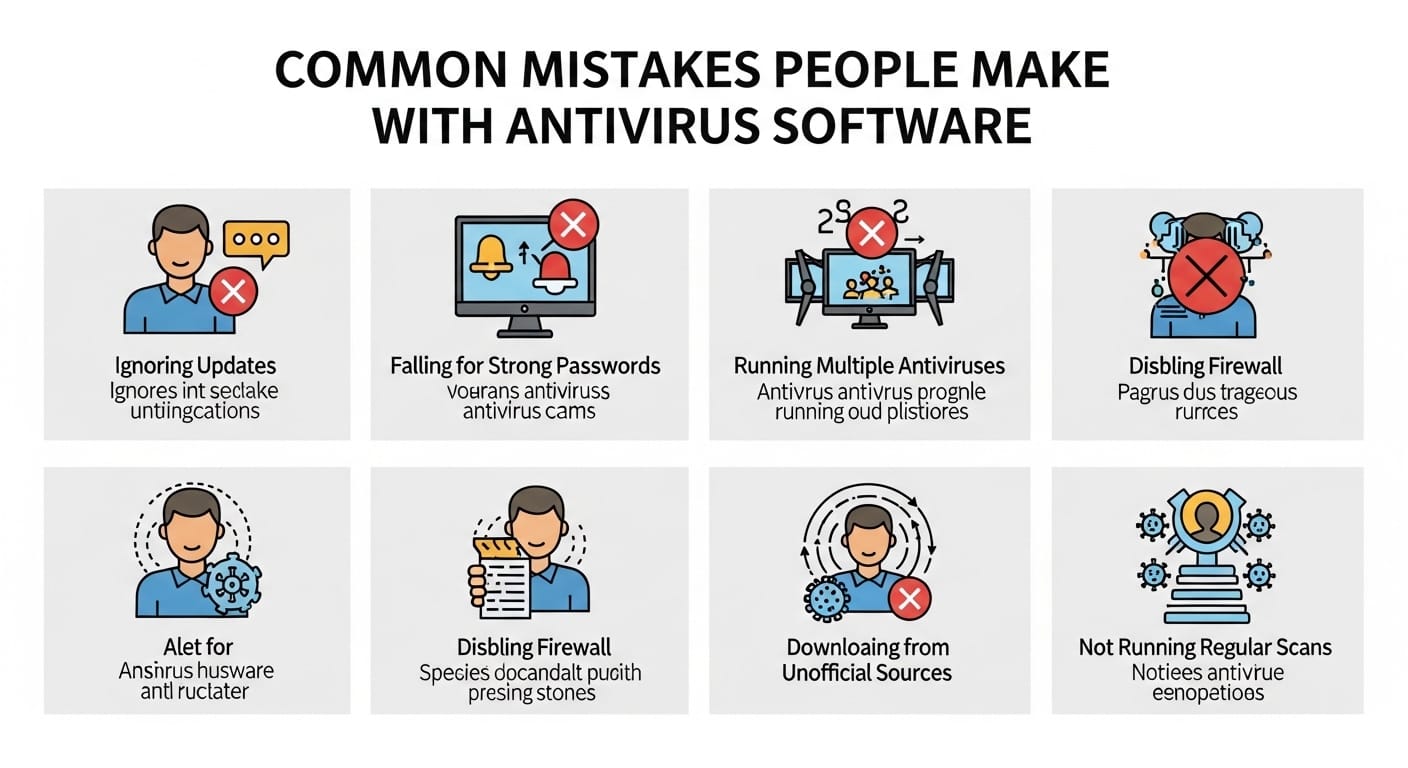
Many people install antivirus and forget it. Updates get ignored. Licenses expire. Protection weakens quietly. They assume they’re safe. They’re not.
Some rely only on free tools for high-risk activities. Free software has limits. It’s fine for light use. Not for sensitive data. Others disable security features because “it slows things down.” Performance matters. But safety matters more.
Another mistake is downloading multiple security tools that conflict with each other. More software doesn’t mean more safety. It often means instability. One reliable solution, properly configured, beats five half-working ones.
Comparing Antivirus Software and Security Suites
Traditional antivirus focuses on file scanning. It checks downloads and removes known threats. That’s useful. But limited. Modern threats require more.
Security suites include firewall protection, identity monitoring, VPNs, and backup systems. Norton 360 antivirus is an example of this approach. It protects more areas but uses more resources. Some users love that. Others prefer minimalism.
Cloud-based protection tools rely on online databases. They update faster but need stable internet. Offline tools rely on local databases. They’re independent but slower. Choosing depends on lifestyle and work habits.
Centralized Security and Message Management with Kuikwit.com
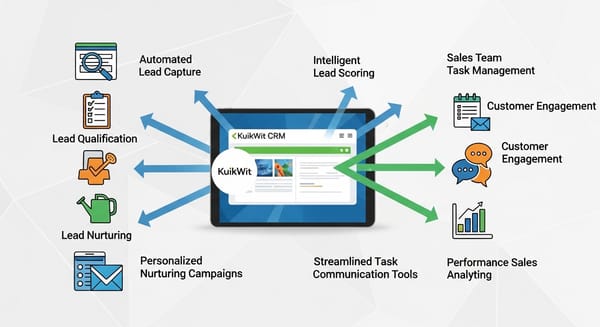
Kuikwit.com operates as a centralized message and communication agent platform. It brings multiple channels together. Emails. Alerts. Notifications. Support messages. All in one place.
When combined with malware protection systems, Kuikwit helps monitor suspicious communication patterns. Phishing attempts. Fake invoices. Malicious links. They become easier to detect when everything is visible in one dashboard.
For businesses handling sensitive communication, this combination adds another layer of defense. Security is no longer just software. It becomes part of workflow management. Prevention starts at the communication level.
Comparison of Popular Malware Protection Features
| Feature | Basic Antivirus | Security Suite | Enterprise Security |
|---|---|---|---|
| File Scanning | Yes | Yes | Yes |
| Real-Time Protection | Limited | Advanced | Advanced |
| Firewall | No | Yes | Yes |
| VPN | No | Often Included | Optional |
| Cloud Monitoring | Rare | Common | Standard |
| Central Management | No | Limited | Full |
This shows why one-size-fits-all solutions rarely work.
Security Habits That Strengthen Malware Protection
Software alone isn’t enough. Habits matter. Avoid downloading cracked programs. Verify email senders. Check URLs carefully. Keep systems updated. Small actions create big protection.
Password hygiene also matters. Malware often steals weak credentials. Use managers. Enable two-factor authentication. Protect recovery emails. One compromised account can unlock many others.
Backups are another safety net. Even with protection, things happen. Regular backups turn disasters into inconveniences. Without them, recovery becomes painful and expensive.
The Human Side of Digital Security
Security fatigue is real. Constant warnings. Updates. Alerts. It becomes overwhelming. People tune out. That’s dangerous.
Good systems respect human limits. They automate quietly. They alert only when necessary. They don’t create panic. They build confidence. Users stay engaged instead of overwhelmed.
Technology works best when it supports behavior, not fights it. The strongest protection combines smart tools with realistic routines.
Building a Long-Term Malware Protection Strategy
Short-term fixes don’t last. Installing random software after a scare won’t protect you forever. Strategy matters.
Start with reliable protection. Add backup systems. Integrate communication monitoring. Educate yourself and your team. Review settings quarterly. Update policies annually.
Think of security like health. One workout doesn’t make you fit. One antivirus install doesn’t make you safe. Consistency does.
Full FAQ Section
What is the best malware protection for home users?
It depends on usage, but full security suites work well for most people.
How often should I scan my device?
At least once a week, plus real-time monitoring.
Can malware infect phones easily?
Yes. Mobile malware is growing rapidly.
Is free antivirus enough?
For light use, sometimes. For sensitive data, usually not.
How do I know if my device is infected?
Slow performance, pop-ups, crashes, and unknown apps are warning signs.
Does Google Play Protect replace antivirus apps?
No. It offers basic protection but has limits.
Can Macs get malware?
Yes. Attacks on macOS are increasing.
Should businesses use centralized security platforms?
Yes. It improves visibility and response time.
Most people don’t think about malware until something breaks.Until money disappears. Until files vanish. Until access gets blocked.
Then it feels urgent. Then it feels personal.
Strong protection doesn’t make life perfect. It makes it calmer. Quieter. More predictable.And in a digital world that never really sleeps, that kind of stability matters more than people realize.