The Smart CRM: Centralize WhatsApp, Instagram and Facebook

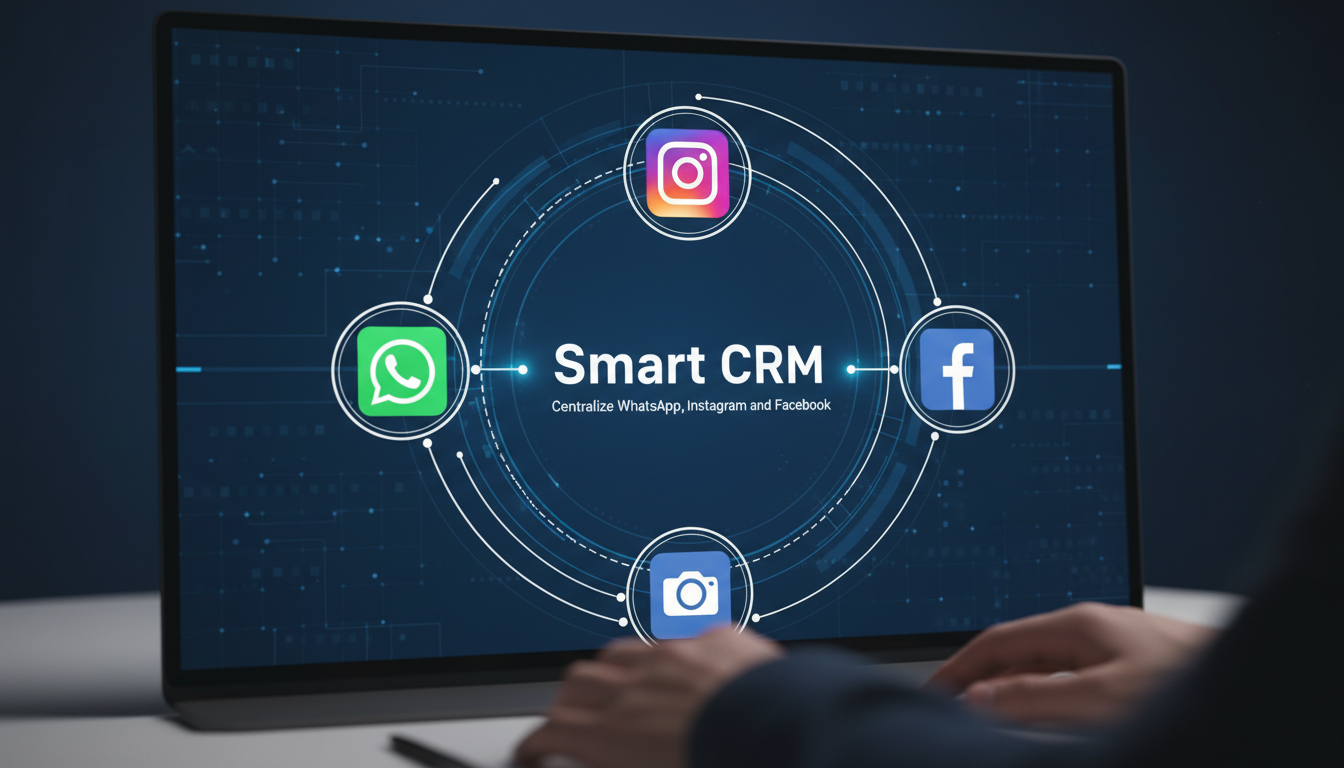
If you have ever felt that specific panic of a customer asking about an order on one app while you are looking at a different thread on another, you know why you need to centralize WhatsApp and Instagram messages. It is not just about being tidy; it is about making sure that a high-value lead in New York or a quick query from Dubai does not just vanish into the digital ether. Using a hub like Kuikwit turns that scattered mess into a single, profitable conversation that your whole team can actually see.
Quick FAQ
What does it mean to centralize messaging?
It means pulling every DM, voice note, and text from platforms like Meta and WhatsApp into one single dashboard. Instead of five apps, you have one screen.
Is this worth it for small business owners?
Yes, because time is your most expensive resource. If you spend an hour a day just checking different notification centers, you are losing hours of actual growth work every single week.
How does Kuikwit make this happen?
Kuikwit acts as a secure bridge. You link your business accounts once, and then the "Smart CRM" logic takes over, routing everything into a unified inbox for your team to handle.
Why the Old Way of Checking Apps is Failing
Scaling hits hard when you're managing apps manually. Once you link Kuikwit hub to centralize WhatsApp and Instagram, the weight of notification fatigue lifts. Leveraging quiet technologies is the difference between running a professional shop and an exhausting hobby. In competitive markets, knowing how to simplify customer messaging is the only way to beat retail giants and prevent customers from switching to Amazon.
Moving Toward a Professional Omnichannel Support Model

There is a big difference between being multichannel and embracing a true omnichannel vs multichannel strategy, even if people use those words interchangeably. Multichannel just means you have a bunch of accounts; whereas omnichannel messaging systems mean they actually talk to each other.
When you use Kuikwit, you are building that foundational enterprise messaging hub where a customer can start a chat on Instagram and follow up on WhatsApp without your team losing the plot. It makes your brand look incredibly sophisticated, like you have a massive tech department behind you even if it is just you and a laptop. That level of polish is what lets you charge premium prices because people feel they are getting premium attention.
How Quiet Technologies Handle the Grunt Work
You do not always need a flashy, loud piece of software to make a difference in your daily workflow. The best systems are the quiet technologies that work in the background, like the AI auto-replies and end-to-end encryption that Kuikwit uses to keep things moving. These systems handle the repetitive "What are your hours?" or "Where is my tracking number?" questions while you are focusing on actual strategy. You do not see the complex data routing happening, but you definitely notice when your inbox is suddenly 80% cleaner than it was yesterday. It allows you to be "always-on" for your customers without actually having to stay awake for twenty-four hours straight.
The Problem with Fragmented Team Communication
If you have a team, the "app-hopping" method is even more dangerous because no one knows who is answering what. You end up with two people replying to the same customer, or even worse, everyone assuming someone else has it, and the lead just dies in silence. A smart hub solves this through chat assignment, where a message comes in and is instantly tagged to a specific person. It brings a sense of order to the chaos. You can see the workload in real-time and jump in if you see an agent getting overwhelmed. It turns your support from a stressful chore into a streamlined sales engine where everyone knows exactly what their job is for the day.
Comparing Kuikwit to Traditional CRM Databases
| Feature | Traditional CRM | Kuikwit Smart Hub |
| Primary Focus | Data storage and logs | Real-time conversation |
| Messaging | Usually via email only | WhatsApp, IG, FB, Web |
| Setup Speed | Weeks of implementation | 5-minute connection |
| Team Use | Complex permissions | Simple chat assignment |
| AI Integration | Often an add-on cost | Built-in auto-replies |
Leveraging AI Auto-Replies to Win Back Your Time
We have all had those days where the same three questions come in fifty times and you feel like a broken record. By the time you get to the real, interesting questions, you are already drained. Setting up smart auto-replies inside your hub is like hiring a digital assistant who never gets bored or grumpy. It handles the basics instantly, which keeps the customer happy because they got an immediate answer. If the question is too complex, the system just hands it over to a human. This hybrid approach is the only way to scale a brand in 2026 without burning out your staff or losing that personal touch that makes boutique brands so special.
Security and Trust in a Centralized Dashboard


When you bring everything into one spot, you have to be sure that spot is a fortress. People are rightly worried about their private DMs and customer data, which is why encryption and strict compliance are non-negotiable. Kuikwit handles this by ensuring that when you centralize WhatsApp and Instagram, the data is protected and private. It is not just about convenience; it is about being a responsible business owner. In markets like the USA or the UK, a data breach can end a company overnight. Using a professional platform instead of a bunch of "free" workarounds is an insurance policy for your brand's reputation and your customers' peace of mind.
Scaling Your Business with Visual Analytics
If you do not know where your customers are coming from, you are just throwing marketing money at the wall. The analytics inside a unified dashboard show you exactly which platform is driving the most engagement. Maybe your Instagram is great for browsing, but your WhatsApp is where the actual sales happen. This insight lets you shift your focus and your ad spend to where it actually counts. You can see your team's response times and identify exactly where the bottlenecks are in your sales funnel. It turns your support center into a laboratory where you can test what works and discard what doesn't, all based on hard data.
Why Multi-Device Access is Crucial for Modern Founders
As a founder, your "office" is wherever you are at that moment. You might be in a warehouse in Faisalabad, a meeting in Dubai, or a coffee shop in London. You cannot be tethered to a desktop computer all day just to answer a customer question. A smart hub with multi-device access ensures you can manage your Facebook, WhatsApp, and Instagram DMs from your phone or tablet just as easily as your laptop. It gives you back your freedom. You can stay responsive to your customers while actually living your life, which is the whole point of building a business in the first place, right?
Detailed FAQ (People Also Asked)
Can I connect my personal WhatsApp to Kuikwit?
It is usually best to use a WhatsApp Business account or the API for professional hubs. This keeps your private chats separate from your work life and gives you access to the better automation features that come with business-grade tools.
How does this affect my Instagram "Seen" status?
When you use a hub, the status is managed through the dashboard. It allows your team to read and organize messages without necessarily triggering the "Seen" receipt until they are actually ready to reply, which takes some of the pressure off.
Is it hard to move my existing chats into a hub?
Usually, once you connect your accounts, the most recent chats will sync up. It is a very smooth transition. You don't lose your history; you just get a better way to look at it and manage it going forward.
Does this work for teams in different countries?
Absolutely. One of the best parts of a centralized hub is that you can have a support person in Pakistan and a sales person in the USA both looking at the same dashboard in real-time. It makes geographic boundaries disappear.
What happens if Instagram or WhatsApp goes down?
If the platform itself has an outage, the messages will be delayed, but as soon as they are back up, your hub will pull them in. You won't lose the messages; they just sit in the queue until the connection is restored.
Can I send voice notes through Kuikwit?
Yes, most modern hubs allow for rich media, including images, documents, and voice notes. It feels just like using the native app but with all the extra business tools on top.
Does this help with my response time badge on Facebook?
Yes! Because you are replying faster from one dashboard, your "Very Responsive" badge stays green, which actually helps your page rank higher in Facebook's internal search results.
Is it expensive to set up?
Compared to the cost of a single missed lead or the salary of an extra assistant to check apps manually, a unified hub is incredibly cost-effective. It usually pays for itself by saving you just a few hours of work a week.
Anyway, that is the general gist of it. Once you stop fighting the apps and start using a system that actually works with you, everything just feels a lot simpler. It is about taking back your time and making sure every customer feels like they are your only customer. Just link them up and see how much faster you can actually grow when you aren't stuck in "notification hell" all day.