Unified Messaging 2026: One Inbox for All Your Chats
Unified messaging brings emails, chats, social media messages, and customer inquiries into one organized dashboard.

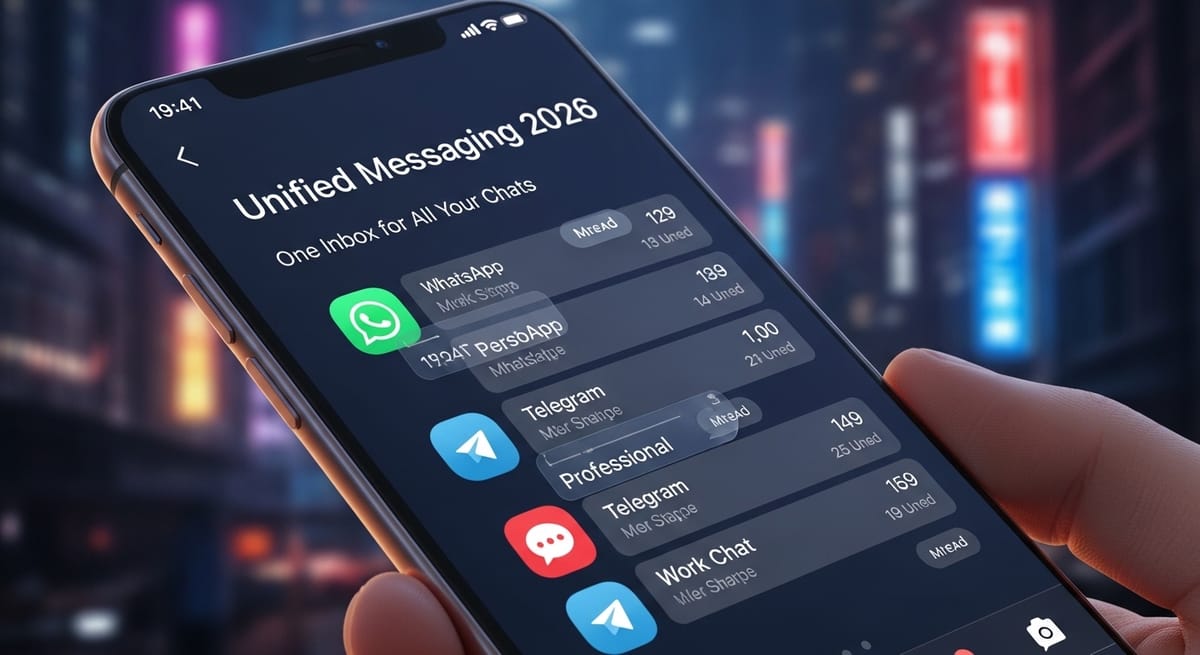
Most people don’t realize how fragmented their communication has become until they stop and think about it. Emails in one place. WhatsApp messages in another. Social media DMs scattered everywhere. Customer inquiries spread across platforms. It feels manageable at first. Then it doesn’t. Suddenly, half your day goes into switching tabs and chasing conversations.
This is where unified messaging starts to make sense. It brings everything together. Not in a flashy way. Just quietly, efficiently, and in a way that makes daily communication feel lighter again.
Introduction
Unified messaging refers to a system that collects messages from different platforms into one centralized interface. Instead of checking multiple apps, users can manage emails, chats, social messages, and notifications in one place. It helps businesses and individuals respond faster, stay organized, and reduce communication overload by integrating intelligent AI communication systems without adding technical complexity.
What is unified messaging?
It is a system that combines messages from multiple platforms into one dashboard.
Is unified messaging worth it?
Yes, especially for teams and businesses handling high message volumes daily.
How does it work?
It connects different communication channels and syncs them into one interface.
How Unified Messaging Works Behind the Scenes
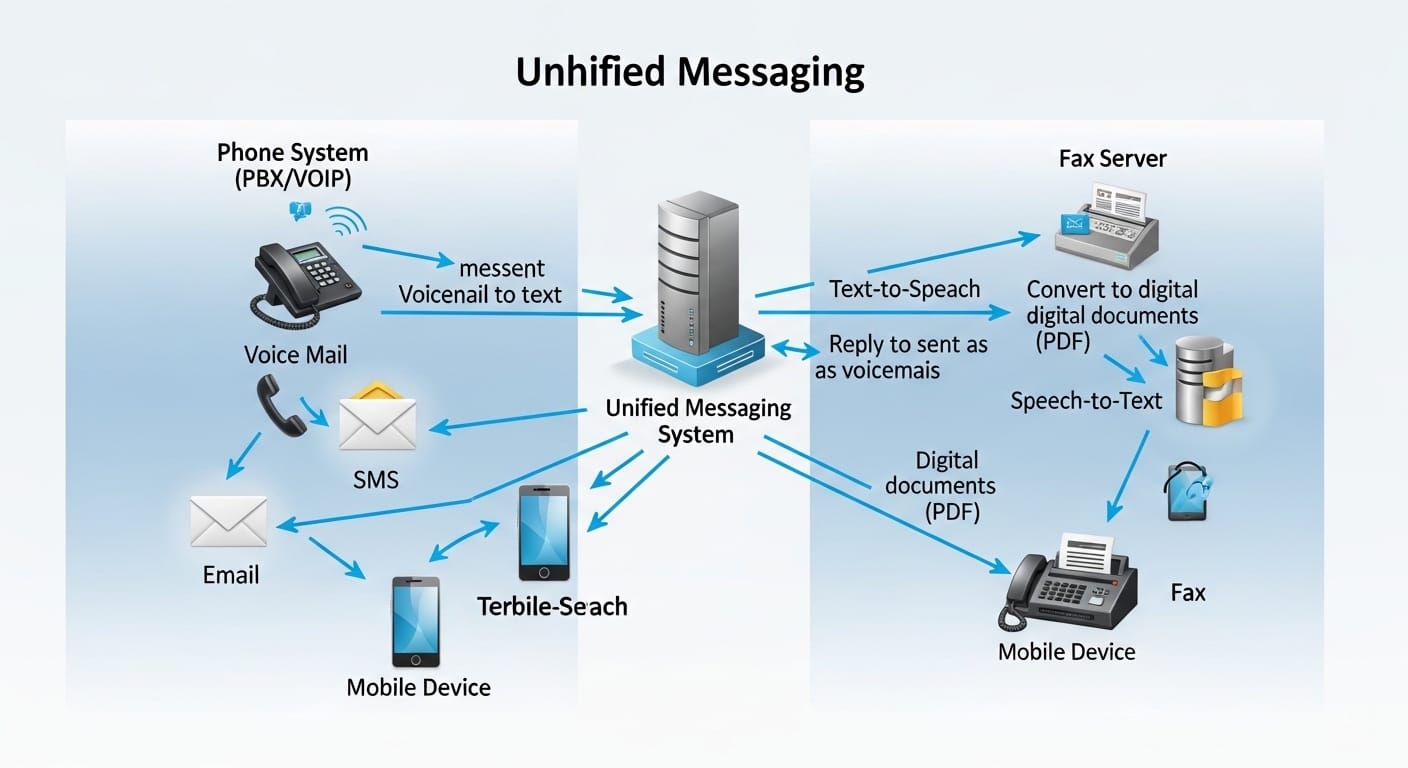
At its core, unified messaging works by connecting different communication channels through secure integrations. These channels may include email, live chat, social media inboxes, SMS, and internal messaging systems. Once connected, every incoming message flows into a central dashboard. You no longer need to jump between tabs or apps. Everything appears in one stream.
Behind this simple interface sits a network of APIs and synchronization tools. These tools constantly check each connected platform for new messages. When something arrives, it is instantly pulled into the unified system, following modern messaging trends that prioritize speed and reliability. The platform also stores conversation history, timestamps, and sender details. This means nothing gets lost, even if you switch devices.
Over time, many systems begin learning usage patterns. They highlight urgent messages, prioritize key clients, and group related conversations. This is what transforms unified messaging from a basic inbox into a practical workflow tool. It becomes less about receiving messages and more about managing communication intelligently.
Unified Messaging Solutions for Modern Businesses
Unified messaging solutions are designed to solve one major problem: communication overload. As businesses grow, so does the number of channels they use. Customer support, sales inquiries, internal discussions, and vendor emails all pile up. Without structure, response quality suffers.
Modern solutions offer centralized dashboards with tagging, assignment, and filtering features. Messages can be routed to specific team members. Urgent issues can be flagged automatically. Follow-ups can be scheduled. This reduces confusion and prevents multiple agents from replying to the same customer.
These systems also support collaboration. Team members can leave internal notes on conversations, share context, and hand over chats smoothly. This ensures customers don’t have to repeat themselves. Over time, companies using unified messaging often notice improved response times and higher customer satisfaction. Communication becomes predictable instead of chaotic.
The Role of a Unified Messaging Platform in Daily Operations
A unified messaging platform acts like a control room for communication. Instead of treating each channel separately, it blends them into one operational system. Sales, support, and marketing teams work from the same interface. Everyone sees the same conversations.
This shared visibility reduces internal friction. When someone is absent, another team member can easily pick up where they left off. There is no need to dig through inboxes or ask for screenshots. Everything is already documented.
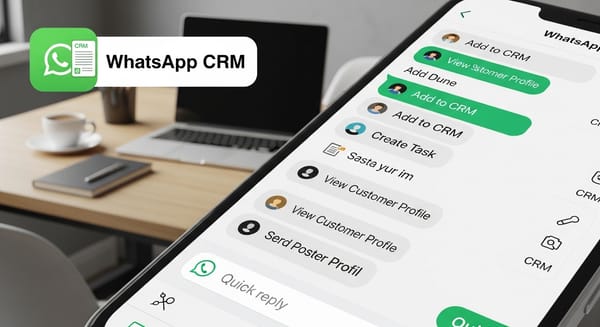
Platforms also integrate with CRM systems, analytics tools, and task managers. A customer message can turn into a support ticket. A sales inquiry can become a lead. A complaint can be logged for quality review. Over time, communication becomes part of the business process instead of something running alongside it.
Unified Messaging App Experience on Mobile and Desktop
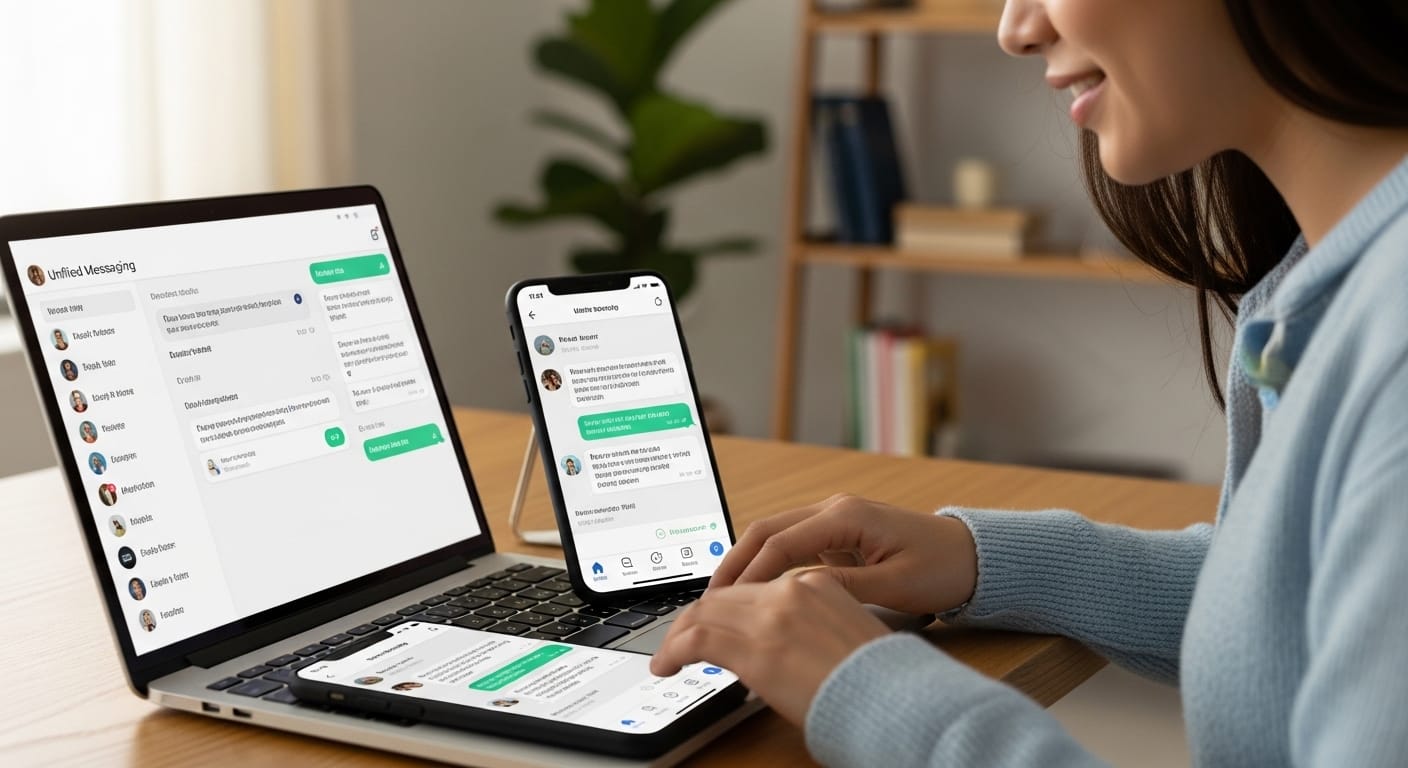
A strong unified messaging app works equally well on phones, tablets, and desktops. This matters more than people think. Teams are no longer tied to office desks. Work happens in transit, at home, and sometimes between meetings.
Mobile apps allow agents and managers to stay connected without feeling chained to their screens. Notifications are filtered. Only relevant messages appear. This prevents burnout while maintaining responsiveness.
Desktop versions, on the other hand, focus on productivity. They offer advanced search, reporting tools, and multi-window views. Users can manage large volumes of conversations comfortably. When both mobile and desktop experiences are smooth, unified messaging becomes part of daily life rather than another tool to maintain
Understanding Unified Messaging API Integrations
A unified messaging API is what allows platforms to connect with external services. Without APIs, systems remain isolated. With them, communication becomes flexible and scalable.
APIs enable developers to integrate messaging features into websites, apps, and internal software. For example, a company can embed live chat on its website and route messages directly into its unified dashboard. Social media comments can be converted into support tickets automatically.
This technical layer also allows customization. Businesses can build workflows tailored to their needs. Automated replies, message routing rules, and analytics dashboards are all powered by APIs. While most users never see this infrastructure, it is what makes unified messaging adaptable to different industries and team sizes.
How Kuikwit.com Fits into Unified Messaging Ecosystems
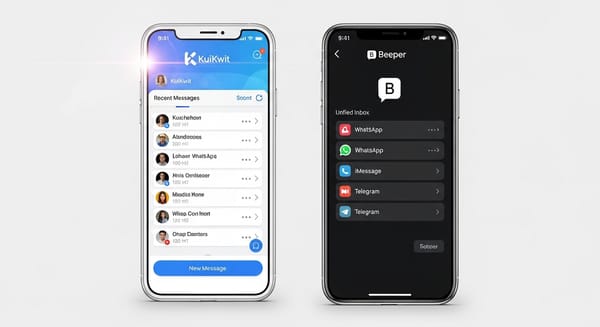
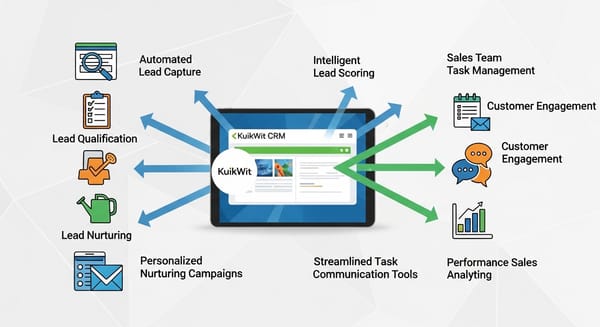
Kuikwit.com operates as a centralized message and agent platform designed to simplify communication for growing businesses. Instead of juggling multiple inboxes, users can manage conversations through one clean interface.
What makes Kuikwit valuable is its focus on collaboration and speed. Teams can assign chats, track history, and coordinate responses easily. When paired with unified messaging systems, it becomes a powerful hub for customer engagement.
For companies handling inquiries from websites, social platforms, and messaging apps, Kuikwit acts as a bridge. It connects communication channels while maintaining clarity. This reduces missed messages and improves accountability. Over time, businesses using such tools often report better workflow balance and less operational stress.
Benefits of Unified Messaging for Teams and Customers
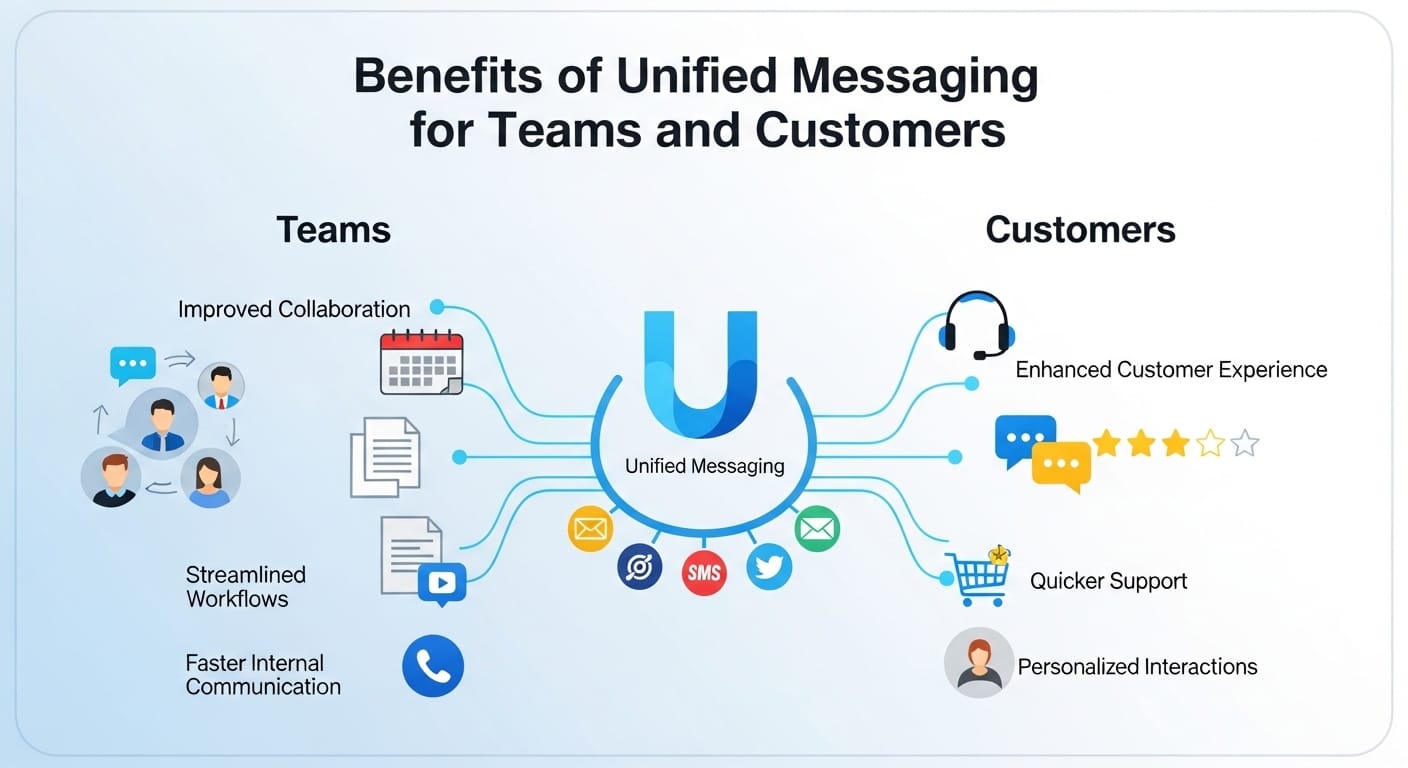
One of the biggest benefits is time savings. When messages live in one place, people respond faster. They spend less time searching and more time solving problems. This adds up over weeks and months.
Another benefit is consistency. Customers receive clear, coordinated responses. They are not transferred endlessly between departments. This builds trust. People feel heard when communication flows smoothly, which also plays a key role in boosting sales through better customer experience.
Unified messaging also improves data visibility. Managers can analyze response times, peak hours, and common issues. This information helps improve service strategies. Internally, employees feel more supported because they are not overwhelmed by fragmented systems.
Real-Life Examples of Unified Messaging in Action
A small e-commerce brand used to manage customer inquiries through email, Instagram, and WhatsApp separately. Messages were often missed. After switching to unified messaging, response time dropped by 40 percent. Customer satisfaction improved noticeably.
A digital agency managing multiple clients centralized all project communications. Instead of chasing updates across platforms, they created shared inboxes. Collaboration improved. Deadlines became easier to manage.A startup integrated Kuikwit with its website and social channels. All inquiries entered one dashboard. Support agents handled requests efficiently. The founder no longer worried about losing potential customers in scattered inboxes.
These examples show how structure changes outcomes.
Common Mistakes When Implementing Unified Messaging
One common mistake is connecting too many channels without planning workflows. More integrations do not automatically mean better results. Without rules, dashboards become cluttered.
Another mistake is ignoring training. Teams need time to adapt. If people continue using old habits, the system loses value. Management must encourage consistent usage.Some businesses also underestimate privacy and compliance requirements. Connecting platforms means handling sensitive data. Security settings must be configured properly. Finally, many expect instant perfection. Unified messaging improves over time. It requires patience and adjustment.
Comparing Unified Messaging with Traditional Communication Systems
Traditional systems rely on separate inboxes and manual coordination. Each platform functions independently. This works at small scale but fails under pressure.Unified messaging connects everything into one environment. Instead of reacting to messages, teams manage conversations strategically. Information flows naturally. Handoffs are smoother.
While traditional systems may seem simpler at first, they become inefficient as volume grows. Unified platforms require initial setup but pay off through long-term stability. For organizations handling high communication loads, the difference becomes very clear.
How to Set Up a Unified Messaging System Step by Step
The first step is choosing a platform that supports your main channels. Email, website chat, social media, and SMS should integrate smoothly. Security certifications are also important.
Next, connect your accounts and verify permissions. Set user roles. Decide who handles what. Define tagging and routing rules. This prevents confusion later.Then, train your team. Show them how to assign conversations, add notes, and track history. Monitor usage during the first month. Adjust filters and workflows as needed. Unified messaging works best when treated as an evolving system, not a one-time setup.
Unified Messaging vs Traditional Systems
| Feature | Traditional Messaging | Unified Messaging |
|---|---|---|
| Message Handling | Separate inboxes | Central dashboard |
| Collaboration | Limited | Integrated |
| Automation | Minimal | Advanced |
| Scalability | Low | High |
| Reporting | Basic | Detailed |
| Response Speed | Inconsistent | Faster |
This comparison highlights why many organizations eventually migrate to unified platforms.
Security and Privacy in Unified Messaging Systems
Unified systems handle sensitive information. Customer details, payment references, and internal notes all pass through these platforms. Strong encryption is essential.Most reliable providers follow GDPR, SOC 2, and regional compliance standards. They implement role-based access, audit logs, and two-factor authentication. These features reduce unauthorized access.
Users should also follow best practices. Strong passwords, regular reviews, and controlled permissions matter. Security is not only about software. It is also about habits. When platforms and users work together, trust remains intact.
The Human Side of Centralized Communication
Technology does not replace human judgment. It supports it. Unified messaging gives people clarity. It reduces mental load. But decisions still belong to users.Successful teams review conversations regularly. They correct automation mistakes. They refine tone and style. They use tools thoughtfully. Over time, the system becomes invisible. It works quietly in the background.
This balance matters. Too much automation feels cold. Too little feels chaotic. Unified messaging succeeds when it strengthens human communication rather than overshadowing it.
Building Long-Term Communication Strategy with Unified Messaging

Short-term fixes rarely last. Sustainable communication requires structure. Unified messaging works best when combined with clear policies and expectations.
Define response times. Standardize tone. Create escalation paths. Train new employees thoroughly. Use analytics to improve continuously. Over time, communication becomes predictable and reliable.Platforms like Kuikwit and other unified messaging solutions support this long-term vision. They provide the infrastructure. Strategy gives it direction. When both align, communication becomes a competitive advantage.
Full FAQ Section
Is unified messaging suitable for small businesses?
Yes, especially for businesses handling messages from multiple channels.
Does unified messaging replace CRM systems?
No, but it often integrates with them for better workflows.
Can unified messaging work with remote teams?
Yes, it is ideal for distributed work environments.
How long does setup take?
Basic setup can take a few hours. Optimization takes weeks.
Is data stored securely?
Reputable providers use encryption and compliance standards.
Can I customize workflows?
Most platforms allow routing, tagging, and automation rules.
Does it support social media messages?
Yes, many systems integrate major platforms.
Is training required?
Yes, proper onboarding improves long-term results.
Can unified messaging reduce customer churn?
Yes, faster responses often improve retention.
People rarely notice communication systems when they work well. Messages arrive. Responses flow. Problems get solved. No friction. No drama.
That is what unified messaging aims for. Not perfection. Just consistency. Clarity. Breathing space in a noisy digital world.
And once you experience that, it’s hard to go back.