How WhatsApp API Integration Boosts Customer Support with Kuikwit
Discover how WhatsApp API integration can elevate your customer support. Learn how Kuikwit streamlines communication, boosts team efficiency, and enhances customer interactions. Unlock the full potential of WhatsApp API for your business today!

Your customers aren't waiting for you to call them back. They're not sitting by email hoping you'll respond today. They're on WhatsApp. Right now. Expecting a reply within minutes. The WhatsApp API is what lets you actually deliver that without losing your mind trying to manage it manually.
What is the WhatsApp API?
It's basically the technology that lets your business system talk to WhatsApp. Messages come in. Your team handles them from one place. That's it.
Is it worth setting up?
Yeah. If customers are already messaging you through WhatsApp, you're already losing them by not having this set up properly.
How does it actually work?
Customer sends a message to your WhatsApp Business number. The API picks it up and sends it to your customer support platform. Your team sees it and responds immediately.
Understanding WhatsApp Application Integration From the Ground Up
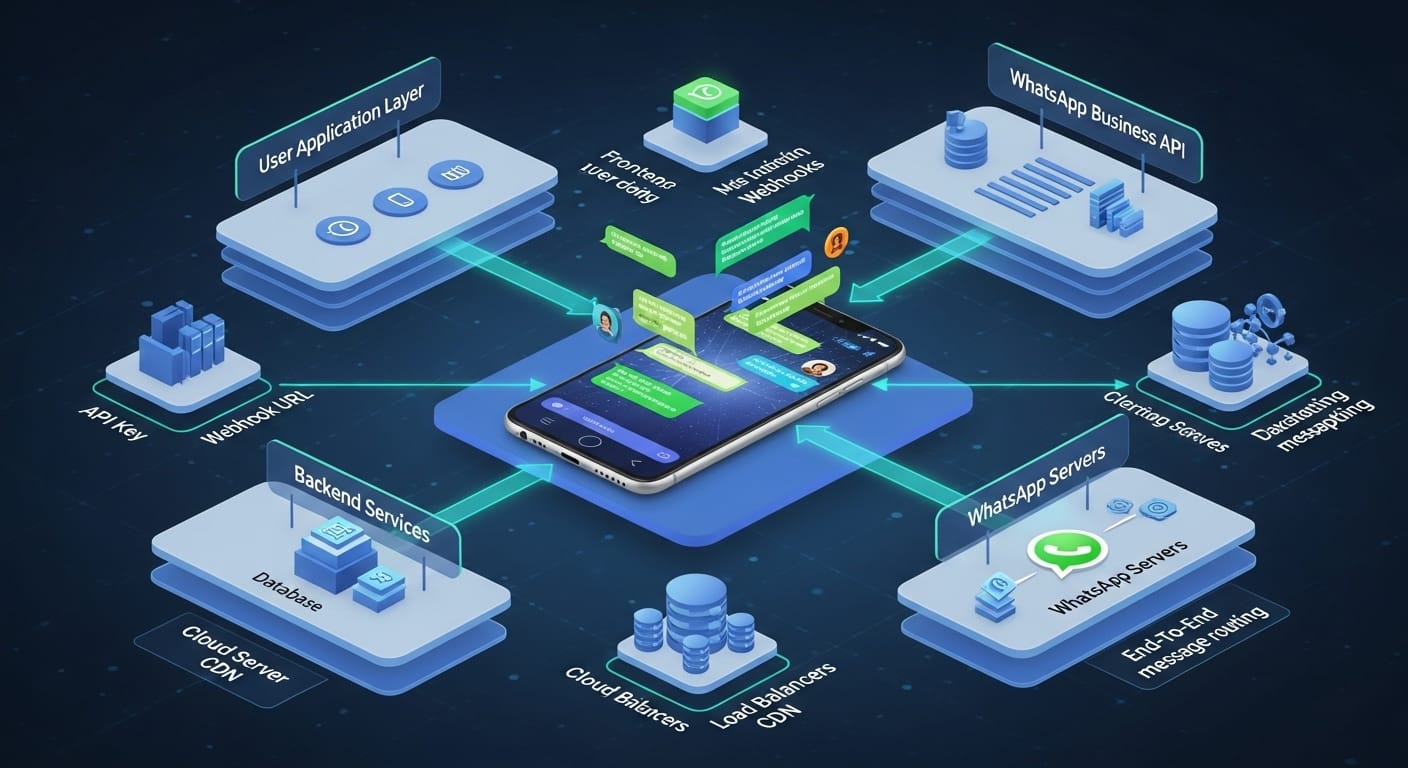
WhatsApp is where conversations happen now. Not Facebook. Not email. Not some outdated contact form on your website. WhatsApp. Over two billion people have it. Your customers check it multiple times a day. Your competitors are already using it.
The WhatsApp application has become basically essential infrastructure for any business that wants to reach customers where they actually are. But here's the problem most companies face. They get messages coming in through the app. Someone's phone buzzes with a customer question. Another phone buzzes with a different customer. Messages get lost. Someone forgets to respond. A customer gets frustrated and goes to your competitor instead. It's chaos.
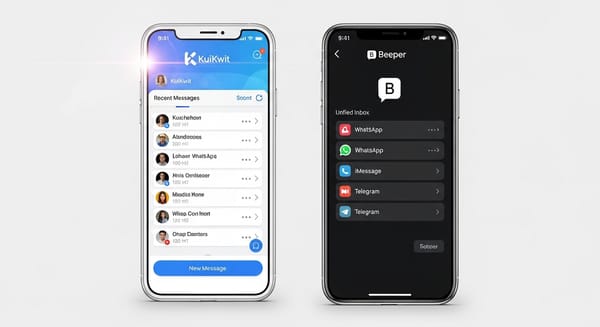
That's where WhatsApp application integration changes everything. You're not just accepting that WhatsApp exists. You're actually integrating it into your customer support operation. Messages come in. They appear in one unified inbox. Your entire team can see them. Someone assigns it to the right person. That person responds quickly. Conversation gets tracked. Customer is happy. You've actually solved something.
Without proper WhatsApp application integration, you're basically trying to run a customer support operation from people's personal phones. That doesn't scale. That doesn't work. That creates angry customers.
The WhatsApp Application and What It Means for Your Team
Your team is probably already using WhatsApp personally. They know how it works. They know it's fast. They know customers expect quick responses there. What they might not realize is that WhatsApp application for business is different from personal WhatsApp.
When you integrate WhatsApp application into something like Kuikwit, you're not just forwarding messages somewhere. You're building actual infrastructure. Your team can see customer history. They can see previous conversations from months ago. They can add internal notes. They can assign chats to specific people. They can use pre-written response templates to answer faster. They can see analytics about their performance.
That's what separates actual WhatsApp application integration from just letting people check the app on their personal phones. One is professional. One is chaos. Kuikwit gives you the professional version. Your team stops feeling overwhelmed and starts feeling organized.
WhatsApp Download For Business: Why You Need the Right Version
A lot of people just download regular WhatsApp thinking they can use it for business. That kind of works for a while. But it falls apart immediately once you get volume. Your team is checking their personal phones for customer messages mixed in with family photos and friend group chats. Messages get buried. People miss things.
The WhatsApp download for business purposes needs to be different. That's where WhatsApp Business comes in. It's a separate app or account. Built specifically for companies. Has features designed for customer communication. Let me be honest though. WhatsApp download for basic business use is just the start. You need the integration with something like Kuikwit to actually make it work at any real scale.
When you download and set up WhatsApp Business properly, then connect it to Kuikwit through the WhatsApp API, suddenly you've got infrastructure. Real infrastructure. Your customer conversations are organized. Your team can handle volume. You can actually measure performance. That's the difference between downloading the app and actually using WhatsApp for business properly.
WhatsApp API Updates: Staying Ahead of Changes
Here's something that stresses people out. WhatsApp is constantly changing. They add features. They update the API. They modify how things work. If you're managing WhatsApp integration yourself, you have to stay on top of every single update.
WhatsApp API updates happen regularly. Sometimes small. Sometimes big. You might wake up one day and your integration is broken because WhatsApp changed something. Your team can't receive messages. Your customers can't get support. Disaster. That's why using Kuikwit or a proper platform matters. They monitor WhatsApp API updates continuously. They update their system automatically. Your integration keeps working. You don't have to think about it.
This might sound like a small thing but it actually matters a lot. Businesses that try to manage WhatsApp integration on their own end up dealing with constant technical problems. Kuikwit stays on top of WhatsApp API updates so you don't have to. It's one less thing to worry about.
WhatsApp Business API: The Professional Infrastructure Layer
Most people don't realize there's a difference between regular WhatsApp and the WhatsApp Business API. Regular WhatsApp is what your customers use personally. WhatsApp Business API is what serious companies use. It's hosted on WhatsApp's professional infrastructure. It's reliable. It's secure. It's designed for volume.
When you're using the WhatsApp Business API through Kuikwit, you're not just using an app. You're using actual business infrastructure. Your messages get priority. They get delivered reliably. You get verified business status. You can use message templates. You get proper support if something breaks. It's the professional version in every way.
A lot of companies try to save money by using regular WhatsApp for business. It always backfires. You hit volume limits. Messages don't deliver reliably. You look unprofessional. The WhatsApp Business API costs money but it's worth every penny. It's reliable. It's proper infrastructure. Kuikwit uses the Business API version exclusively.
WhatsApp Marketing Versus WhatsApp Support: Understanding the Difference
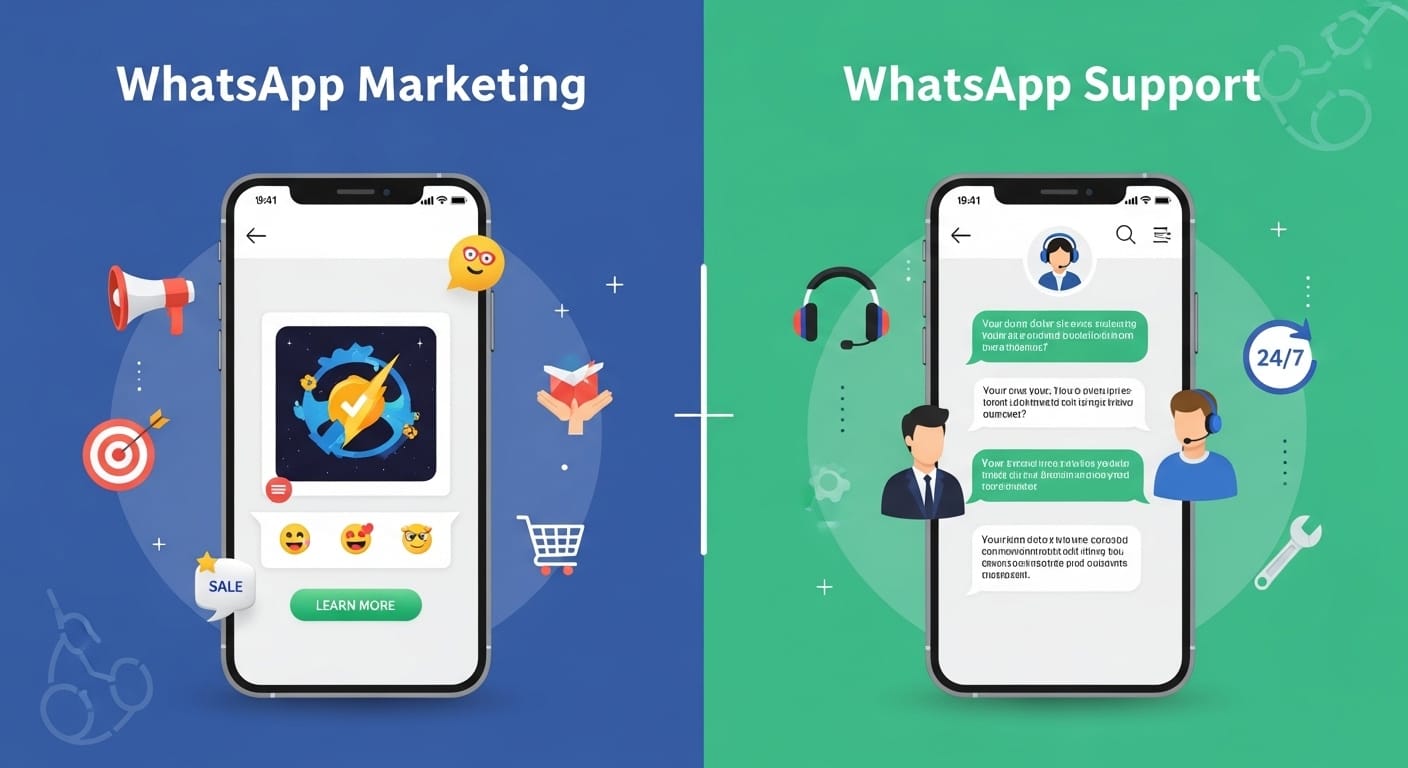
A lot of people confuse these two things. WhatsApp marketing is when you send messages out. Promotions. Announcements. Product updates. That's marketing. WhatsApp support is when customers reach out to you. They have questions. They need help. They want to solve a problem. That's support.
Both happen through WhatsApp. Both can use the WhatsApp API technically. But they're completely different workflows. WhatsApp marketing is about you sending messages. WhatsApp support is about customers sending messages and you responding intelligently.
Kuikwit is built for WhatsApp support. It handles incoming messages from customers. It tracks conversations. It manages team response. It measures customer satisfaction. That's the whole point. If you want to do WhatsApp marketing, that's a different tool entirely. But honestly, if you're not handling WhatsApp support well, your marketing won't matter anyway. Customers will message you. They'll get ignored. They won't buy from you.
How Kuikwit Actually Handles WhatsApp Integration in Real Life
Here's what happens when you set this up. You're in your Kuikwit dashboard. You navigate to the Channels section. You find WhatsApp. You click it. You're basically telling the system "connect my WhatsApp Business number through the API." Kuikwit handles all the technical stuff. You don't need to understand APIs or coding or anything technical.
Within a few minutes, you're connected. Messages start flowing in. A customer sends you a WhatsApp message. It doesn't just sit in WhatsApp. The API sends it to Kuikwit immediately. Your entire team sees it in their unified inbox. Someone can pick it up. Respond instantly. Customer gets the answer on their phone within seconds. That's the whole thing.
Your team can see when that customer contacted you before. What they asked. How it was resolved. They can add notes for next time. They can attach files. They can use response templates. They can see if the customer is satisfied. All within Kuikwit. All organized. All professional. That's what proper WhatsApp integration actually looks like.
The Real Benefits When You Do This Right
Speed changes everything. When customers message you through WhatsApp, they expect fast responses. Not fast like email where a few hours is normal. Fast like texting a friend. Minutes. With Kuikwit's WhatsApp integration, your team can respond in literally minutes. Customer satisfaction goes up immediately.
Organization is huge too. Without integration, messages scatter. Someone checks their phone. Someone checks email. Messages get lost. With Kuikwit, everything is in one place. Your team can see what's happening. They can coordinate. Nothing falls through the cracks. New customers don't fall through the cracks. Angry customers don't fall through the cracks. Regular customers get better service.
The third benefit is data. You can actually measure your WhatsApp performance. How many messages came in today? How fast did your team respond? How many got resolved first contact? How satisfied were customers? You can see trends. You can identify problems. You can actually improve systematically instead of just hoping things are working.
Fourth benefit is scaling. Without infrastructure, you can manage maybe twenty WhatsApp conversations manually before your team gets overwhelmed. With Kuikwit, you can handle hundreds. Same size team. Same budget. More customers helped. That's what professional infrastructure does.
Mistakes Companies Make With WhatsApp
People set it up and forget about it. WhatsApp changes. The API gets updated. Their integration breaks. They don't notice for days. Customers can't reach them. Revenue suffers. If you're going to set up WhatsApp integration, you actually have to maintain it. Stay aware of updates. Check that everything's working.
Another huge mistake is treating WhatsApp like email. You can't take twenty-four hours to respond to a WhatsApp message. People expect instant responses. That's the whole point of WhatsApp. If you can't respond quickly, don't integrate it. It's worse to be slow on WhatsApp than to not have it at all.
Some companies set up the integration but don't actually use the features. They get messages in but don't assign them. Don't use response templates. Don't track performance. They're not getting any benefit. If you're going to invest in the integration, use it properly. That means training your team. Setting up workflows. Actually managing the channel.
Comparing Different Approaches to WhatsApp Integration
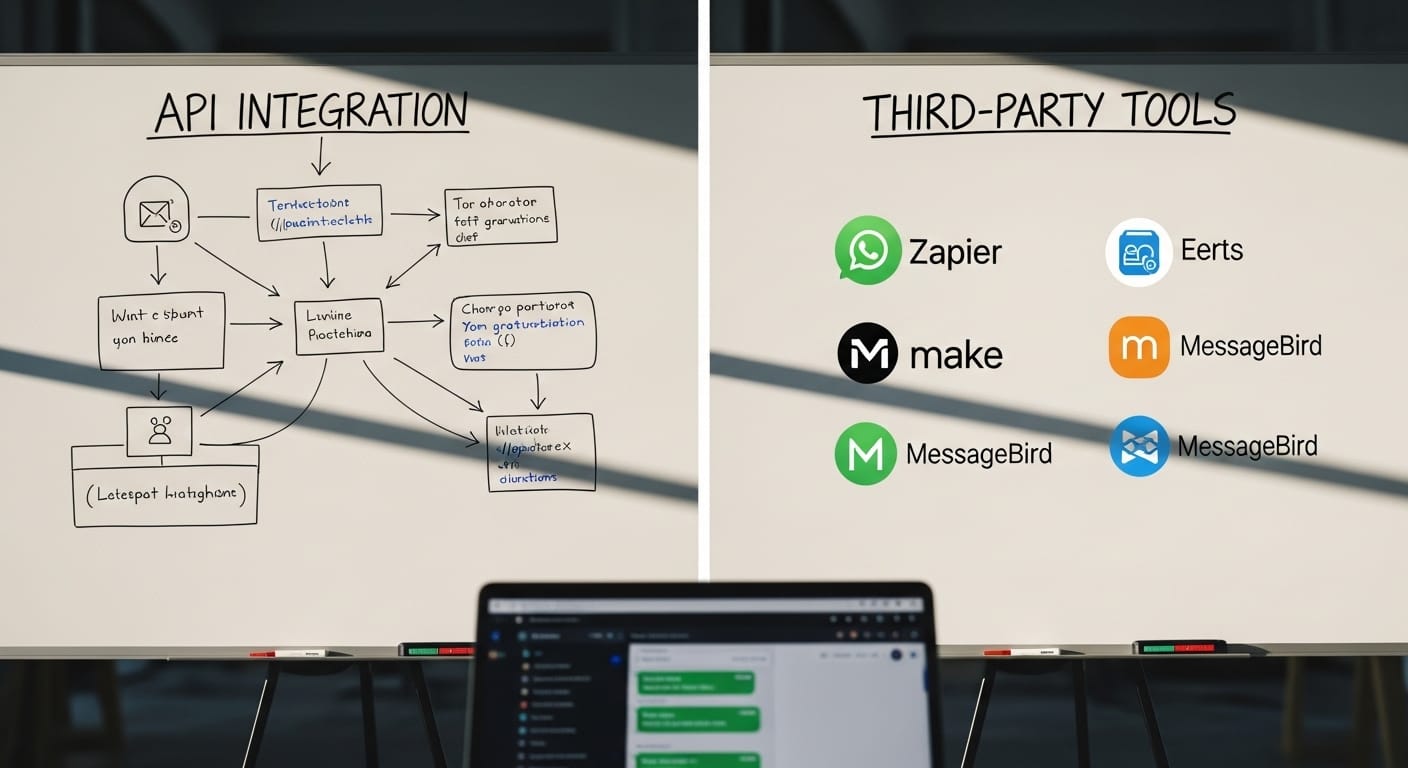
Some platforms barely touch WhatsApp. They just pipe messages in. You see them. You respond. That's it. No team features. No analytics. No automation. It works but it's basic and limited.
Mid-level platforms do more. They let your team assign chats. They provide response templates. They show basic analytics. That's better. Your team can actually coordinate and measure results.
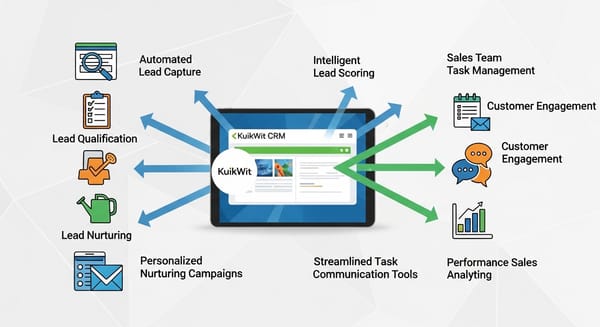
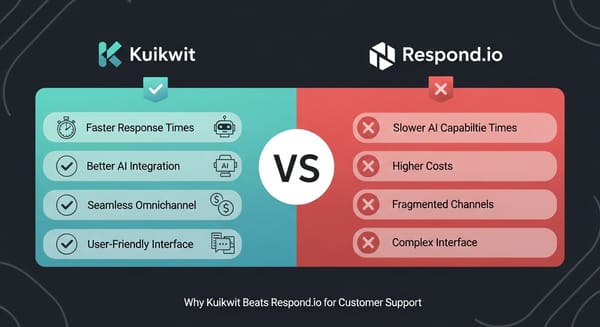
Kuikwit goes further. Advanced team management. Comprehensive analytics. AI-powered responses. Smart routing. The whole customer support workflow is built around WhatsApp integration. Plus all the other channels like Facebook and Instagram and SMS. Your team handles everything from one place. That's professional infrastructure.
Comparison Table
|
Approach |
Setup |
Features |
Analytics |
Best
For |
|
Manual |
5 min |
None |
None |
Solo |
|
Basic |
15 min |
Limited |
Basic |
Small |
|
Kuikwit |
15 min |
Advanced |
Comprehensive |
Growing |
Real Example: How This Actually Works in Practice
Imagine you run a fitness studio. You've got instructors. You've got class schedules. You've got customers messaging you constantly through WhatsApp. "Is the morning class still happening?" "Do you have a cancellation?" "Can I bring a friend?" Without integration, these messages get lost. Staff don't see them. Customers get frustrated. You lose referrals.
You integrate WhatsApp with Kuikwit. Now messages appear in your studio's unified inbox. Your front desk staff can see them. Anyone can answer. Customers get replies within minutes. More people feel comfortable booking classes. Referrals happen because of good experience. Revenue increases. It's that simple.
FAQs About WhatsApp API and How to Use It
What is the WhatsApp API exactly and how does it help my business?
The WhatsApp API is the connection between WhatsApp and your business systems. Without it, messages just sit in the app and you have to manually check them. With it, messages come to your customer support platform automatically. Your team can respond together instead of individually. You get organization, speed, and teamwork instead of chaos.
Is setting up the WhatsApp API complicated and do I need technical skills?
Not at all. With Kuikwit it takes about fifteen minutes. You don't need to understand coding or APIs. You go to Settings. Find Channels. Select WhatsApp. Follow the prompts. Kuikwit handles the technical part. You just authorize and connect your WhatsApp Business number.
What's the difference between regular WhatsApp and the WhatsApp Business API?
Regular WhatsApp is what your customers use personally. WhatsApp Business API is designed specifically for companies handling customer communication at scale. It's hosted on professional infrastructure. More reliable. More features. Proper support if things break. Kuikwit uses the Business API version exclusively for quality and reliability.
How fast can my team respond to WhatsApp messages using Kuikwit?
Immediately. Messages appear in the unified inbox in real time. Your team can see them and respond within seconds. That's one of the biggest benefits. Customers expect fast WhatsApp responses and Kuikwit lets your team deliver that consistently.
Can I use WhatsApp API just for marketing or is it mainly for customer support?
The API works for both technically. But Kuikwit is built for customer support. Handling incoming messages. Managing conversations. Tracking resolution. If you want to send marketing messages out, you'd need a different tool. Focus on customer support first though. That's where real value is for most businesses.
What kind of data does Kuikwit track about my WhatsApp conversations?
Everything. Message count. Response times. Resolution rates. Customer satisfaction. Who responded to what. How long conversations took. You own all that data. You can download it. Use it to improve. It's not sold or used for anything else. Your data stays yours.
How do I know if my WhatsApp integration with Kuikwit is working properly?
You'll see messages appearing in your inbox in real time. You can test it by having someone send you a message. It should appear within seconds. If messages aren't appearing, contact Kuikwit support. They monitor integrations constantly and fix problems fast. Response times are usually under an hour.
So yeah. WhatsApp API. It's the technology that bridges the gap between where customers actually are and where your business systems are. Set it up properly with something like Kuikwit and your entire customer support operation changes. Your team becomes faster. More organized. More professional. Customers get better service. Everyone